Dubformer vs Clipchamp
When comparing Dubformer vs Clipchamp, which AI Video Editing tool shines brighter? We look at pricing, alternatives, upvotes, features, reviews, and more.
In a comparison between Dubformer and Clipchamp, which one comes out on top?
When we put Dubformer and Clipchamp side by side, both being AI-powered video editing tools, Interestingly, both tools have managed to secure the same number of upvotes. Every vote counts! Cast yours and contribute to the decision of the winner.
Feeling rebellious? Cast your vote and shake things up!
Dubformer
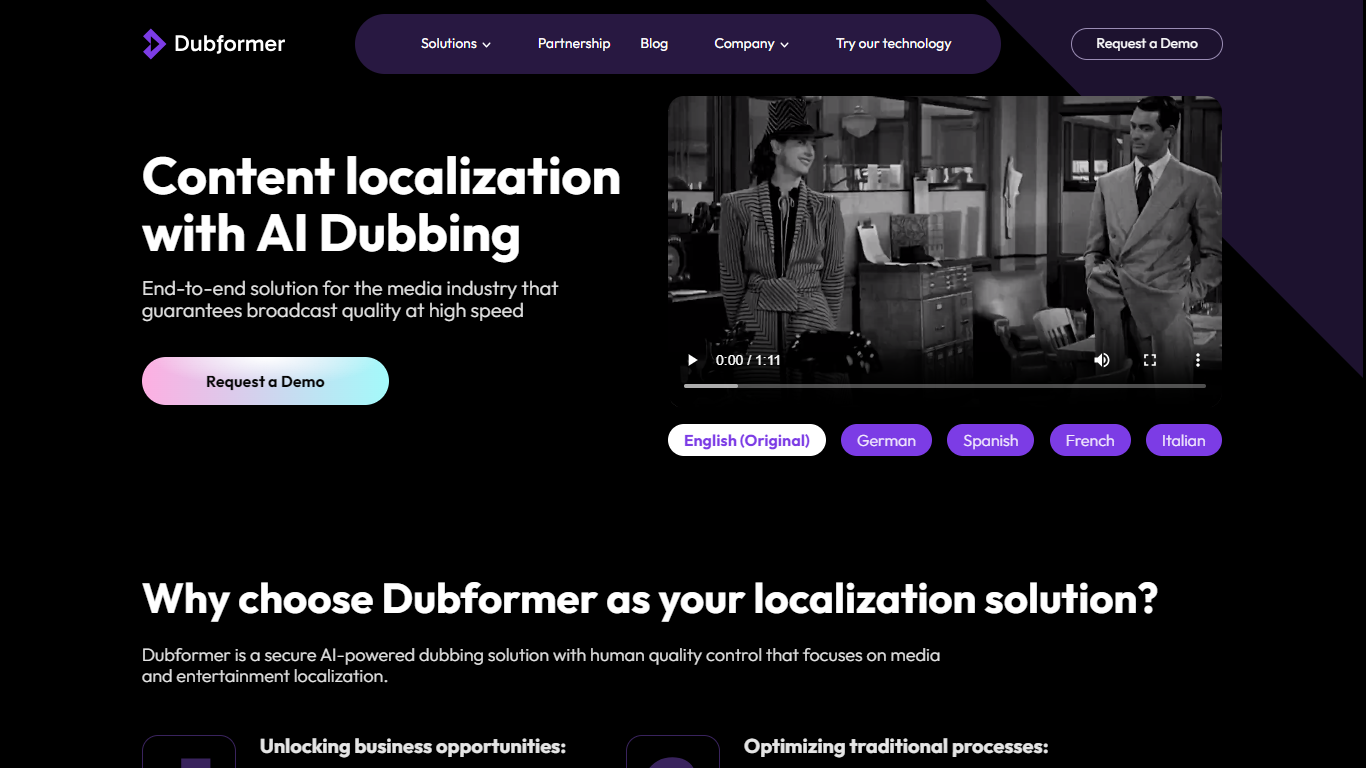

What is Dubformer?
Dubformer is an AI dubbing studio built for production teams that want phrase-level control over localized voice performances. You import source video, map speakers, review a timecoded cue sheet, and direct how each line sounds across 140+ target languages before export.
The platform combines automated transcription, voice generation, and emotion transfer with human review workflows. Directors pick emotion presets or custom prompts per phrase, compare multiple generated takes, and adjust stability to balance consistency against expressive range. Studio also tracks decisions so any dubbed segment can be traced back to the release that approved it.
Dubformer positions itself as technology for studios rather than a replacement service. Customers include localization teams like D&C Localization and content distributors like Adapt. New teams can start with a paid pilot that delivers a first dubbed project in about two weeks.
Clipchamp
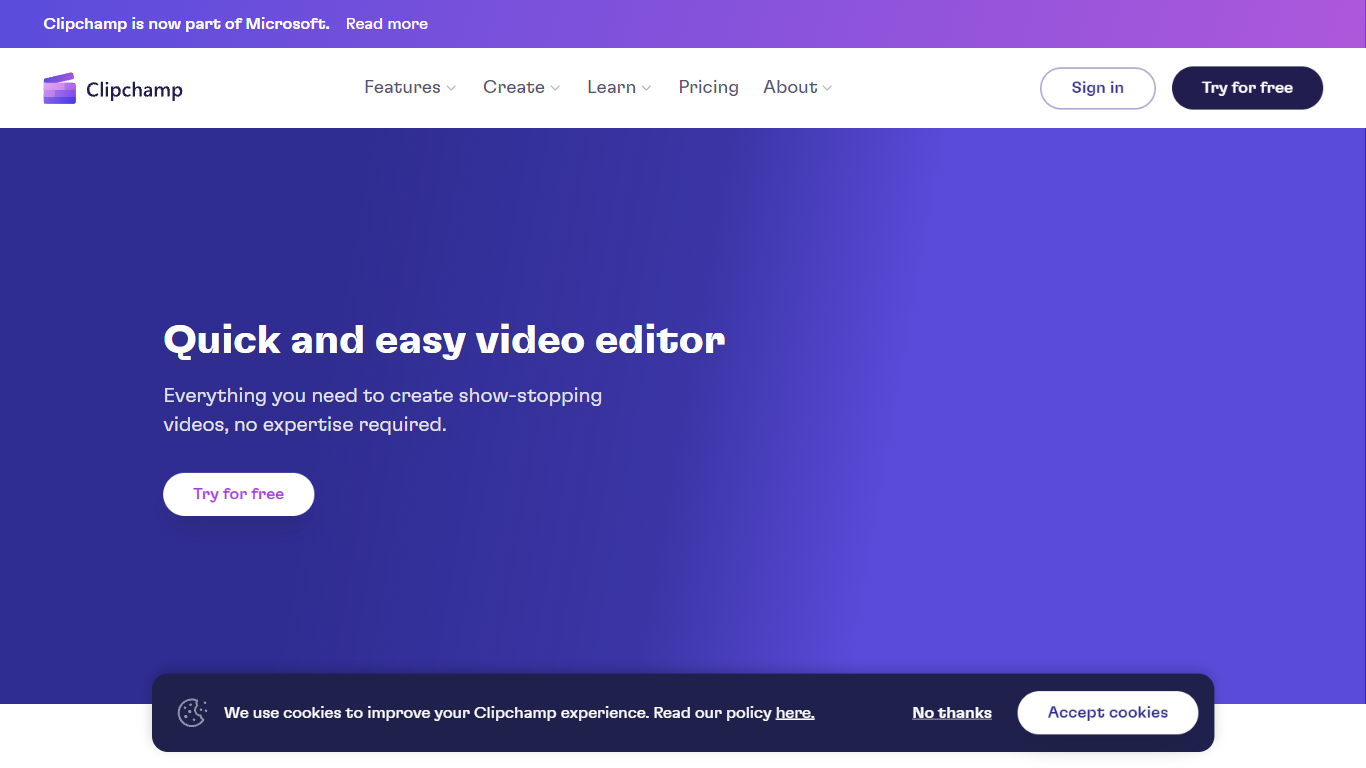
What is Clipchamp?
Clipchamp enables users to record, edit, and share high-definition videos directly from their web browser or Windows app. It offers tools for creating videos with webcam, screen, and voice recordings, combined with AI-powered editing features like noise suppression and automatic subtitle generation.
What distinguishes Clipchamp from other video editors is its integration of advanced AI tools such as a natural voiceover generator with over 400 voices and an AI silence remover that automatically cuts long pauses. It also provides customizable color and gradient backgrounds and supports exporting videos up to 4K resolution without watermarks for premium users.
Clipchamp's content library includes royalty-free stock videos, images, music, and templates tailored for social media, education, and business use. Its privacy-first approach ensures all recordings remain on the user's device unless shared, making it a secure choice for video creation.
With features like multi-item editing, grouping, and a flexible video resizer supporting multiple aspect ratios, Clipchamp offers a comprehensive editing experience suitable for creators of all skill levels. It works seamlessly in Microsoft Edge and Google Chrome browsers, with an optional Windows app available for enhanced performance.
Dubformer Upvotes
Clipchamp Upvotes
Dubformer Top Features
Phrase-level voice direction with emotion presets, custom prompts, and multiple takes per line
Emotion transfer that carries original delivery intent into dubbed target languages
Import-to-delivery workflow with speaker mapping, cue sheets, and conformance checks
Support for 140+ languages with side-by-side source and dubbed script review
Audit trail tracing each dubbed segment back to the approving decision
AES-256 encrypted source media with a policy that customer data is not used to train AI
Clipchamp Top Features
🎤 Natural AI voiceover generator with 400+ voices and adjustable pitch and pace
📝 AI subtitle generator creating accurate captions in 80+ languages with editable styles
📹 Screen and webcam recorder with unlimited retakes and no watermarks
🔇 AI silence remover to automatically cut long pauses and silences from videos
🎨 Custom color and gradient video backgrounds with HSV and HEX color picker
📺 Video exports up to 4K resolution available with premium subscription
🎬 Multi-item editing and grouping tools for efficient workflow
Dubformer Category
- Video Editing
Clipchamp Category
- Video Editing
Dubformer Pricing Type
- Paid
Clipchamp Pricing Type
- Freemium