Dubformer vs Riverside
When comparing Dubformer vs Riverside, which AI Video Editing tool shines brighter? We look at pricing, alternatives, upvotes, features, reviews, and more.
In a comparison between Dubformer and Riverside, which one comes out on top?
When we put Dubformer and Riverside side by side, both being AI-powered video editing tools, The users have made their preference clear, Riverside leads in upvotes. Riverside has 25 upvotes, and Dubformer has 6 upvotes.
Not your cup of tea? Upvote your preferred tool and stir things up!
Dubformer

What is Dubformer?
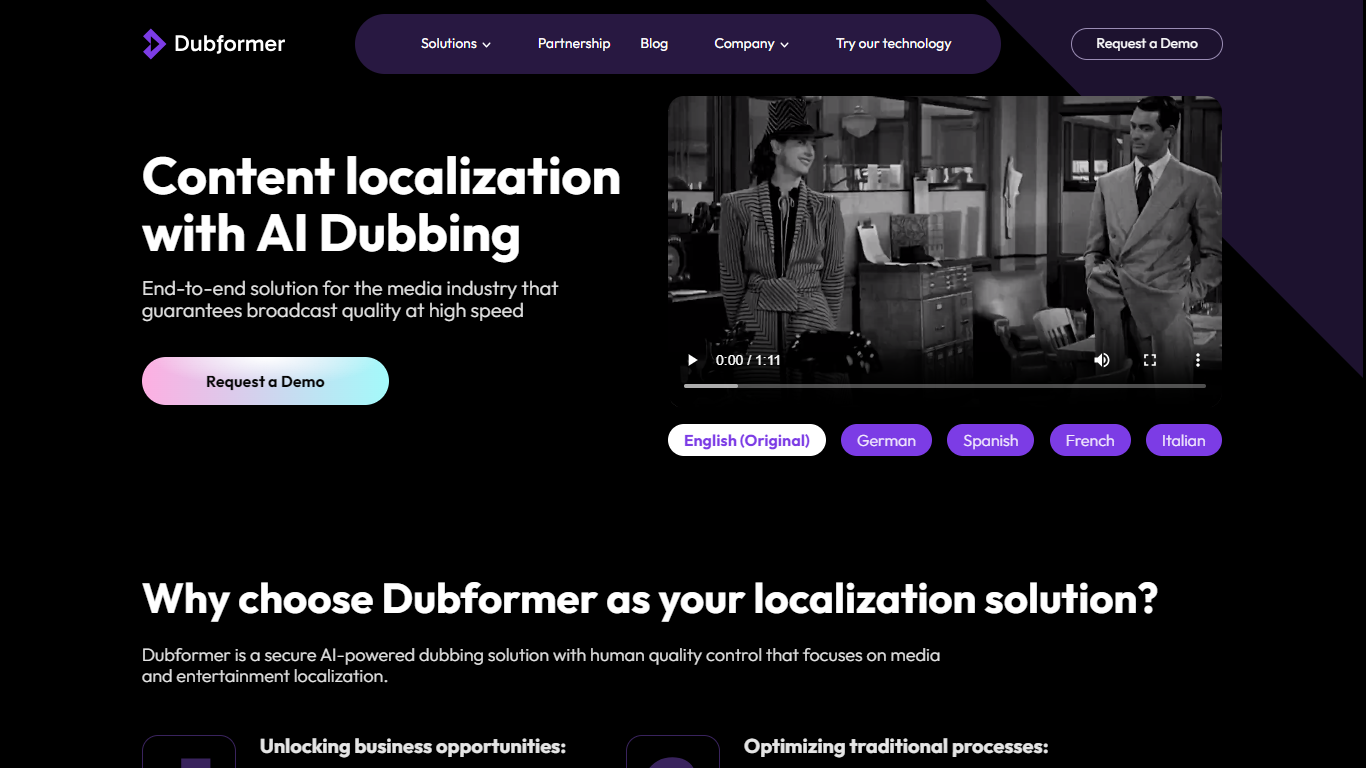
Dubformer is an AI dubbing studio built for production teams that want phrase-level control over localized voice performances. You import source video, map speakers, review a timecoded cue sheet, and direct how each line sounds across 140+ target languages before export.
The platform combines automated transcription, voice generation, and emotion transfer with human review workflows. Directors pick emotion presets or custom prompts per phrase, compare multiple generated takes, and adjust stability to balance consistency against expressive range. Studio also tracks decisions so any dubbed segment can be traced back to the release that approved it.
Dubformer positions itself as technology for studios rather than a replacement service. Customers include localization teams like D&C Localization and content distributors like Adapt. New teams can start with a paid pilot that delivers a first dubbed project in about two weeks.
Riverside

What is Riverside?
Riverside is a video editing and recording platform built for remote podcasts, interviews, and webinars. It records up to 4K video and uncompressed audio locally on each participant's device, so spotty internet does not tank quality. After recording, you edit in a text-based timeline, generate Magic Clips, captions, and show notes, then publish to YouTube, Spotify, and Apple Podcasts from the same workflow.
Zoom and Google Meet optimize for live calls, not post-production. Riverside records separate tracks locally, then layers AI cleanup, filler-word removal, and clip generation on top. The trade-off is that it is built for creators who publish regularly, not for one-off internal meetings that never leave the call app.
Podcasters, marketers, and producers at companies like Spotify and The New York Times use Riverside for studio-style remote recordings. Founded in 2020 by brothers Gideon and Nadav, the product now lives at riverside.com while riverside.fm redirects to the same experience.
Dubformer Upvotes
Riverside Upvotes
Dubformer Top Features
Phrase-level voice direction with emotion presets, custom prompts, and multiple takes per line
Emotion transfer that carries original delivery intent into dubbed target languages
Import-to-delivery workflow with speaker mapping, cue sheets, and conformance checks
Support for 140+ languages with side-by-side source and dubbed script review
Audit trail tracing each dubbed segment back to the approving decision
AES-256 encrypted source media with a policy that customer data is not used to train AI
Riverside Top Features
Local recording up to 4K video with separate WAV and MP4 tracks per speaker
Free plan includes 2 hours of multi-track recordings and unlimited single-track editing
Pro plan at $24 per month (billed annually) adds 15 hours of separate track downloads and 4K output
AI Co-Creator generates clips, show notes, captions, and filler-word removal from recordings
Built-in podcast hosting publishes to Spotify, Apple Podcasts, and YouTube
Grow and Webinar tiers add multistream live streaming and webinar registration for up to 100 attendees
Dubformer Category
- Video Editing
Riverside Category
- Video Editing
Dubformer Pricing Type
- Paid
Riverside Pricing Type
- Freemium