Durable vs Raycast Pro
In the battle of Durable vs Raycast Pro, which AI All In One tool comes out on top? We compare reviews, pricing, alternatives, upvotes, features, and more.
Between Durable and Raycast Pro, which one is superior?
Upon comparing Durable with Raycast Pro, which are both AI-powered all in one tools, Neither tool takes the lead, as they both have the same upvote count. You can help us determine the winner by casting your vote and tipping the scales in favor of one of the tools.
You don't agree with the result? Cast your vote to help us decide!
Durable
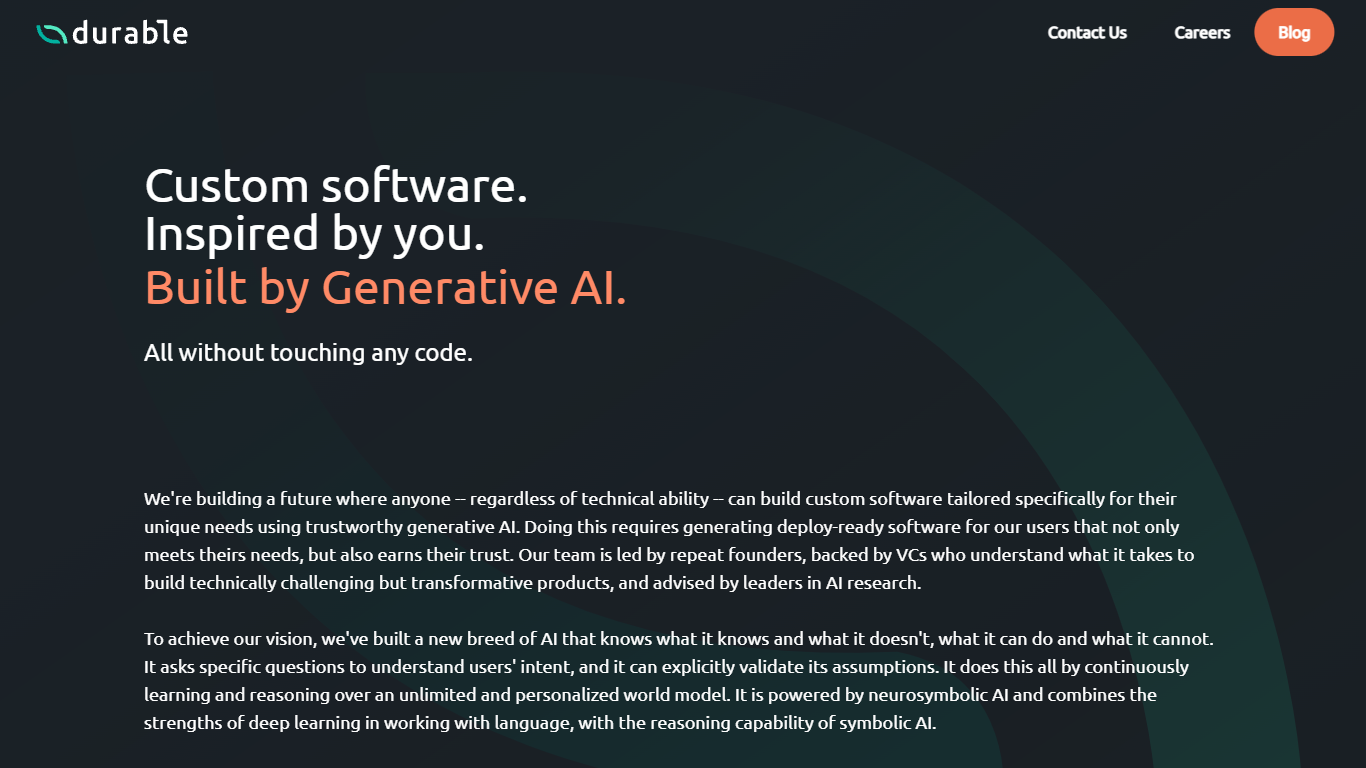

What is Durable?
Durable turns business problems described in plain English into production-ready automations that your team can deploy and maintain without writing code. You describe a workflow issue, Durable investigates connected systems like Salesforce or Snowflake, and produces reviewable requirements before writing real code. Deployments happen with one click, and Durable monitors automations afterward, fixing API breaks and submitting updates for approval.
Unlike agent-first platforms that chain LLM calls into brittle workflows, Durable writes deterministic production code and uses AI only where judgment is needed, such as classifying documents or mapping custom fields. Requirements stay in plain English as the source of truth, so edits propagate to code without filing tickets or waiting on engineering sprints.
Operations teams at mid-market and enterprise companies use Durable for CRM syncs, invoice processing, lead routing, and customer onboarding. Integrations cover 44 systems including Salesforce, Slack, HubSpot, Jira, and Snowflake, with SOC 2 Type II and a 99.9% uptime SLA for production workloads.
Raycast Pro
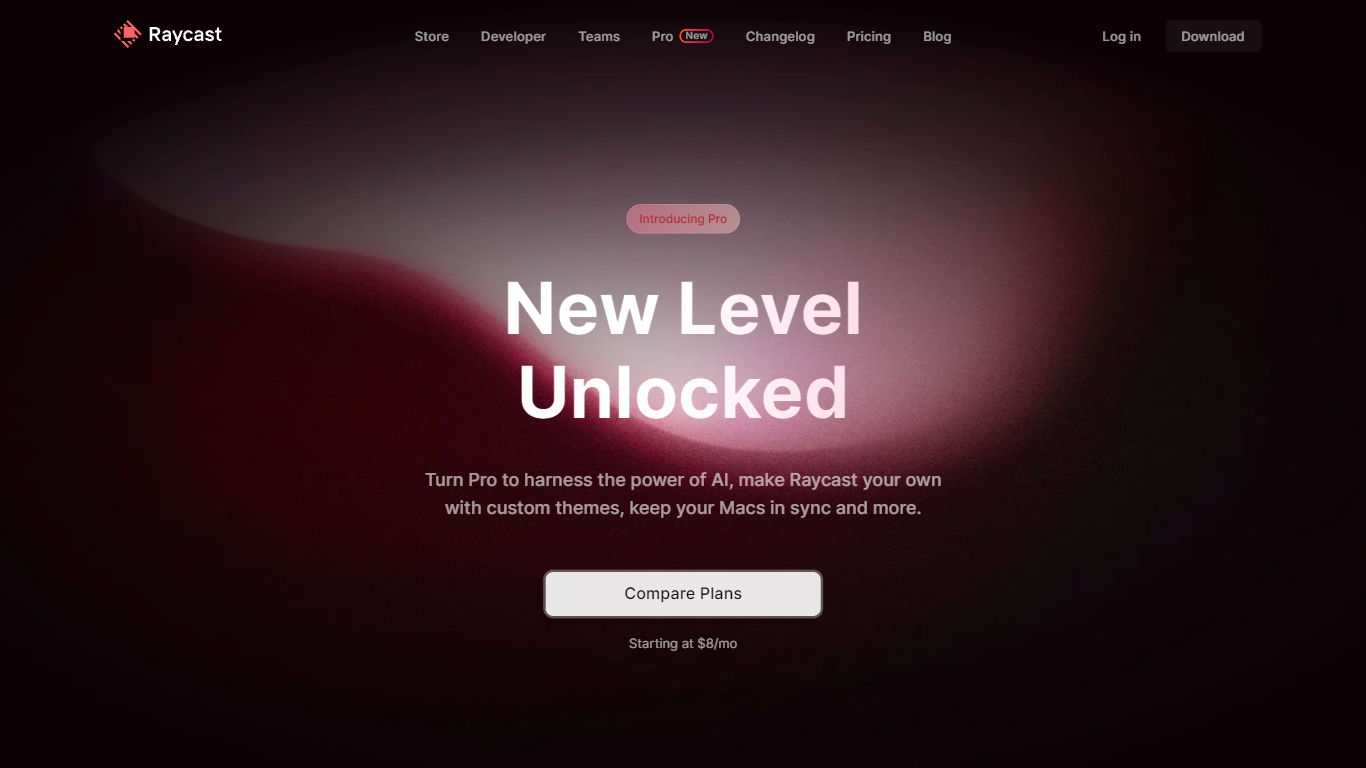
What is Raycast Pro?
Raycast Pro is the paid tier of Raycast, an all-in-one macOS launcher that adds AI chat, cloud sync, and premium utilities on top of the free Raycast app. It keeps the same command-palette workflow as the base product but unlocks unlimited clipboard history, custom themes, translator access, and synced notes across Mac and iOS.
Compared with Spotlight or Alfred, Raycast Pro pushes deeper into daily workflows with a built-in extension store, native integrations for tools like Jira and GitHub, and OS-level AI that can switch between dozens of models from OpenAI, Anthropic, Google, Mistral, and others. The Pro plan starts at $8 per month on annual billing, with a separate Advanced AI add-on for the highest-tier models.
Developers, designers, and other Mac power users who live in keyboard shortcuts are the core audience. Raycast Pro fits teams that want one launcher for snippets, window management, quicklinks, and coding help without opening a browser tab for every task.
Durable Upvotes
Raycast Pro Upvotes
Durable Top Features
Connects to 44 production-ready integrations including Salesforce, Slack, HubSpot, and Snowflake
Plain-English requirements update the underlying code when you edit them, with full version history
One-click deploy from approved requirements, with a real-time activity feed showing each automation step
Automatic error detection fixes API schema changes and submits updates for team approval
SOC 2 Type II certified with SSO/SAML, role-based access control, and a 99.9% uptime SLA
Raycast Pro Top Features
Raycast AI chat with models from OpenAI, Anthropic, Google, Mistral, Perplexity, and xAI
Cloud Sync for snippets, notes, and chats across Mac and iOS devices
Unlimited clipboard history versus the 3-month limit on the free plan
Unlimited Raycast Notes compared with 5 notes on the free tier
Custom window management commands for positioning and resizing app windows
Built-in Translator for on-the-fly text translation and pronunciation checks
Custom themes plus hundreds of community theme options
Durable Category
- All In One
Raycast Pro Category
- All In One
Durable Pricing Type
- Paid
Raycast Pro Pricing Type
- Freemium