EasySub vs Timebolt
Compare EasySub vs Timebolt and see which AI Video Editing tool is better when we compare features, reviews, pricing, alternatives, upvotes, etc.
Which one is better? EasySub or Timebolt?
When we compare EasySub with Timebolt, which are both AI-powered video editing tools, The upvote count shows a clear preference for Timebolt. Timebolt has attracted 18 upvotes from aitools.fyi users, and EasySub has attracted 7 upvotes.
Not your cup of tea? Upvote your preferred tool and stir things up!
EasySub

What is EasySub?
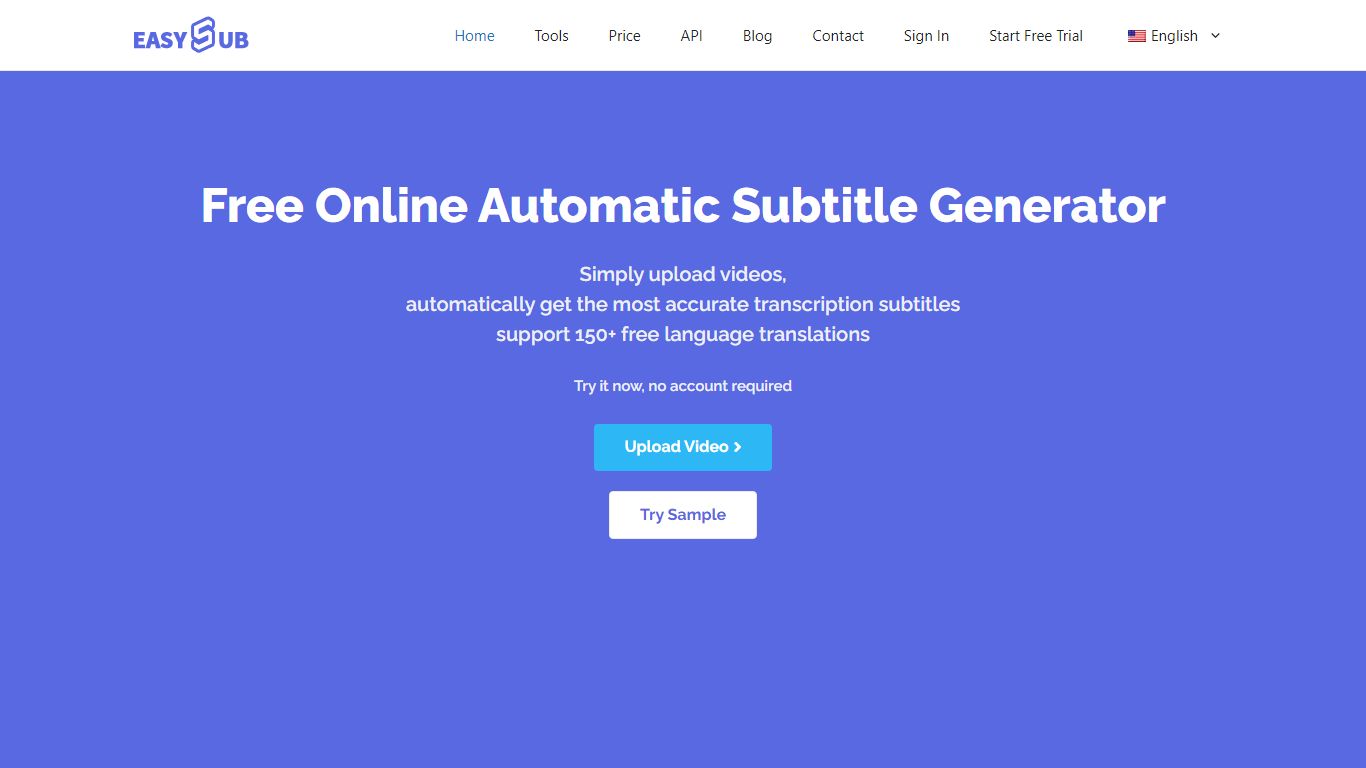
EasySub generates and edits video subtitles, captions, and transcripts in the browser for creators working on long-form or movie-length footage. Upload a video, get automatic speech-to-text, translate captions into 150+ languages, tweak timing in the subtitle editor, and export SRT files for YouTube, TikTok, or editing suites. The marketing site claims 99% transcription accuracy and highlights tools for transcription, captioning, video translation, and subtitle conversion.
Dedicated transcript apps often stop at plain text. EasySub keeps the workflow inside captioning: automatic subtitles, a subtitle translator, a free downloader, and an API for teams that want to embed generation in their own products. Pay-as-you-go pricing at $0.20 per minute suits occasional uploads, while Pro and Teams bundles trade monthly hours for unlimited exports and shared seats.
YouTubers, course creators, and localization teams use EasySub when they need multilingual captions without rebuilding subtitles manually. The free tier includes limited monthly transcription minutes with tool access, and new users can buy a 2-hour starter pack for $5. Refunds are offered if the service does not fit your workflow, per the pricing FAQ.
Timebolt

What is Timebolt?
Timebolt is a desktop video editor built around waveform-first jump cuts for podcasts, interviews, and screen recordings. It strips silence, filler words, and bad takes with 0.01 second cut control, then exports timelines to Premiere Pro, Final Cut Pro, DaVinci Resolve, or Camtasia without re-cutting by hand.
Most text-based AI editors guess where pauses live and leave hundreds of missed cuts per hour. Timebolt measures the audio waveform first, which is why its benchmark claims zero mistakes left per hour while rivals like Descript and Gling still need manual cleanup. That trade-off favors editors who want frame-tight cuts over a chat-style transcript workflow.
Podcasters, YouTubers, and course creators use Timebolt to shrink raw talking-head footage before publishing. Post-production teams also route Riverside multicam sessions through Timebolt XML exports so senior editors finish polish work in their preferred NLE.
EasySub Upvotes
Timebolt Upvotes
EasySub Top Features
Marketing site claims 99% accurate automatic subtitle generation for long videos
Supports transcription and translation across 150+ languages
Pay-as-you-go rate is $0.20 per minute, equal to $12 per hour on the pricing page
Pro plan lists $9 per month with 3 hours of transcription and unlimited exports
Toolkit includes subtitle editor, converter, translator, speech-to-text, and video translator
API workspace is available for developers integrating subtitle generation
Timebolt Top Features
0.01 second cut control on waveform-based silence removal
Processes an hour of footage in about 13 seconds for jump cuts
Exports XML timelines to Premiere Pro, Final Cut Pro, and DaVinci Resolve
UMCHECK removes filler words automatically from recorded speech
Free 4K screen capture tool for Mac and Windows
Benchmark reports zero missed cuts per hour versus hundreds on rival AI editors
EasySub Category
- Video Editing
Timebolt Category
- Video Editing
EasySub Pricing Type
- Freemium
Timebolt Pricing Type
- Freemium