EasyTranscribe vs Riverside
Compare EasyTranscribe vs Riverside and see which AI Video Editing tool is better when we compare features, reviews, pricing, alternatives, upvotes, etc.
Which one is better? EasyTranscribe or Riverside?
When we compare EasyTranscribe with Riverside, which are both AI-powered video editing tools, The upvote count shows a clear preference for Riverside. Riverside has attracted 25 upvotes from aitools.fyi users, and EasyTranscribe has attracted 6 upvotes.
Does the result make you go "hmm"? Cast your vote and turn that frown upside down!
EasyTranscribe
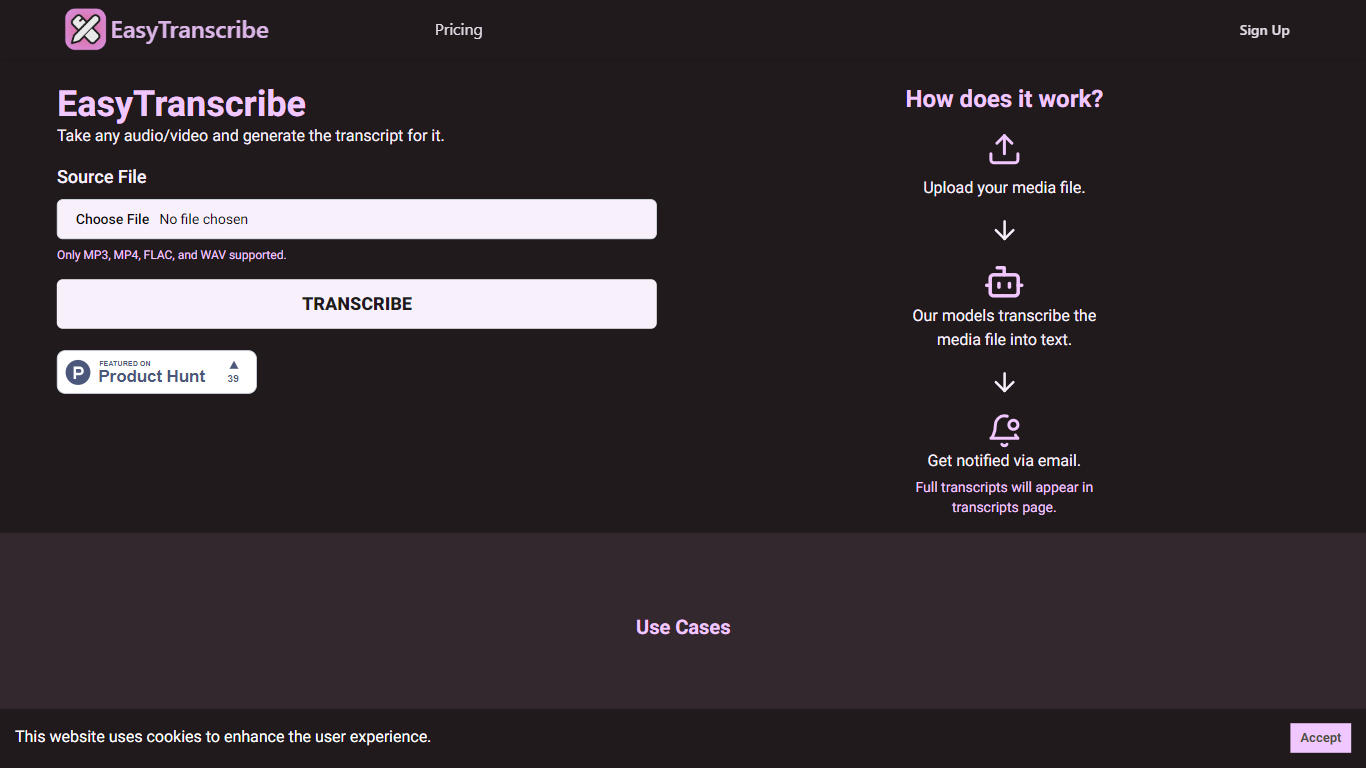

What is EasyTranscribe?
EasyTranscribe converts audio and video files into text by transcribing spoken words into written transcripts. It supports popular formats such as MP3, MP4, FLAC, and WAV, allowing users to upload various media files for transcription. After processing, transcripts are accessible on a dedicated page, and users receive email notifications when their files are ready.
What sets EasyTranscribe apart is its combination of multi-language and dialect support with a built-in transcript editor, enabling users to correct transcripts directly on the platform. It also offers syncing of transcripts with audio to enhance viewer engagement, which is not always available in basic transcription tools.
EasyTranscribe is designed for content creators, educators, podcasters, researchers, and video producers who need accurate and accessible transcripts quickly. Its simple interface requires no technical skills, making it easy to manage transcriptions and improve content accessibility for people with hearing impairments.
The platform focuses on automating transcription to save time and reduce manual note-taking or caption creation. By providing searchable, clear transcripts and ongoing improvements in speed and accuracy, EasyTranscribe supports efficient content management and accessibility needs.
Riverside

What is Riverside?
Riverside is a video editing and recording platform built for remote podcasts, interviews, and webinars. It records up to 4K video and uncompressed audio locally on each participant's device, so spotty internet does not tank quality. After recording, you edit in a text-based timeline, generate Magic Clips, captions, and show notes, then publish to YouTube, Spotify, and Apple Podcasts from the same workflow.
Zoom and Google Meet optimize for live calls, not post-production. Riverside records separate tracks locally, then layers AI cleanup, filler-word removal, and clip generation on top. The trade-off is that it is built for creators who publish regularly, not for one-off internal meetings that never leave the call app.
Podcasters, marketers, and producers at companies like Spotify and The New York Times use Riverside for studio-style remote recordings. Founded in 2020 by brothers Gideon and Nadav, the product now lives at riverside.com while riverside.fm redirects to the same experience.
EasyTranscribe Upvotes
Riverside Upvotes
EasyTranscribe Top Features
🎧 Supports multiple audio and video formats including MP3, MP4, FLAC, and WAV
⏱️ Fast transcription with email notifications when transcripts are ready
📝 Built-in transcript editor for direct corrections and adjustments
🌍 Multi-language and dialect support for global transcription needs
🔗 Sync transcripts with audio to enhance viewer engagement
Riverside Top Features
Local recording up to 4K video with separate WAV and MP4 tracks per speaker
Free plan includes 2 hours of multi-track recordings and unlimited single-track editing
Pro plan at $24 per month (billed annually) adds 15 hours of separate track downloads and 4K output
AI Co-Creator generates clips, show notes, captions, and filler-word removal from recordings
Built-in podcast hosting publishes to Spotify, Apple Podcasts, and YouTube
Grow and Webinar tiers add multistream live streaming and webinar registration for up to 100 attendees
EasyTranscribe Category
- Video Editing
Riverside Category
- Video Editing
EasyTranscribe Pricing Type
- Freemium
Riverside Pricing Type
- Freemium