Email Bind vs superReply
In the battle of Email Bind vs superReply, which AI Email Assistant tool comes out on top? We compare reviews, pricing, alternatives, upvotes, features, and more.
Between Email Bind and superReply, which one is superior?
Upon comparing Email Bind with superReply, which are both AI-powered email assistant tools, The users have made their preference clear, Email Bind leads in upvotes. The number of upvotes for Email Bind stands at 7, and for superReply it's 6.
Want to flip the script? Upvote your favorite tool and change the game!
Email Bind
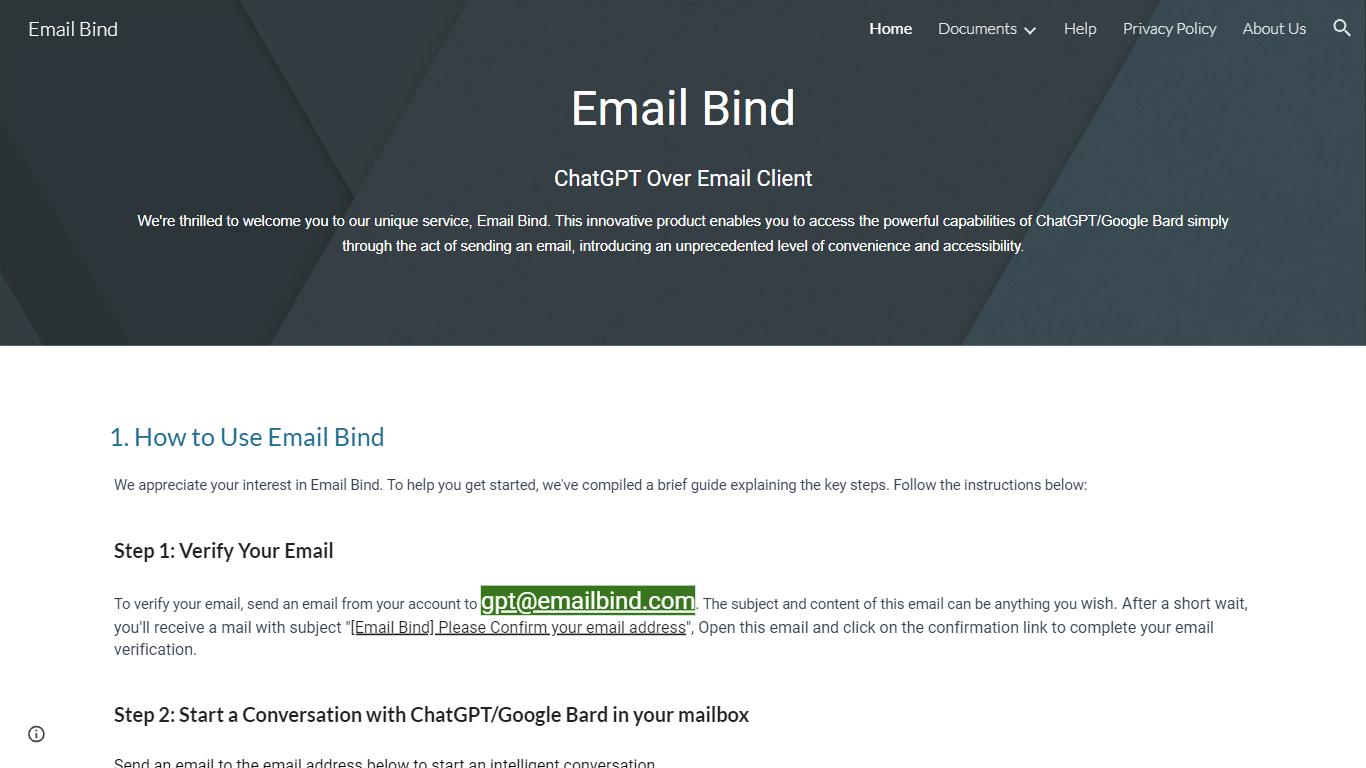

What is Email Bind?
Email Bind is an email assistant that lets you chat with ChatGPT or Google Bard by sending normal emails from any inbox. Verify your address by mailing [email protected], then email prompts to [email protected] for GPT-3.5/4 replies or [email protected] for web-connected answers. Replies land back in your mailbox, including multi-turn threads when you hit reply.
Most AI chat tools expect a browser login and a stable internet path to OpenAI or Google. Email Bind routes prompts through email instead, which helps users on restricted networks or anyone who already lives in Gmail, Outlook, or QQ Mail. Bard replies can pull newer web information, and the service documents Chinese-language support on the Bard path.
Professionals, students, and non-technical teams use Email Bind for drafts, translations, meeting summaries, and coding help without opening a separate chat UI. Early Access includes 100,000 tokens per month, caps single conversations at 2,000 words, and deletes message content from servers within minutes. The iPhone app unlocks prompt templates, GPT-4, token limits, and temperature controls through a Pro upgrade.
superReply
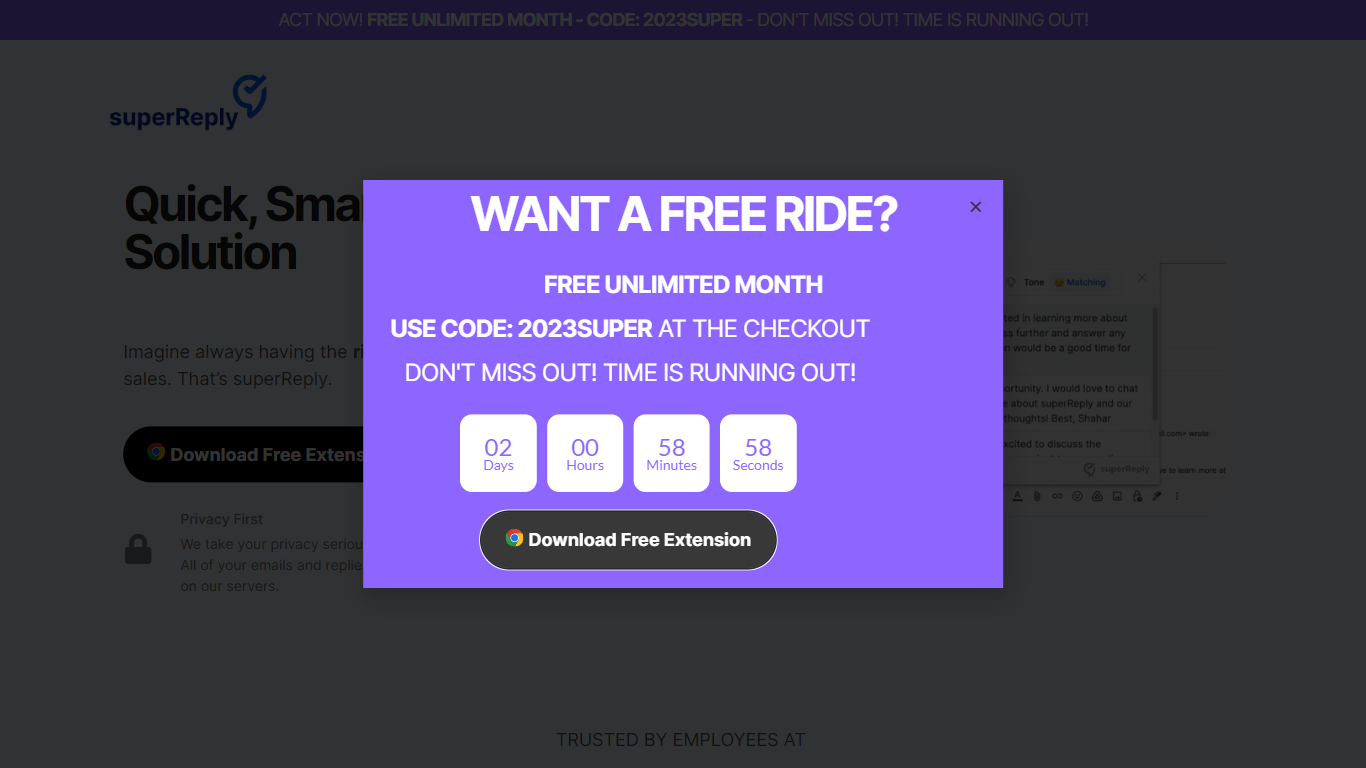
What is superReply?
superReply is a Chrome extension that drafts AI email replies inside Gmail and Outlook web inboxes. One click surfaces multiple tone-matched response options so you can answer customer care or sales threads without writing from scratch. The free tier covers up to 90 AI-powered replies each month.
Compared with standalone copy tools, superReply lives in the inbox and also lists integrations for WhatsApp, Slack, LinkedIn, Upwork, and Fiverr alongside Gmail and Outlook. Paid plans unlock unlimited replies and advanced tone controls, while the extension only reads messages you explicitly run it on and does not store automated responses on superReply servers.
Support reps, agency freelancers, and founders answering high-volume inboxes use it to clear routine threads faster. It fits teams that want personalized reply suggestions per user rather than a shared bot account, because each person installs the extension with their own login.
Email Bind Upvotes
superReply Upvotes
Email Bind Top Features
Email [email protected] to use ChatGPT GPT-3.5 and GPT-4 models by mail
Email [email protected] for Google Bard replies with internet access
Early Access includes 100,000 tokens per month at no listed cost
Multi-turn conversations work by replying to Email Bind response messages
iPhone app adds prompt templates, GPT-4 toggles, max tokens, and temperature controls
Message content is deleted from servers within 1 to 10 minutes after processing
superReply Top Features
Free tier includes up to 90 AI-powered email replies per month
One-click suggestions return multiple tone options for each message
Works inside Gmail and Outlook web via a Chrome Web Store extension
Integrations listed for WhatsApp, Slack, LinkedIn, Upwork, and Fiverr
Extension only accesses emails you choose and does not store replies on superReply servers
Email Bind Category
- Email Assistant
superReply Category
- Email Assistant
Email Bind Pricing Type
- Freemium
superReply Pricing Type
- Freemium