Emilio vs Inbox Zero
In the face-off between Emilio vs Inbox Zero, which AI Email Assistant tool takes the crown? We scrutinize features, alternatives, upvotes, reviews, pricing, and more.
In a face-off between Emilio and Inbox Zero, which one takes the crown?
If we were to analyze Emilio and Inbox Zero, both of which are AI-powered email assistant tools, what would we find? In the race for upvotes, Inbox Zero takes the trophy. Inbox Zero has 7 upvotes, and Emilio has 6 upvotes.
Disagree with the result? Upvote your favorite tool and help it win!
Emilio

What is Emilio?
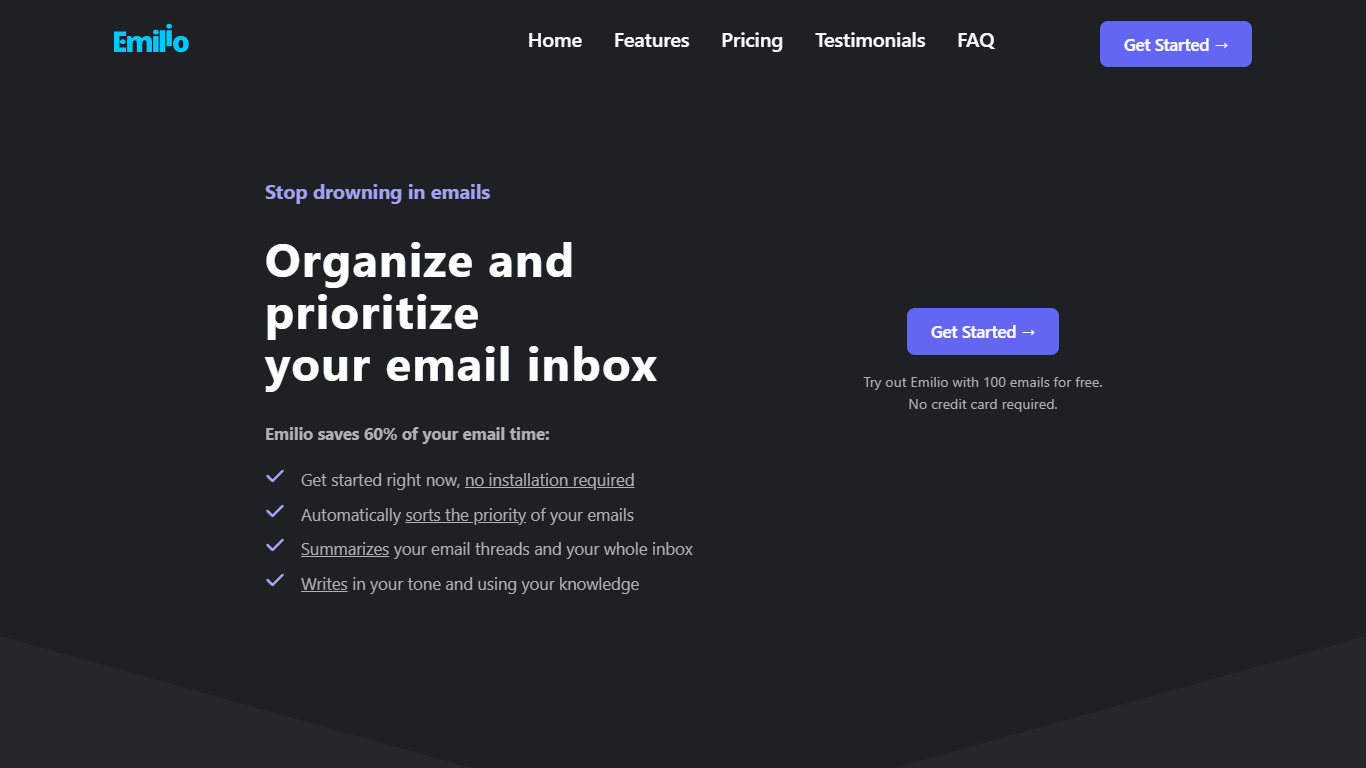
Emilio is a virtual AI assistant crafted to revolutionize the way you manage your Gmail inbox. With the promise of saving up to 60% of your email handling time, Emilio offers a seamless organization of your emails without the need for installation.
Sign in with your Google account, and Emilio will automatically sort your emails by priority, summarize threads, and even draft replies using your personal tone and knowledge. Discover a clutter-free inbox and prioritize what's important with Emilio's intelligent detection and summarization capabilities.
Try it with the first 100 emails for free, no credit card required, and see the difference as you strive for inbox zero. Emilio is bound to become an indispensable tool for managing your email efficiently and effectively.
Inbox Zero
What is Inbox Zero?
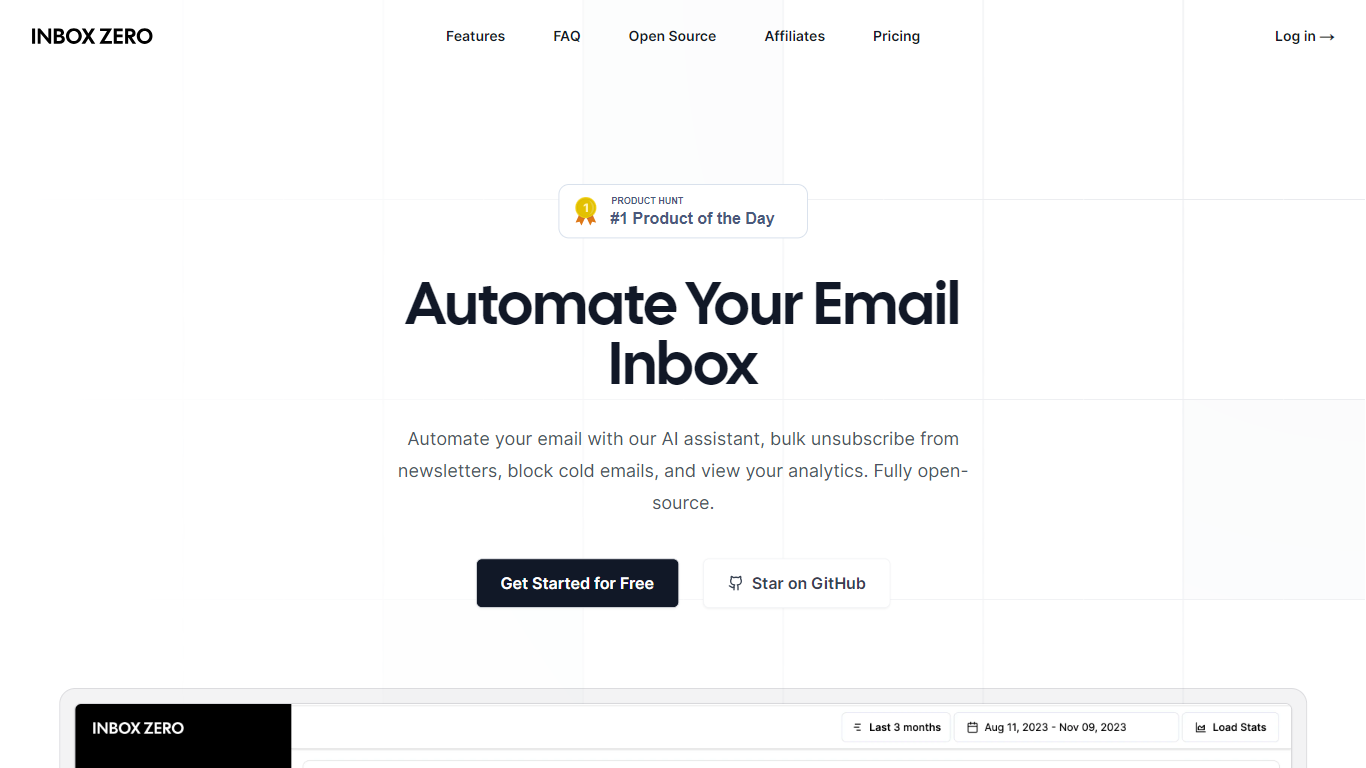
Inbox Zero connects to Gmail or Outlook and uses AI to label incoming mail, draft replies in your voice, and surface what needs attention first. You get pre-written responses waiting when you open your inbox, plus bulk unsubscribe tools for newsletters you never read. The product works on web, iOS, Android, Slack, and Telegram so you can triage mail without living in your email tab.
Most email assistants stop at summarization. Inbox Zero also blocks cold emails, files attachments automatically on higher tiers, and pulls calendar and CRM context into drafts so scheduling replies match your real availability. The codebase is open source with 9k GitHub stars, SOC 2 Type 2 certification, and a self-host option for teams that want full control.
Starter plans cover solo operators who want labels, analytics, and reply drafts. Plus adds Slack, Notion, Stripe integrations, and an unlimited knowledge base. Professional adds team analytics and dedicated onboarding. Over 20,000 professionals use Inbox Zero, and every paid plan includes a 7-day free trial.
Emilio Upvotes
Inbox Zero Upvotes
Emilio Top Features
Automatic Email Sorting: Emilio prioritizes emails to help you focus on what matters most.
Email Summarization: Summarizes your email threads for quicker review and response.
Personalized Email Drafting: Crafts replies in your tone and with your knowledge to save you writing time.
Easy Starting Process: No installation required, just sign in with your Google account and start organizing your inbox.
Free Trial: Test Emilio with 100 emails for free and no credit card is needed.
Inbox Zero Top Features
Connect Gmail or Outlook in two clicks and auto-label mail into categories like To Reply, Newsletter, and Urgent
Pre-drafted replies in your tone appear for every email that needs a response
Bulk unsubscribe and archive shows newsletters you never read with one-click cleanup
Works on Slack, Telegram, iOS, Android, and web without switching apps
Starter plan at $20 per user per month includes analytics and cold email blocking
Open-source codebase with 9k GitHub stars and SOC 2 Type 2 certification
Emilio Category
- Email Assistant
Inbox Zero Category
- Email Assistant
Emilio Pricing Type
- Freemium
Inbox Zero Pricing Type
- Freemium