Entry Point AI vs Lightkey
Compare Entry Point AI vs Lightkey and see which AI Text Generation tool is better when we compare features, reviews, pricing, alternatives, upvotes, etc.
Which one is better? Entry Point AI or Lightkey?
When we compare Entry Point AI with Lightkey, which are both AI-powered text generation tools, Both tools are equally favored, as indicated by the identical upvote count. Join the aitools.fyi users in deciding the winner by casting your vote.
Not your cup of tea? Upvote your preferred tool and stir things up!
Entry Point AI
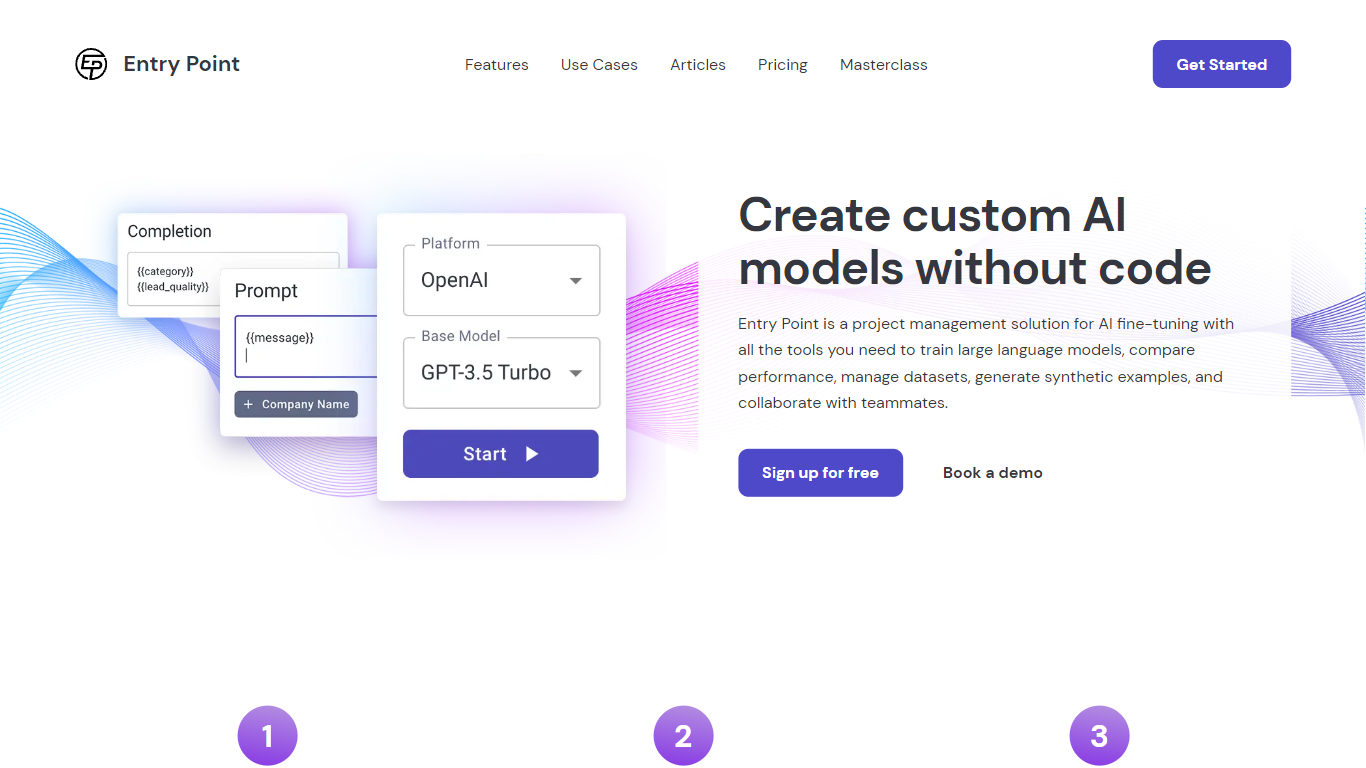

What is Entry Point AI?
Entry Point AI is a fine-tuning platform for large language models. It helps teams train smaller, task-specific models when frontier LLMs are too slow, expensive, or inconsistent for high-volume production work.
The platform covers the full workflow in one place: import and structure training data, write prompt and completion templates, train across multiple providers, then evaluate, export, and share the results. You work through a browser UI instead of hand-building JSONL files and wiring up provider APIs yourself.
Entry Point AI targets teams shipping structured NLP tasks like classification, tagging, extraction, moderation, and prioritization. Product, ops, and ML-adjacent roles can iterate on datasets and hyperparameters without writing training scripts.
Lightkey
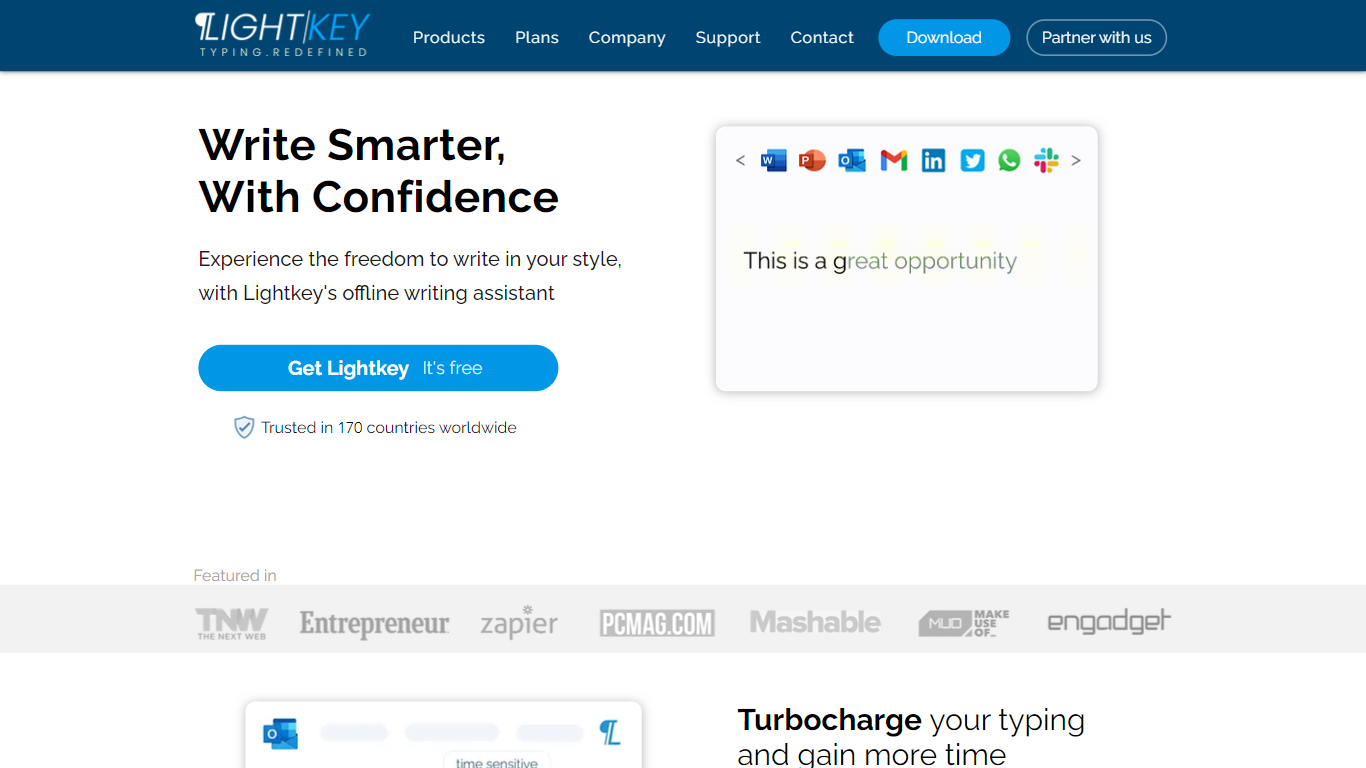
What is Lightkey?
Lightkey is an innovative AI-powered software designed to enhance and streamline typing and spelling correction on Windows desktop applications. With its predictive typing capabilities, Lightkey offers users a more efficient and effortless writing experience.
One of Lightkey's key features is its inline text prediction, which allows users to receive real-time suggestions for the next word or phrase as they type. This significantly speeds up the typing process and helps prevent spelling errors. The software utilizes advanced AI algorithms to analyze the context and predict the most likely words or phrases based on the user's input.
Lightkey is compatible with a wide range of Windows desktop applications, making it a versatile tool for professionals in various fields. Whether you're writing an email, creating a document, or drafting a presentation, Lightkey's predictive typing can assist you in generating accurate and coherent content.
The software also includes a powerful spelling correction feature, which automatically detects and corrects spelling mistakes made during typing. This ensures that your written content is error-free and maintains a professional standard.
In addition to its typing and spelling correction capabilities, Lightkey offers personalized suggestions based on the user's writing style and habits. The software adapts to the user's specific language patterns and vocabulary, providing more accurate predictions over time.
With Lightkey, users can save time and effort in their writing tasks, whether it's for work, education, or personal use. The seamless integration with Windows desktop applications makes it a convenient tool for individuals who rely on precise and efficient typing.
Entry Point AI Upvotes
Lightkey Upvotes
Entry Point AI Top Features
Train the same dataset across OpenAI, Anthropic, Google AI, and Groq Cloud from one interface
Template engine lets you iterate on prompt structure, labels, and completion formats before training
Export full datasets as JSONL anytime in the syntax and structure you choose
Share fine-tuned models behind a one-click test frontend with completions saved for review
Built-in validation catches empty completions, bad JSONL, and role formatting issues before training
Team workspaces track datasets, jobs, token counts, cost estimates, and hyperparameter comparisons
Hyperparameter controls expose epochs, learning rate, and estimated training time without touching code
Lightkey Top Features
No top features listedEntry Point AI Category
- Text Generation
Lightkey Category
- Text Generation
Entry Point AI Pricing Type
- Paid
Lightkey Pricing Type
- Freemium