Ermine.ai vs SpeechGPT
In the clash of Ermine.ai vs SpeechGPT, which AI Audio Generation tool emerges victorious? We assess reviews, pricing, alternatives, features, upvotes, and more.
If you had to choose between Ermine.ai and SpeechGPT, which one would you go for?
Let's take a closer look at Ermine.ai and SpeechGPT, both of which are AI-driven audio generation tools, and see what sets them apart. The upvote count reveals a draw, with both tools earning the same number of upvotes. Every vote counts! Cast yours and contribute to the decision of the winner.
Want to flip the script? Upvote your favorite tool and change the game!
Ermine.ai

What is Ermine.ai?
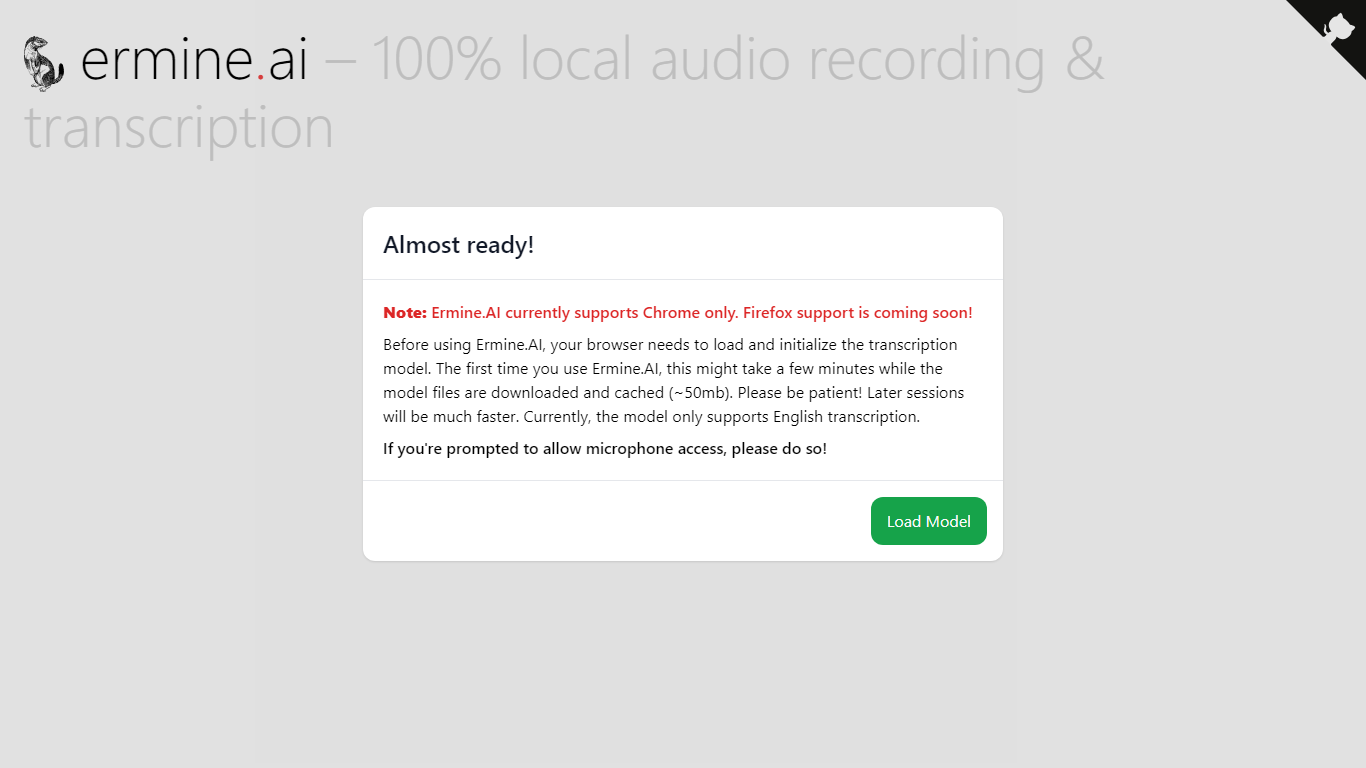
Ermine.ai transcribes audio from your device microphone entirely in the browser with no server upload. You click to start, speak, and get a live transcript plus downloadable audio and text files when you finish. The transcription model loads client-side on first use (about 50 MB download) and caches locally so later sessions start faster.
Cloud transcription services send your audio to remote servers for processing. Ermine.ai runs the model on your machine via transformers.js, which means recordings never leave your device. That privacy trade-off comes with limits: English-only transcription and a one-time model download that can take a few minutes on first load.
Journalists, students, and privacy-conscious professionals use Ermine.ai when they need quick voice notes without signing up for an account or sending audio to a third party. It fits anyone who wants a free, no-login dictation page that works offline after the model caches.
SpeechGPT

What is SpeechGPT?
SpeechGPT lets you hold voice conversations in the browser using your own OpenAI API key. You type or record messages, send them through a chat interface, and hear spoken replies without installing desktop software.
Unlike hosted TTS services that bundle model costs into a subscription, SpeechGPT runs in the browser and bills you only through the OpenAI, Azure Speech Services, or Amazon Polly accounts you connect. That makes it a lightweight option for developers and language learners who already have API access and want a simple voice chat front end.
The interface supports English, Spanish, and Chinese UI labels, includes a record button for speech input, and stores session data locally in the browser. It suits developers testing voice chat flows, language learners practicing spoken prompts, and anyone who wants a minimal ChatGPT voice client on mobile or desktop.
Ermine.ai Upvotes
SpeechGPT Upvotes
Ermine.ai Top Features
100% client-side transcription with no audio sent to external servers
Download both the recorded audio file and transcript when finished
Transcription model caches locally after first load (~50 MB download)
Runs in the browser with no account or signup required
Open-source project available on GitHub (vishnumenon/ermine-ai)
SpeechGPT Top Features
Chat interface accepts typed messages or recorded speech input with Enter to send
Requires your OpenAI API key in settings before the app will run conversations
Optional Azure Speech Services or Amazon Polly access keys for alternate text-to-speech backends
UI available in English, Spanish, and Chinese from the in-app language selector
Shift plus Enter inserts a newline without sending the message
Runs as a web app on Vercel with no separate desktop install required
Ermine.ai Category
- Audio Generation
SpeechGPT Category
- Audio Generation
Ermine.ai Pricing Type
- Free
SpeechGPT Pricing Type
- Free