EsyBlog vs Writer's brew
Compare EsyBlog vs Writer's brew and see which AI Writing Assistant tool is better when we compare features, reviews, pricing, alternatives, upvotes, etc.
Which one is better? EsyBlog or Writer's brew?
When we compare EsyBlog with Writer's brew, which are both AI-powered writing assistant tools, The upvote count favors EsyBlog, making it the clear winner. The upvote count for EsyBlog is 6, and for Writer's brew it's 4.
Think we got it wrong? Cast your vote and show us who's boss!
EsyBlog
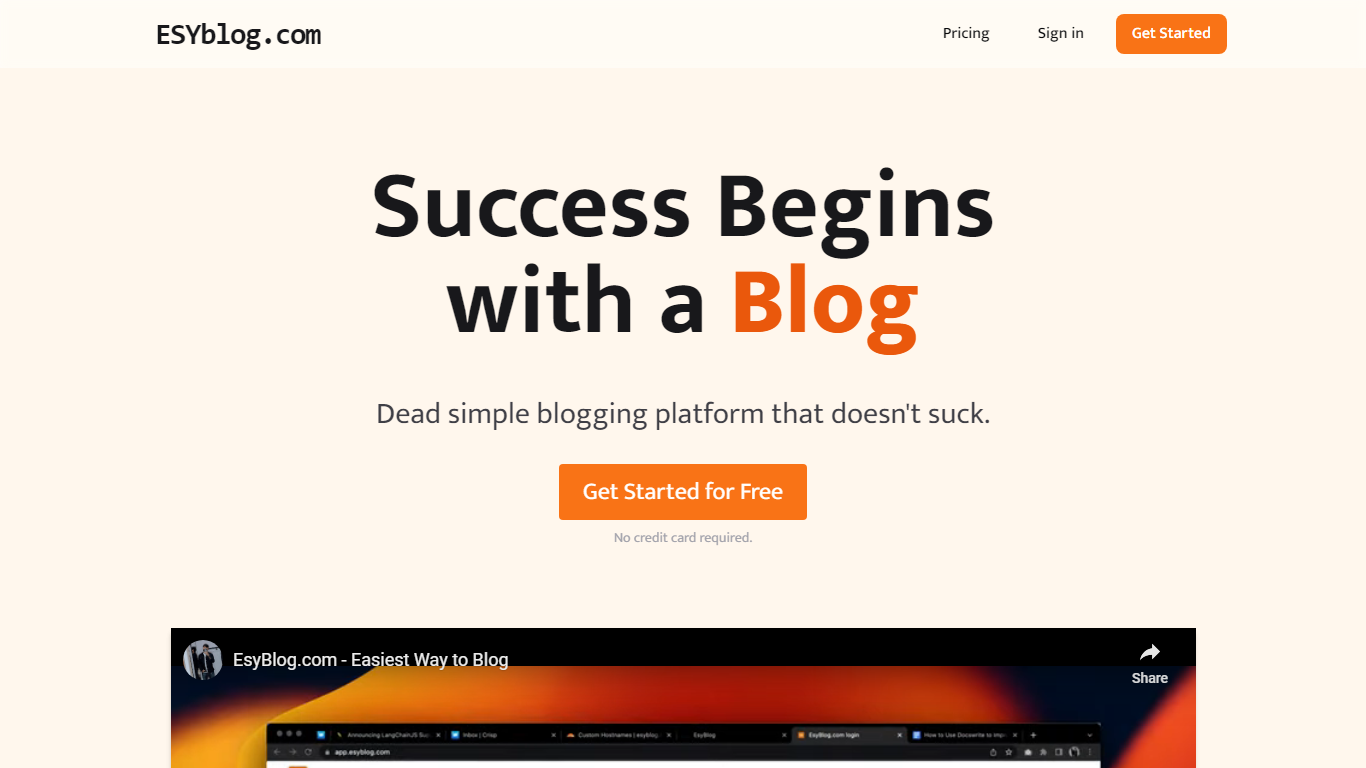

What is EsyBlog?
EsyBlog turns spreadsheet rows and database records into long-form articles you can publish without hand-writing every page. Connect Shopify, Notion, Airtable, or Postgres, write a Jinja-style template once, and the platform generates prose, charts, and hero images that pull from your live data.
Generic AI writers spit out the same five paragraphs with different adjectives. EsyBlog chains six systems (ingestion, templating, narrative engine, visuals, publishing, quality gatekeeper) so each article cites real fields from your dataset and passes plagiarism, AI detection, and factual consistency checks before it ships. The trade-off is setup time: you need a template and a data source before the pipeline pays off.
E-commerce teams, publishers, and SEO operators use it to scale product pages, comparisons, and guides. Paying customers average 2,400 articles per month with an 87% editor pass rate on first drafts, according to EsyBlog's features page.
Writer's brew
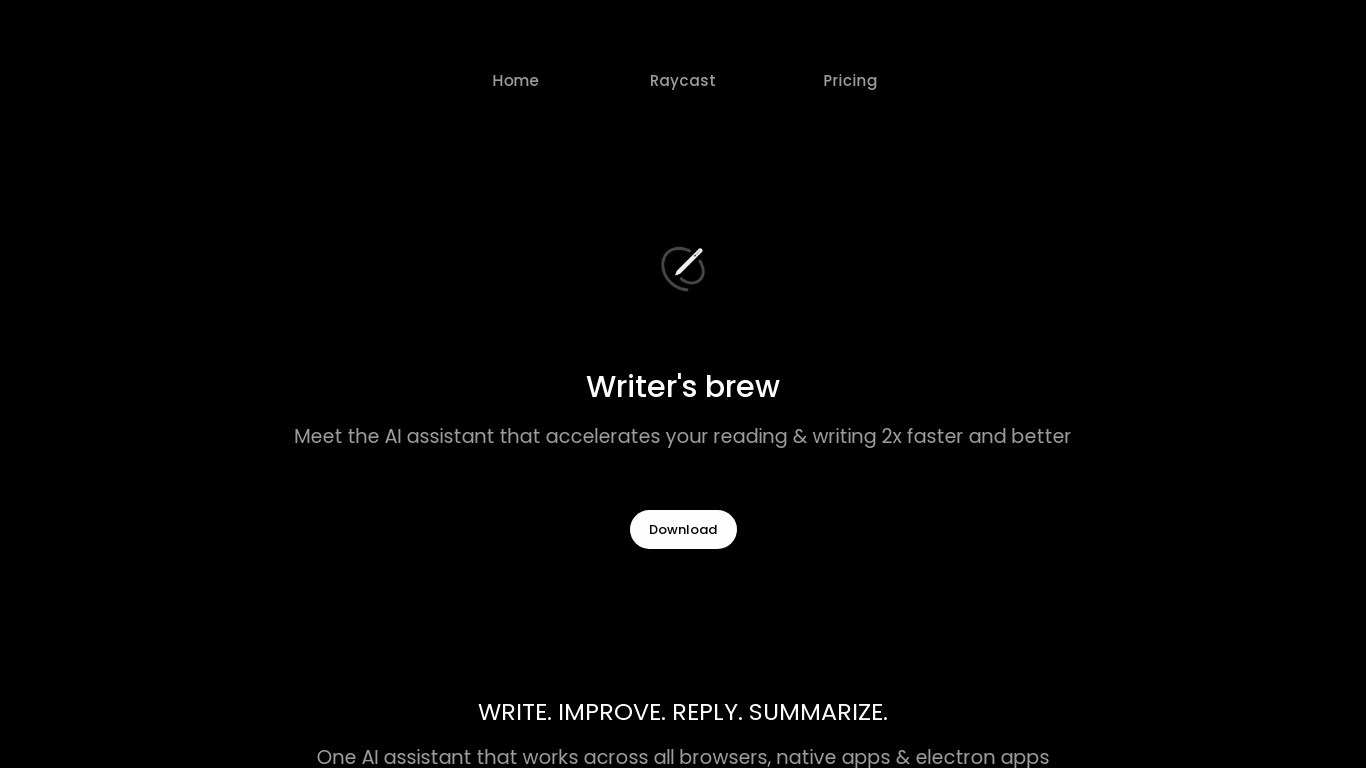
What is Writer's brew?
Writer's brew is a macOS writing assistant that rewrites, summarizes, translates, and replies to text you highlight in any app. It runs from the menu bar, a Spotlight-style popup, or keyboard shortcuts, and includes snippets, 15+ text utilities, and OCR that pulls words from images before sending them to AI. You bring your own OpenAI API key, so usage costs go to OpenAI rather than a monthly SaaS bill.
Most writing assistants live inside one browser tab or web editor. Writer's brew works system-wide on macOS 15.0 or later, which suits people who jump between Notes, email, Slack, and docs all day. The trade-off is it is Mac-only, requires your own OpenAI key, and skips the managed cloud workflow that all-in-one web tools provide.
Product managers, founders, and students who draft in multiple native Mac apps are the core audience. Power users pair it with Raycast or PopClip extensions for one-click rewrites, while snippet forms with placeholders like {date} and {clipboard} handle repetitive replies.
EsyBlog Upvotes
Writer's brew Upvotes
EsyBlog Top Features
Eight data connectors: CSV, Google Sheets, Airtable, Notion, Shopify, Postgres, MySQL, and Webflow CMS
Pro plan ($89/month) includes 500 articles per month and unlimited data sources
Quality Gatekeeper runs plagiarism, AI detection, and factual consistency checks before publish
Template Studio uses Jinja-style syntax with A/B prompt testing across dataset rows
Publishes natively to WordPress, Ghost, Webflow, Sanity, Contentful, and Shopify
Free trial grants 25 articles with no credit card required
Scale plan ($249/month) supports 2,500 articles and full REST API access
Writer's brew Top Features
30+ AI writing tools plus 50+ community presets for rewrite, summarize, translate, and reply tasks
Works across any macOS app via menu bar, Spotlight-style popup, or custom keyboard shortcuts
Snippet engine with smart placeholders like {date}, {clipboard}, and custom form fields
OCR extracts text from images anywhere on macOS before running AI transforms
Raycast and PopClip integrations add one-click presets from selected text
Pro license covers 2 devices for $29 with lifetime use and requires your own OpenAI API key
Translates highlighted text across 15+ languages from the same popup interface
EsyBlog Category
- Writing Assistant
Writer's brew Category
- Writing Assistant
EsyBlog Pricing Type
- Freemium
Writer's brew Pricing Type
- Paid