Formula Bot (formerly Excel Formula Bot) vs Ai Prompts (formerly Formula Generator)
Dive into the comparison of Formula Bot (formerly Excel Formula Bot) vs Ai Prompts (formerly Formula Generator) and discover which AI Excel tool stands out. We examine alternatives, upvotes, features, reviews, pricing, and beyond.
In a comparison between Formula Bot (formerly Excel Formula Bot) and Ai Prompts (formerly Formula Generator), which one comes out on top?
When we compare Formula Bot (formerly Excel Formula Bot) and Ai Prompts (formerly Formula Generator), two exceptional excel tools powered by artificial intelligence, and place them side by side, several key similarities and differences come to light. Neither tool takes the lead, as they both have the same upvote count. Since other aitools.fyi users could decide the winner, the ball is in your court now to cast your vote and help us determine the winner.
Think we got it wrong? Cast your vote and show us who's boss!
Formula Bot (formerly Excel Formula Bot)

What is Formula Bot (formerly Excel Formula Bot)?
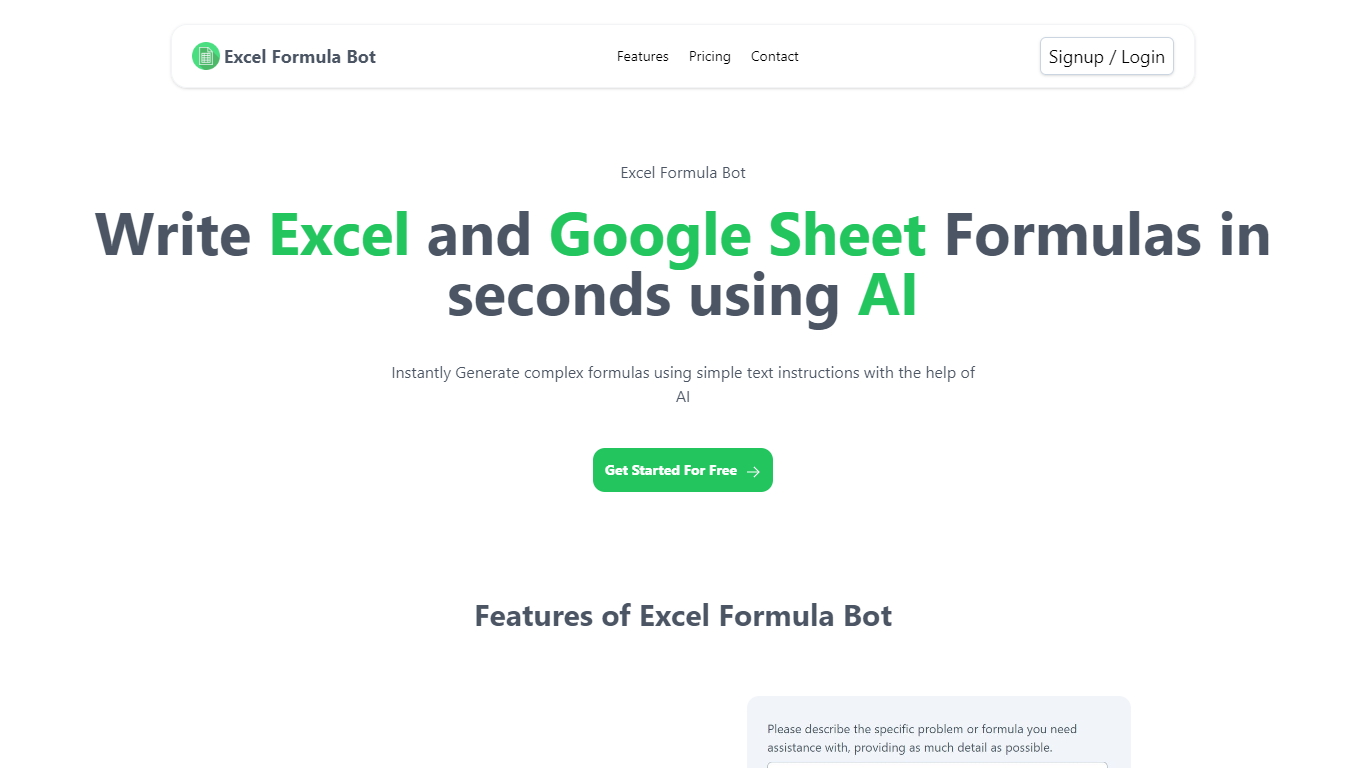
Formula Bot is a chat-based data analytics platform where you upload spreadsheets or connect databases, then ask questions in plain English to get formulas, charts, dashboards, and written insights back. It started as an Excel formula helper and now covers analysis, visualization, and scheduled reporting in one workspace.
The product runs analysis in an isolated sandbox and shows the Python, SQL, or R code behind each answer so you can verify results before exporting. You can also build interactive dashboards from templates, schedule Playbooks to refresh reports automatically, and embed analytics chat on your own site.
It fits analysts, finance teams, marketers, and business owners who live in Excel or Google Sheets but want faster answers without writing every formula or pivot by hand.
Ai Prompts (formerly Formula Generator)
What is Ai Prompts (formerly Formula Generator)?
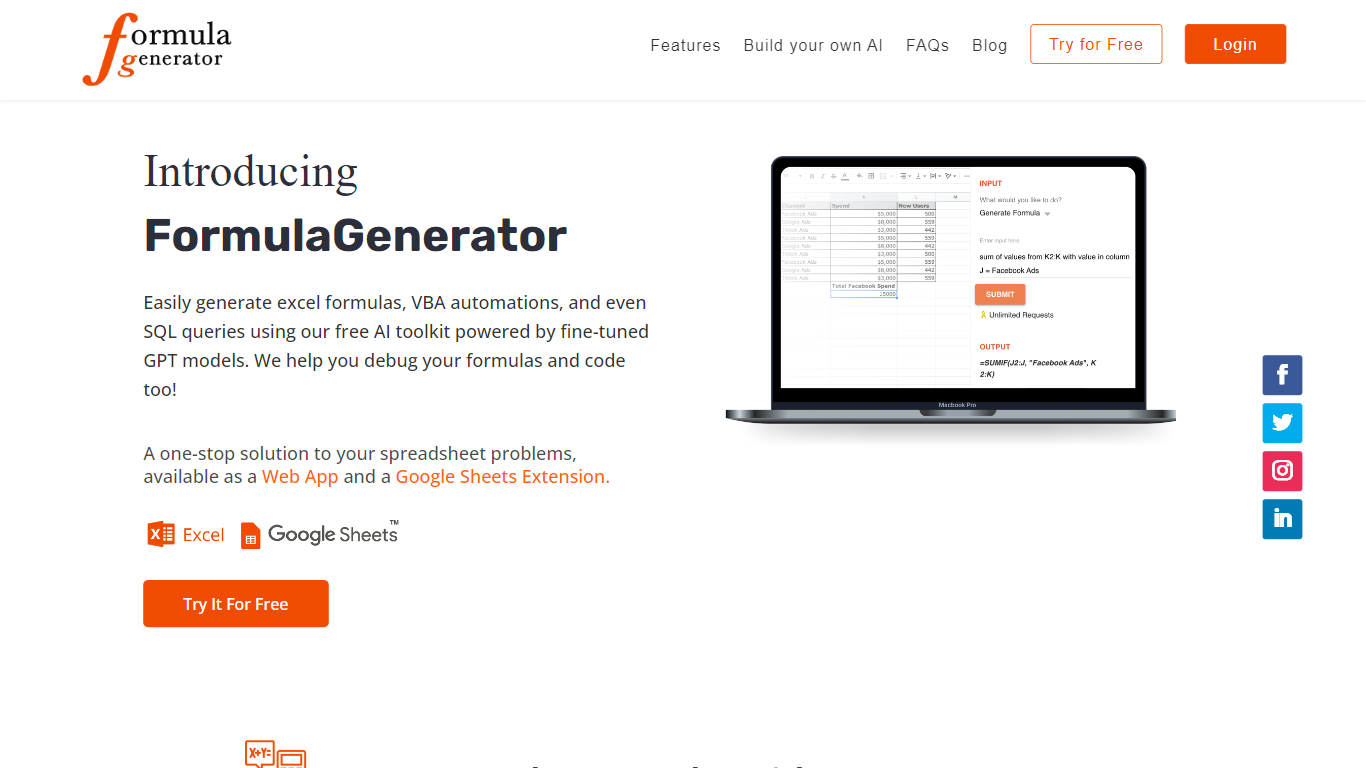
Ai Prompts at formulagenerator.app is a free educational site that teaches spreadsheet users how to get accurate Excel and Google Sheets formulas from ChatGPT. Instead of hosting a formula builder, it walks through prompt engineering, system instructions, and repeatable prompt templates so analysts can describe calculations in plain language and turn model output into working sheet logic.
The guides cover building formula generator setups with the OpenAI API, keeping context across sessions, and reviewing or debugging formulas when results look wrong. Readers also get practical prompt patterns for VBA macros, SQL queries, and Google Apps Script when they want automation beyond a single cell formula.
It fits finance teams, operations staff, and analysts who already work in spreadsheets and want a reference for prompting ChatGPT without writing code themselves. You bring your own ChatGPT or API access; the site itself is read-only content with no signup or hosted generator on the page.
Formula Bot (formerly Excel Formula Bot) Upvotes
Ai Prompts (formerly Formula Generator) Upvotes
Formula Bot (formerly Excel Formula Bot) Top Features
Describe a calculation in plain English and get a paste-ready Excel or Google Sheets formula
Upload .xlsx, .csv, or connect PostgreSQL, BigQuery, Snowflake, and 10+ other sources
Build interactive dashboards from templates with click-to-edit charts and scheduled refreshes
Run sentiment analysis, keyword extraction, and text categorization on review or survey data
Schedule Playbooks to rerun analysis daily, weekly, or monthly and deliver reports by email
Export generated Python, SQL, and R code so you can audit or reuse the logic elsewhere
Convert PDFs and bank statements into structured spreadsheet tables inside the same chat
Ai Prompts (formerly Formula Generator) Top Features
Prompt engineering walkthroughs for describing Excel and Google Sheets formulas in plain English
System instruction examples that keep spreadsheet context across follow-up ChatGPT prompts
Guide for wiring the OpenAI API into a Google Sheets or frontend formula workflow
Debugging tips for catching formula logic, structure, and reference errors in generated output
Sample prompts for VBA macros, SQL queries, and Google Apps Script automation
Formula Bot (formerly Excel Formula Bot) Category
- Excel
Ai Prompts (formerly Formula Generator) Category
- Excel
Formula Bot (formerly Excel Formula Bot) Pricing Type
- Freemium
Ai Prompts (formerly Formula Generator) Pricing Type
- Free