Excelly-AI vs Arcwise AI
In the contest of Excelly-AI vs Arcwise AI, which AI Excel tool is the champion? We evaluate pricing, alternatives, upvotes, features, reviews, and more.
If you had to choose between Excelly-AI and Arcwise AI, which one would you go for?
When we examine Excelly-AI and Arcwise AI, both of which are AI-enabled excel tools, what unique characteristics do we discover? Both tools have received the same number of upvotes from aitools.fyi users. You can help us determine the winner by casting your vote and tipping the scales in favor of one of the tools.
Want to flip the script? Upvote your favorite tool and change the game!
Excelly-AI


What is Excelly-AI?
Excelly-AI is the premier tool for transforming plain text into powerful Excel and Google Sheets formulas right within your browser or via Slack. Our cutting-edge technology allows users to generate or explain complex formulas effortlessly, catering both to Excel and VBA as well as Google Sheets users. With the unique *.xlsx file upload feature, Excelly-AI elevates your productivity by allowing you to craft customized prompts based on your spreadsheet's column schema, providing precise and context-aware formula generation. Excel enthusiasts can also convert formulas between Excel and Google Sheets instantly. Additionally, Excelly-AI integrates seamlessly with Slack, empowering teams of any size to streamline their spreadsheet-related tasks company-wide. Whether a beginner or a power user, start with 5 free formulas per month and witness the transformation of text to formulas without endlessly Googling.
Arcwise AI
What is Arcwise AI?
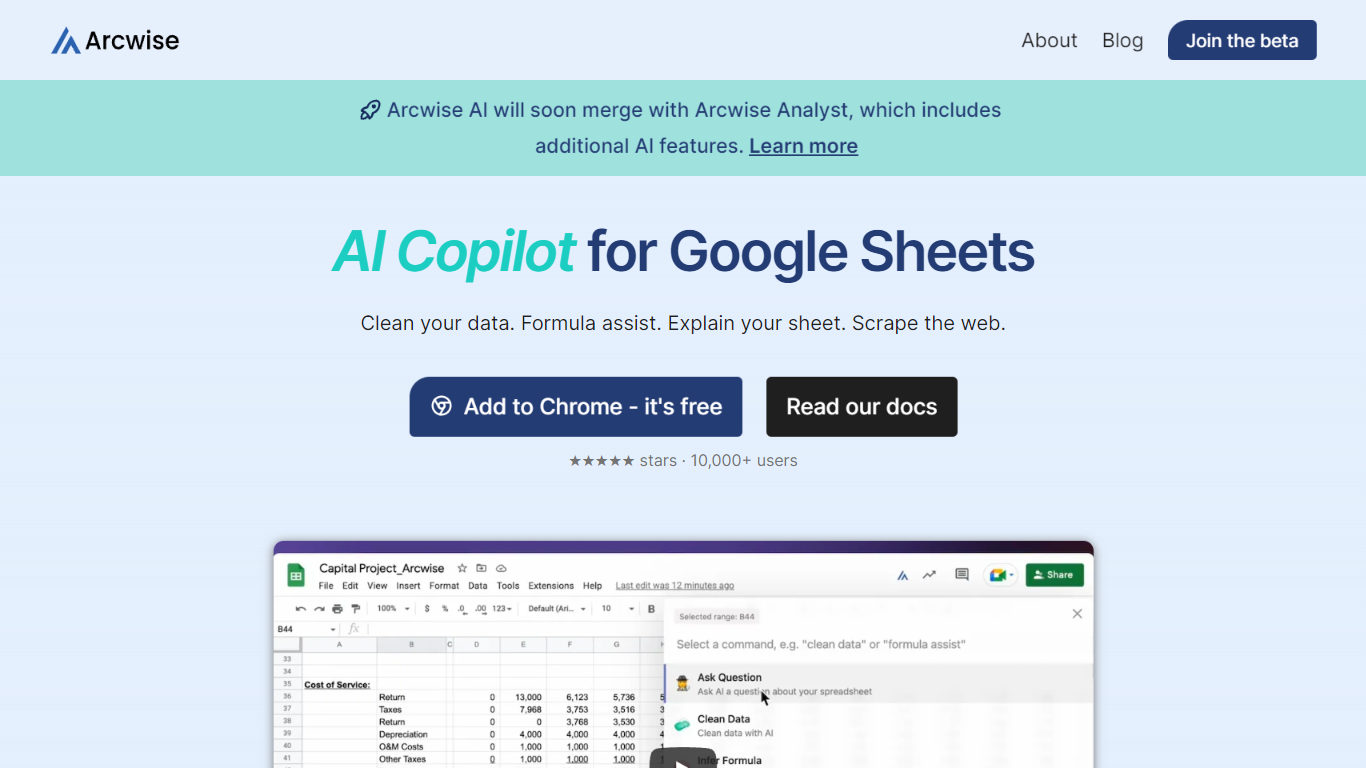
Arcwise AI is a spreadsheet analytics copilot and decision platform for teams that live in Google Sheets and warehouse data. It began as a Chrome extension for ChatGPT-powered formulas and data cleanup, and now also sells traceable metric explanations tied to Snowflake, BigQuery, Databricks, and internal documentation.
The Sheets extension still ships as a free Chrome add-on with keyboard shortcuts, $AI.TRANSFORM and $AI.CLASSIFY functions, and PDF table extraction. That side competes with formula copilots, while the platform side targets analysts who need audited answers instead of generic chatbot guesses.
Arcwise backs explanations with source tracing rather than open-ended model text, which matters when finance or ops teams need to defend a number in a review. The stored listing URL at /old-ai now returns 404, so the live product homepage is arcwise.app.
Excelly-AI Upvotes
Arcwise AI Upvotes
Excelly-AI Top Features
Generate Formulas: Support for both Excel and Google Sheets with explanations for every generated formula.
Upload .xlsx Files: Generate formulas based on your own spreadsheets with meaningful prompts.
Explain Formulas: Excelly-AI can simplify and explain complex formulas for easy understanding.
Generate VBA: Instantly create any VBA formula you need.
Transform Formulas: Easily convert formulas between Excel and Google Sheets formats.
Arcwise AI Top Features
Free Chrome extension for Google Sheets with Cmd+Shift+1 shortcut
$AI.TRANSFORM, $AI.CLASSIFY, and $AI.EXTRACT functions inside Sheets
Connects to Snowflake, BigQuery, and Databricks warehouses
Metric shift detection with explanations traced to source data
PDF upload extracts tables directly into spreadsheet cells
Chrome Web Store lists 10,000+ users and a 4.5 star rating
Excelly-AI Category
- Excel
Arcwise AI Category
- Excel
Excelly-AI Pricing Type
- Freemium
Arcwise AI Pricing Type
- Freemium