ExcelMaster vs Arcwise
Dive into the comparison of ExcelMaster vs Arcwise and discover which AI Excel tool stands out. We examine alternatives, upvotes, features, reviews, pricing, and beyond.
When comparing ExcelMaster and Arcwise, which one rises above the other?
When we compare ExcelMaster and Arcwise, two exceptional excel tools powered by artificial intelligence, and place them side by side, several key similarities and differences come to light. In the race for upvotes, Arcwise takes the trophy. Arcwise has 6 upvotes, and ExcelMaster has 1 upvotes.
Feeling rebellious? Cast your vote and shake things up!
ExcelMaster


What is ExcelMaster?
Windows desktop Excel can run an autonomous agent add-in that plans multi-step spreadsheet work from plain-language prompts. ExcelMaster reads workbook structure across sheets, writes formulas or VBA/Python, executes changes inside Excel, and shows each step in a live sidebar. Finance teams, analysts, and operations staff use it for month-end close, variance reports, data cleanup, and macro automation without leaving the file.
Where Copilot and ChatGPT stop at suggested snippets, ExcelMaster closes the loop inside the workbook. It maps real sheet names, merged cells, and cross-sheet references before generating code, runs VBA or Python locally, verifies output, and retries on errors with automatic rollback. The product site cites internal benchmarks where template-style chat code needed far more edit rounds than agent execution on real user cases.
Dedicated Formula Assistant, VBA Assistant, and Cell AI modules cover formula dialogue, macro automation, and per-cell tasks like classification, keyword extraction, format conversion, sentiment scoring, and translation. Files stay on your machine; only relevant cell content goes to AI models when analysis is needed.
ExcelMaster requires Excel 2016 or later on Windows 10/11 (desktop, not Excel Online). Subscription plans start at $9.99 per month with a 3-day trial, and one-time credit packs are sold separately. The site also hosts free browser utilities for Excel, PDF, and Word conversions.
Arcwise
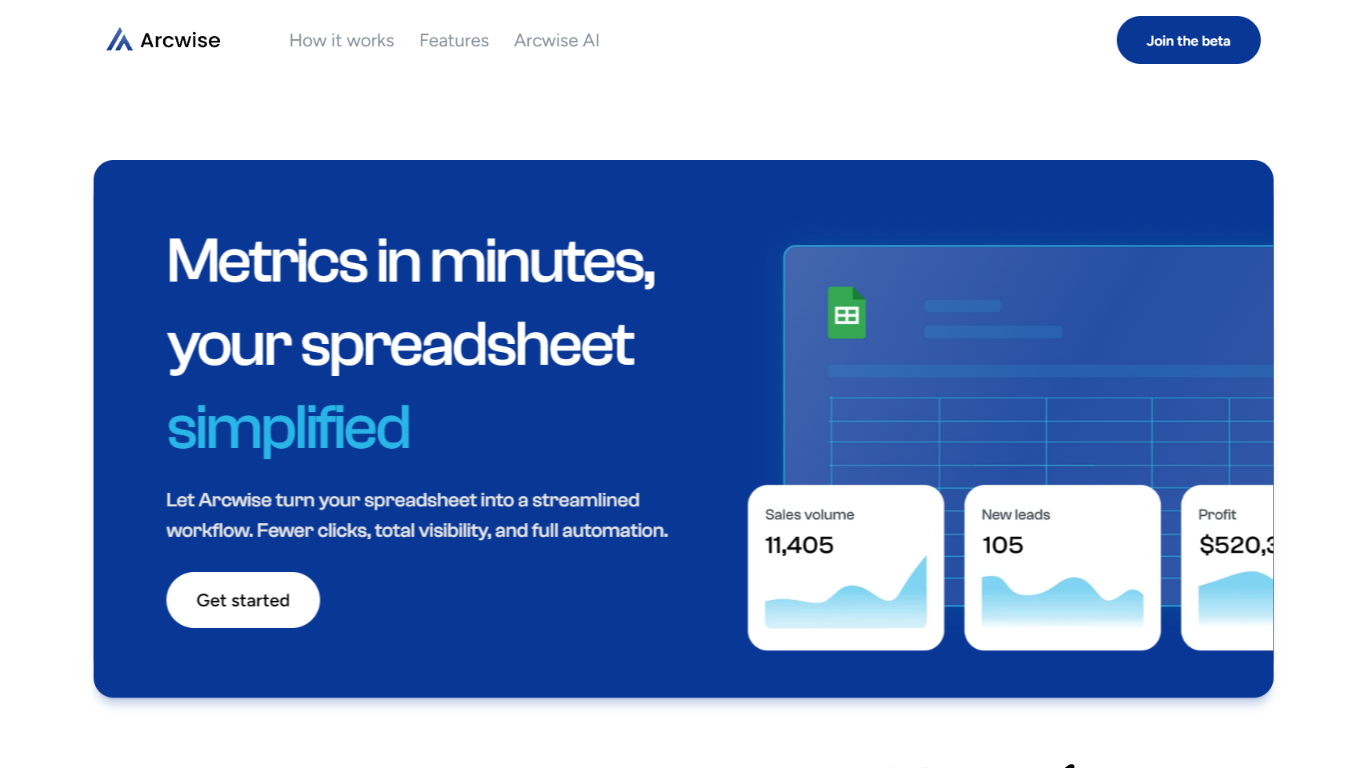
What is Arcwise?
Arcwise flags meaningful KPI shifts in your warehouse data and explains what is driving them before they show up in weekly reviews. It connects to Snowflake, BigQuery, and Databricks, then delivers spreadsheet-ready answers traced to your SQL, tables, and business documentation inside the Google and Microsoft docs your team already uses.
Most analytics stacks stop at dashboards or untraceable chat answers. Arcwise is built around decision-ready output with auditable SQL behind every explanation. It separates signal from noise, names the operational drivers behind a metric move, and saves validated explanations as institutional memory your team can reuse next quarter without filing another analyst ticket.
Operations, finance, and growth leaders at logistics firms, airlines, manufacturers, and other data-heavy businesses use Arcwise to turn metric changes into specific next steps. Industry pages cover margin loss in TMS data, MBR preparation, and white-labeled customer analytics tied to billing and execution systems.
Arcwise is SOC 2 Type II certified, processes only metadata and queries rather than storing sensitive business data, and lets enterprises bring their own LLM API keys through Azure OpenAI or internal models.
ExcelMaster Upvotes
Arcwise Upvotes
ExcelMaster Top Features
Starter includes 600 agent credits per month; Pro includes 1,800 credits on monthly billing
Uses GPT 5.4, Claude Sonnet 4.6, Claude Opus 4.6, and ExcelMaster Operator models
Reads multi-sheet workbook structure before writing formulas, VBA, or Python
Auto-backup and one-click rollback before every operation on live workbooks
Cell AI handles classification, keyword extraction, format conversion, sentiment analysis, and translation per cell
Supports Excel 2016+ on Windows 10/11 desktop; Excel Online is not supported
Arcwise Top Features
Connects to Snowflake, BigQuery, and Databricks plus your existing BI stack
SOC 2 Type II certified with encryption in transit and at rest
Links every explanation to exact SQL, tables, joins, and business definitions
Embeds inside Microsoft and Google docs, slides, and spreadsheets
Supports customer-controlled LLM keys via Azure OpenAI or Arcwise-managed models
Saves validated explanations as reusable institutional memory across teams
ExcelMaster Category
- Excel
Arcwise Category
- Excel
ExcelMaster Pricing Type
- Freemium
Arcwise Pricing Type
- Paid