ExcelMaster vs Research Pal AI
In the clash of ExcelMaster vs Research Pal AI, which AI Excel tool emerges victorious? We assess reviews, pricing, alternatives, features, upvotes, and more.
When we put ExcelMaster and Research Pal AI head to head, which one emerges as the victor?
Let's take a closer look at ExcelMaster and Research Pal AI, both of which are AI-driven excel tools, and see what sets them apart. In the race for upvotes, Research Pal AI takes the trophy. Research Pal AI has been upvoted 6 times by aitools.fyi users, and ExcelMaster has been upvoted 1 times.
Don't agree with the result? Cast your vote and be a part of the decision-making process!
ExcelMaster

What is ExcelMaster?
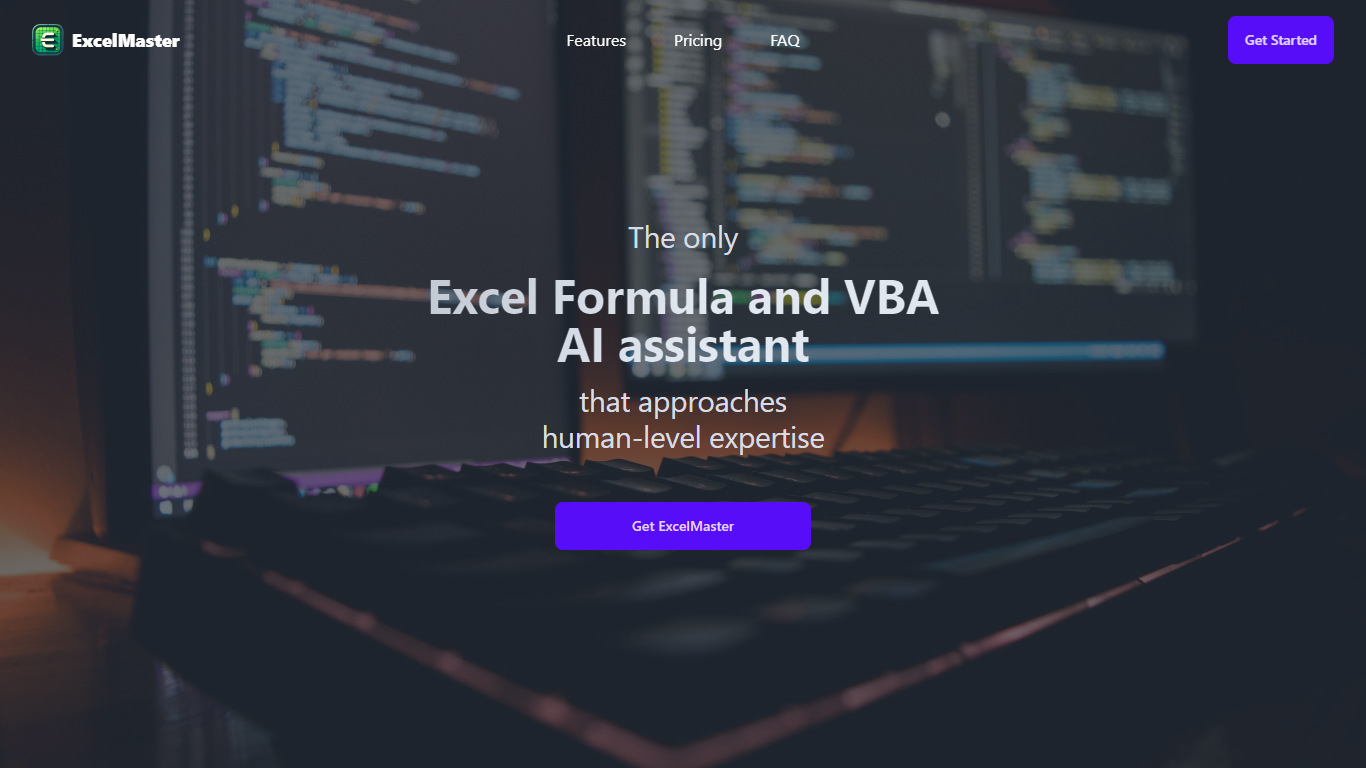
Windows desktop Excel can run an autonomous agent add-in that plans multi-step spreadsheet work from plain-language prompts. ExcelMaster reads workbook structure across sheets, writes formulas or VBA/Python, executes changes inside Excel, and shows each step in a live sidebar. Finance teams, analysts, and operations staff use it for month-end close, variance reports, data cleanup, and macro automation without leaving the file.
Where Copilot and ChatGPT stop at suggested snippets, ExcelMaster closes the loop inside the workbook. It maps real sheet names, merged cells, and cross-sheet references before generating code, runs VBA or Python locally, verifies output, and retries on errors with automatic rollback. The product site cites internal benchmarks where template-style chat code needed far more edit rounds than agent execution on real user cases.
Dedicated Formula Assistant, VBA Assistant, and Cell AI modules cover formula dialogue, macro automation, and per-cell tasks like classification, keyword extraction, format conversion, sentiment scoring, and translation. Files stay on your machine; only relevant cell content goes to AI models when analysis is needed.
ExcelMaster requires Excel 2016 or later on Windows 10/11 (desktop, not Excel Online). Subscription plans start at $9.99 per month with a 3-day trial, and one-time credit packs are sold separately. The site also hosts free browser utilities for Excel, PDF, and Word conversions.
Research Pal AI
What is Research Pal AI?
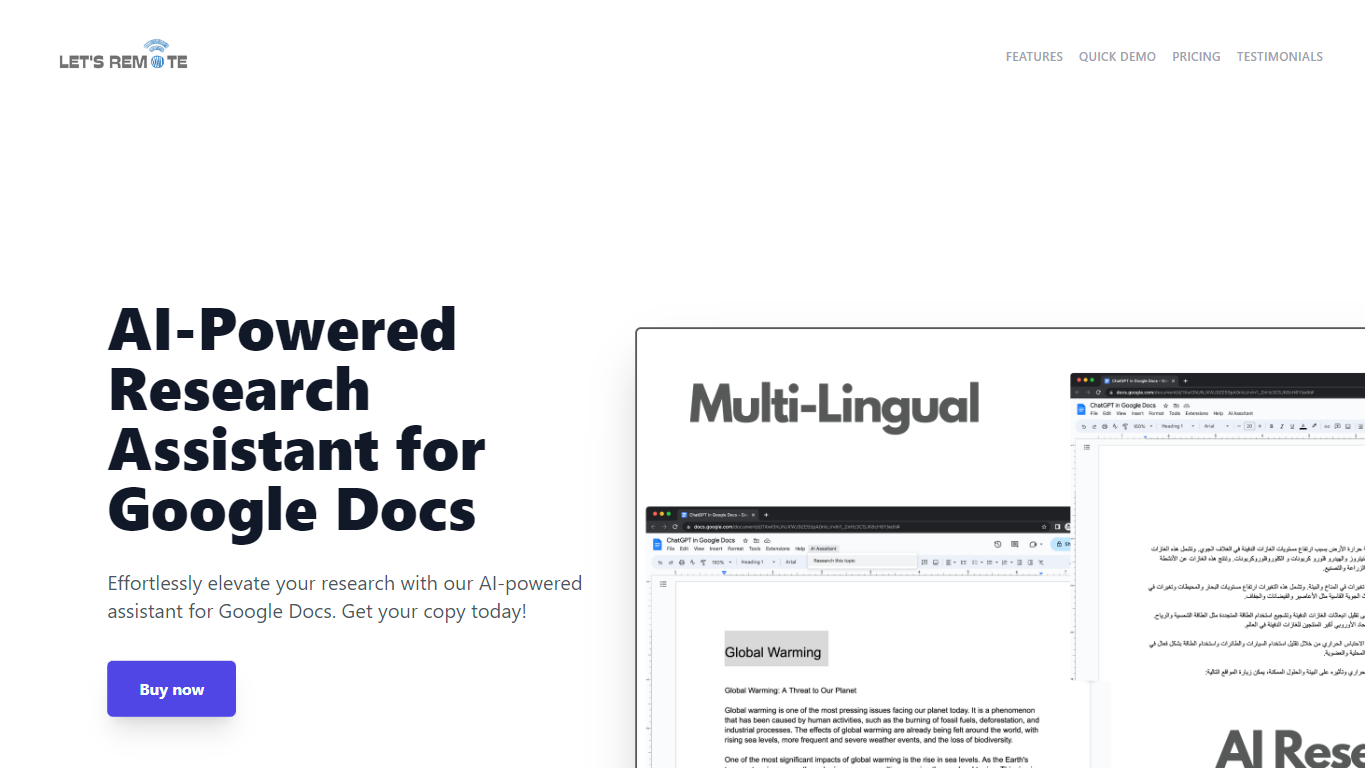
Step up your document creation game with the AI-Powered Research Assistant for Google Docs. This innovative Google Docs extension is designed to streamline your research and writing process, enabling you to generate high-quality text swiftly and efficiently. It's an essential tool for individuals looking to enhance their productivity while maintaining the quality of their content. Key features include state-of-the-art Natural Language Generation technology for coherent and rich text, customizable settings for tone and style preferences, and time-saving capabilities for regular content production. The extension also boasts multi-lingual support, catering to a global user base, and a user-friendly interface, making it accessible regardless of technical skill level. Advanced algorithms ensure texts are not only informative but also engaging, tailored to your specific audience. Secure, versatile, and powerful, this tool will transform your Google Docs experience and give you a competitive advantage in content creation.
ExcelMaster Upvotes
Research Pal AI Upvotes
ExcelMaster Top Features
Starter includes 600 agent credits per month; Pro includes 1,800 credits on monthly billing
Uses GPT 5.4, Claude Sonnet 4.6, Claude Opus 4.6, and ExcelMaster Operator models
Reads multi-sheet workbook structure before writing formulas, VBA, or Python
Auto-backup and one-click rollback before every operation on live workbooks
Cell AI handles classification, keyword extraction, format conversion, sentiment analysis, and translation per cell
Supports Excel 2016+ on Windows 10/11 desktop; Excel Online is not supported
Research Pal AI Top Features
Natural Language Generation: The extension uses cutting-edge AI technology for creating coherent and informative text.
Customizable Settings: Offers user-settings for tone style and text length to tailor the content to specific needs.
Time-Saving Tool: Quickly generates quality text boosting efficiency for regular content creators.
Multi-Lingual Support: Accommodates users worldwide with support for multiple languages.
User-Friendly Interface: Easy to navigate enabling users of all technical abilities to optimize their writing tasks.
ExcelMaster Category
- Excel
Research Pal AI Category
- Excel
ExcelMaster Pricing Type
- Freemium
Research Pal AI Pricing Type
- Freemium