Casper AI (formerly ExplainThis.AI) vs Browse AI
In the clash of Casper AI (formerly ExplainThis.AI) vs Browse AI, which AI Research tool emerges victorious? We assess reviews, pricing, alternatives, features, upvotes, and more.
If you had to choose between Casper AI (formerly ExplainThis.AI) and Browse AI, which one would you go for?
Let's take a closer look at Casper AI (formerly ExplainThis.AI) and Browse AI, both of which are AI-driven research tools, and see what sets them apart. The upvote count shows a clear preference for Browse AI. Browse AI has 25 upvotes, and Casper AI (formerly ExplainThis.AI) has 6 upvotes.
Don't agree with the result? Cast your vote and be a part of the decision-making process!
Casper AI (formerly ExplainThis.AI)


What is Casper AI (formerly ExplainThis.AI)?
Casper AI is a Chrome extension research assistant that summarizes web pages and PDFs without leaving the tab you are reading. It targets analysts, strategists, policymakers, and business developers who review dense articles, filings, and policy updates daily and need the core points fast.
Browser summarizers like Gimme Summary or Jetwriter focus on quick TL;DR output. Casper AI frames itself around professional reading workflows: it turns long pages into short notes you can share with stakeholders, and it is built for roles that track industry news, deals, and regulatory changes rather than casual browsing.
The explainthis.ai domain now redirects to casper.so, and the active product ships through the Chrome Web Store as Casper AI with 10,000+ installs and a 4.4 rating. A related highlight-and-explain extension called ExplainTXT also exists from the same team for on-page text selection.
Browse AI
What is Browse AI?
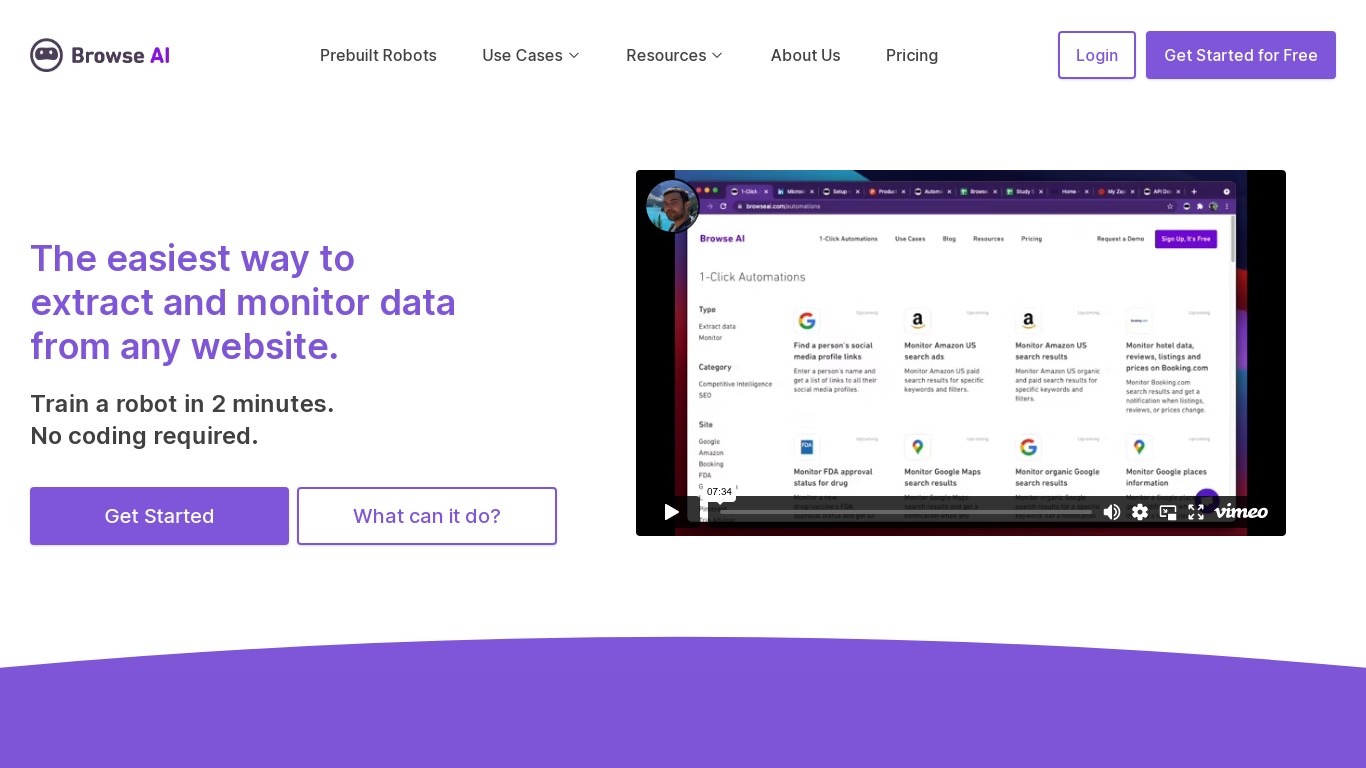
Browse AI is a no-code web scraping and website monitoring platform built for research teams that need structured data from sites they do not control. You train robots with point-and-click actions to extract lists, details, and screenshots, then schedule runs or set change alerts without writing scripts. The platform reports over 770,000 users and has delivered more than 10 billion rows of extracted data.
Where most scrapers break the moment a target site redesigns, Browse AI leans on adaptive change detection that adjusts robot selectors when layouts shift. That trade-off favors operators who monitor competitor pricing or job boards on a schedule and cannot babysit Python scripts every time a CSS class changes. You still get deep scraping workflows, bulk runs across up to 500,000 pages, and exports to Google Sheets, Airtable, Zapier, Make, webhooks, or a REST API.
Browse AI fits ecommerce analysts tracking catalogs, real estate teams pulling listings from Airbnb or Redfin, and growth operators building lead lists from directories. Over 250 prebuilt robots cover Amazon, Indeed, Google Maps, and other high-traffic sites. A Premium tier adds fully managed scraping with custom delivery for high-volume or complex pipelines.
Casper AI (formerly ExplainThis.AI) Upvotes
Browse AI Upvotes
Casper AI (formerly ExplainThis.AI) Top Features
Summarizes active web pages and PDFs inside Chrome without copy-pasting text
Chrome Web Store listing shows 10,000+ users and a 4.4 out of 5 rating
Extension version 0.4.2 updated September 13, 2024 with in-app purchase options
Built for analysts, strategists, policymakers, and business developers reviewing industry news
Developer offers 14-day refund window on initial purchases via [email protected]
Browse AI Top Features
Point-and-click robot builder trains on any page with no code required
Adaptive change detection adjusts robots when target sites redesign layouts
250+ prebuilt robots for Amazon, Indeed, Google Maps, and other popular sites
Bulk extraction runs across up to 500,000 pages in a single operation
Paid plans monitor sites every 5 minutes; free plans allow hourly checks at minimum
Syncs to Google Sheets, Airtable, Zapier, Make, REST API, webhooks, or Amazon S3
Casper AI (formerly ExplainThis.AI) Category
- Research
Browse AI Category
- Research
Casper AI (formerly ExplainThis.AI) Pricing Type
- Freemium
Browse AI Pricing Type
- Freemium