
Last updated 08-10-2026
Category:
Reviews:
Join thousands of AI enthusiasts in the World of AI!
Casper AI (formerly ExplainThis.AI)
Casper AI is a Chrome extension research assistant that summarizes web pages and PDFs without leaving the tab you are reading. It targets analysts, strategists, policymakers, and business developers who review dense articles, filings, and policy updates daily and need the core points fast.
Browser summarizers like Gimme Summary or Jetwriter focus on quick TL;DR output. Casper AI frames itself around professional reading workflows: it turns long pages into short notes you can share with stakeholders, and it is built for roles that track industry news, deals, and regulatory changes rather than casual browsing.
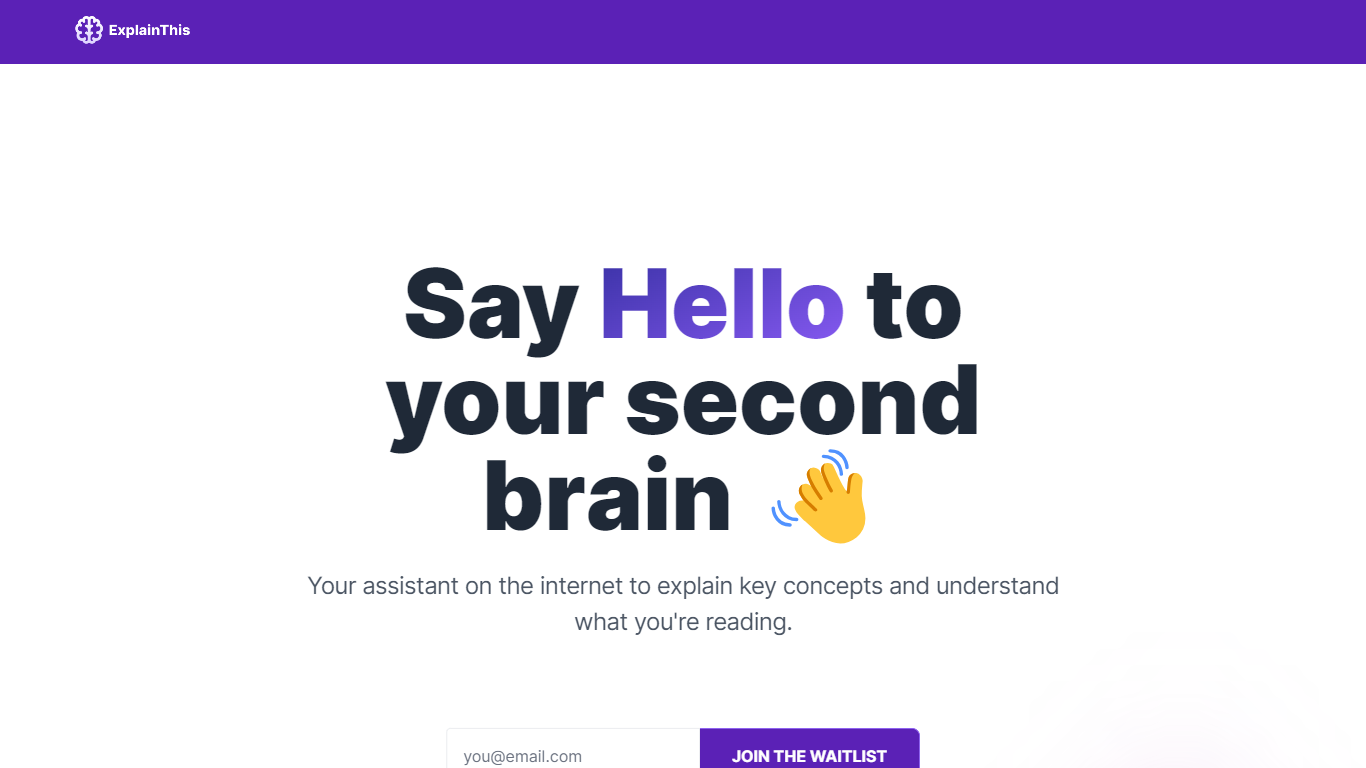
The explainthis.ai domain now redirects to casper.so, and the active product ships through the Chrome Web Store as Casper AI with 10,000+ installs and a 4.4 rating. A related highlight-and-explain extension called ExplainTXT also exists from the same team for on-page text selection.
Summarizes active web pages and PDFs inside Chrome without copy-pasting text
Chrome Web Store listing shows 10,000+ users and a 4.4 out of 5 rating
Extension version 0.4.2 updated September 13, 2024 with in-app purchase options
Built for analysts, strategists, policymakers, and business developers reviewing industry news
Developer offers 14-day refund window on initial purchases via [email protected]
Summarizes both web articles and PDFs inside Chrome without switching tabs.
Chrome Web Store listing targets professional roles like analysts and policymakers.
10,000+ installs and a 4.4 rating provide some social proof on the store.
14-day refund policy on initial purchases per the developer fulfillment terms.
Desktop Chrome only with no mobile extension support.
Paid plan pricing is not published on the Chrome Web Store listing.
explainthis.ai redirects to casper.so, which showed SSL certificate errors during research.
What is Casper AI?
Casper AI is the Chrome extension formerly known as ExplainThis.AI. Casper AI summarizes web pages and PDFs in your browser so analysts, strategists, and policymakers can grasp long articles without reading every paragraph.
Is Casper AI free?
Casper AI offers a free tier through the Chrome Web Store with in-app purchases for extended use. The listing does not publish exact paid plan prices, so check the extension account settings before upgrading.
How do I install Casper AI?
Install Casper AI from the Chrome Web Store by searching for Casper AI or visiting the listing from explainthis.ai, which redirects to casper.so. The extension runs on desktop Chrome only.
Does Casper AI work on mobile?
No. Casper AI is a Chrome extension and requires desktop Google Chrome. The related ExplainTXT site notes that extensions do not work on mobile browsers yet.
What file types does Casper AI summarize?
Casper AI summarizes web pages you browse in Chrome and PDF documents opened in the browser. The Chrome Web Store description highlights both article and PDF summarization for research-heavy roles.
How is Casper AI different from ExplainTXT?
Casper AI summarizes full pages and PDFs for professional reading workflows. ExplainTXT, from the same team, lets you highlight specific text on any page and ask for a summary or plain-language explanation of that selection.