ExtendMusic.AI vs SpeechGPT
Compare ExtendMusic.AI vs SpeechGPT and see which AI Audio Generation tool is better when we compare features, reviews, pricing, alternatives, upvotes, etc.
Which one is better? ExtendMusic.AI or SpeechGPT?
When we compare ExtendMusic.AI with SpeechGPT, which are both AI-powered audio generation tools, Both tools are equally favored, as indicated by the identical upvote count. Every vote counts! Cast yours and contribute to the decision of the winner.
Not your cup of tea? Upvote your preferred tool and stir things up!
ExtendMusic.AI
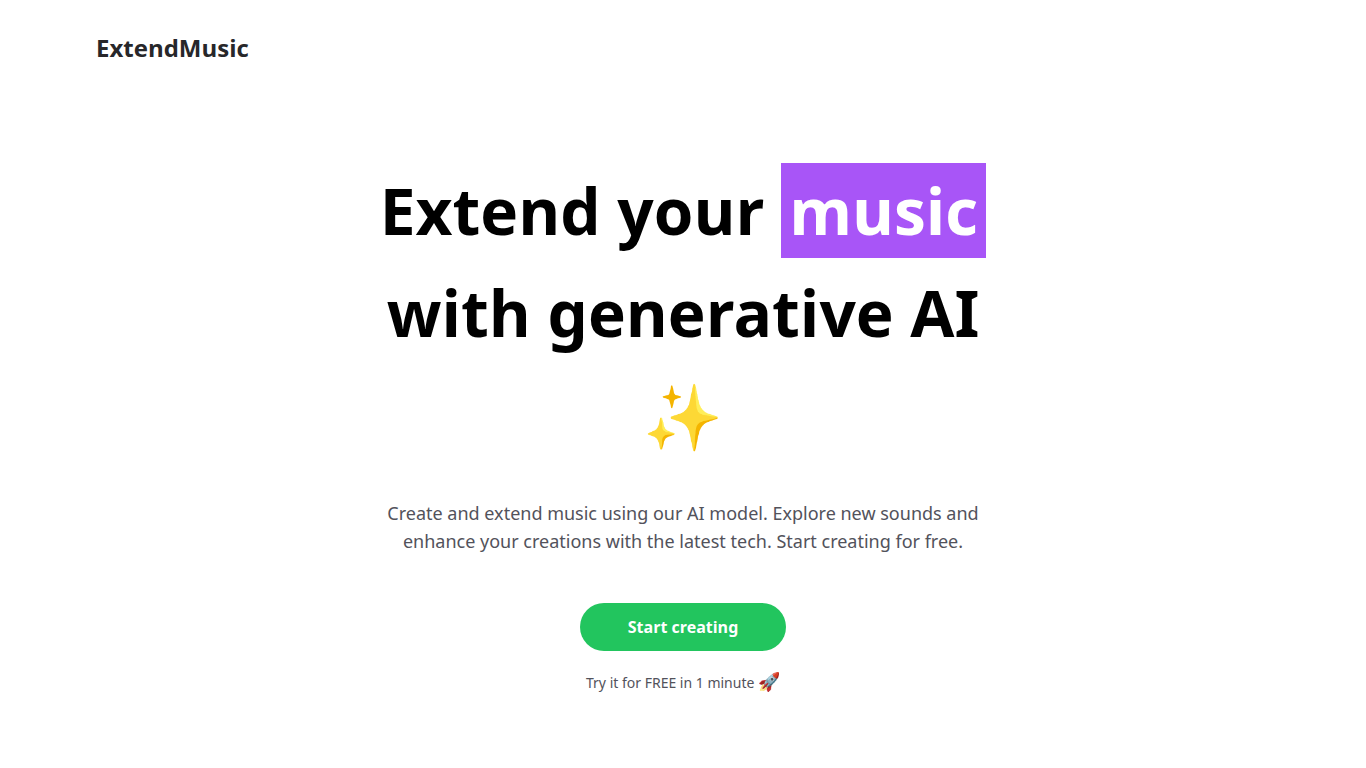

What is ExtendMusic.AI?
AI, an app designed to revolutionize the way you produce music. AI allows you to upload your original compositions and expand on them with impressive, AI-generated extensions. Tailor your music to suit specific moods or themes by setting a prompt for the AI, and watch as it crafts a unique piece that perfectly complements your sound.
This user-friendly platform is perfect for musicians, producers, and creators eager to push the boundaries of their artistry. Start by uploading a file and selecting a 10-second context from your music. Enter a filename to keep track of your creations, write a prompt to direct the AI, and choose how many seconds you want your audio extended.
AI generates your audio extension, seamlessly continuing from where your original context ends. AI firsthand. AI!
SpeechGPT

What is SpeechGPT?
SpeechGPT lets you hold voice conversations in the browser using your own OpenAI API key. You type or record messages, send them through a chat interface, and hear spoken replies without installing desktop software.
Unlike hosted TTS services that bundle model costs into a subscription, SpeechGPT runs in the browser and bills you only through the OpenAI, Azure Speech Services, or Amazon Polly accounts you connect. That makes it a lightweight option for developers and language learners who already have API access and want a simple voice chat front end.
The interface supports English, Spanish, and Chinese UI labels, includes a record button for speech input, and stores session data locally in the browser. It suits developers testing voice chat flows, language learners practicing spoken prompts, and anyone who wants a minimal ChatGPT voice client on mobile or desktop.
ExtendMusic.AI Upvotes
SpeechGPT Upvotes
ExtendMusic.AI Top Features
🎵 Upload your music and select a 10-second context to start extending your audio.
✍️ Write prompts to guide the AI in shaping the style and mood of the extension.
⏳ Choose how many seconds to extend your track beyond the original context.
🎛️ Adjust creativity levels to control how diverse or experimental the AI-generated music is.
🔍 Increase prompt influence to make the output closely match your written directions.
SpeechGPT Top Features
Chat interface accepts typed messages or recorded speech input with Enter to send
Requires your OpenAI API key in settings before the app will run conversations
Optional Azure Speech Services or Amazon Polly access keys for alternate text-to-speech backends
UI available in English, Spanish, and Chinese from the in-app language selector
Shift plus Enter inserts a newline without sending the message
Runs as a web app on Vercel with no separate desktop install required
ExtendMusic.AI Category
- Audio Generation
SpeechGPT Category
- Audio Generation
ExtendMusic.AI Pricing Type
- Freemium
SpeechGPT Pricing Type
- Free