Face Distortion vs ColorBliss
When comparing Face Distortion vs ColorBliss, which AI Fun tool shines brighter? We look at pricing, alternatives, upvotes, features, reviews, and more.
In a comparison between Face Distortion and ColorBliss, which one comes out on top?
When we put Face Distortion and ColorBliss side by side, both being AI-powered fun tools, The upvote count favors ColorBliss, making it the clear winner. ColorBliss has garnered 7 upvotes, and Face Distortion has garnered 6 upvotes.
Think we got it wrong? Cast your vote and show us who's boss!
Face Distortion
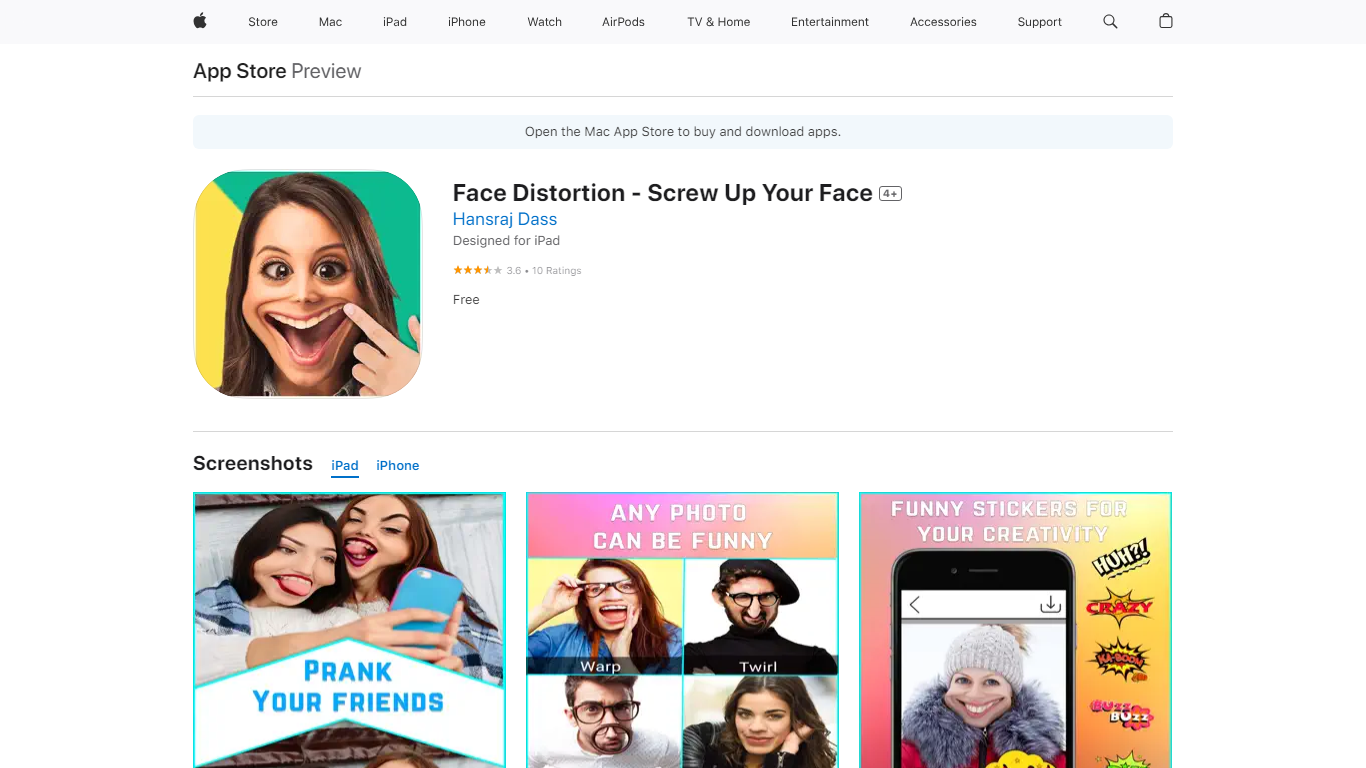

What is Face Distortion?
Face Distortion is a fun iOS photo warping app that bends selfies and portraits with finger-touch controls on iPhone and iPad. You pinch, bump, twirl, or glitch any part of a photo to build exaggerated faces, swap features, or morph body shapes for jokes you can share right away.
Most face filters apply preset stickers. Face Distortion gives you eight manual warp modes, including pinch, bump, linear distortion, hole distortion, glitch, and twirl, so you control exactly how far a nose stretches or a smile puckers. That makes it closer to a pocket caricature tool than a one-tap beauty filter.
Party hosts, meme makers, and anyone who pranks friends on iMessage use it to warp group photos, add funny stickers, and post results to Facebook, email, or MMS. The base app is free on the App Store with optional Pro subscriptions for premium features.
ColorBliss
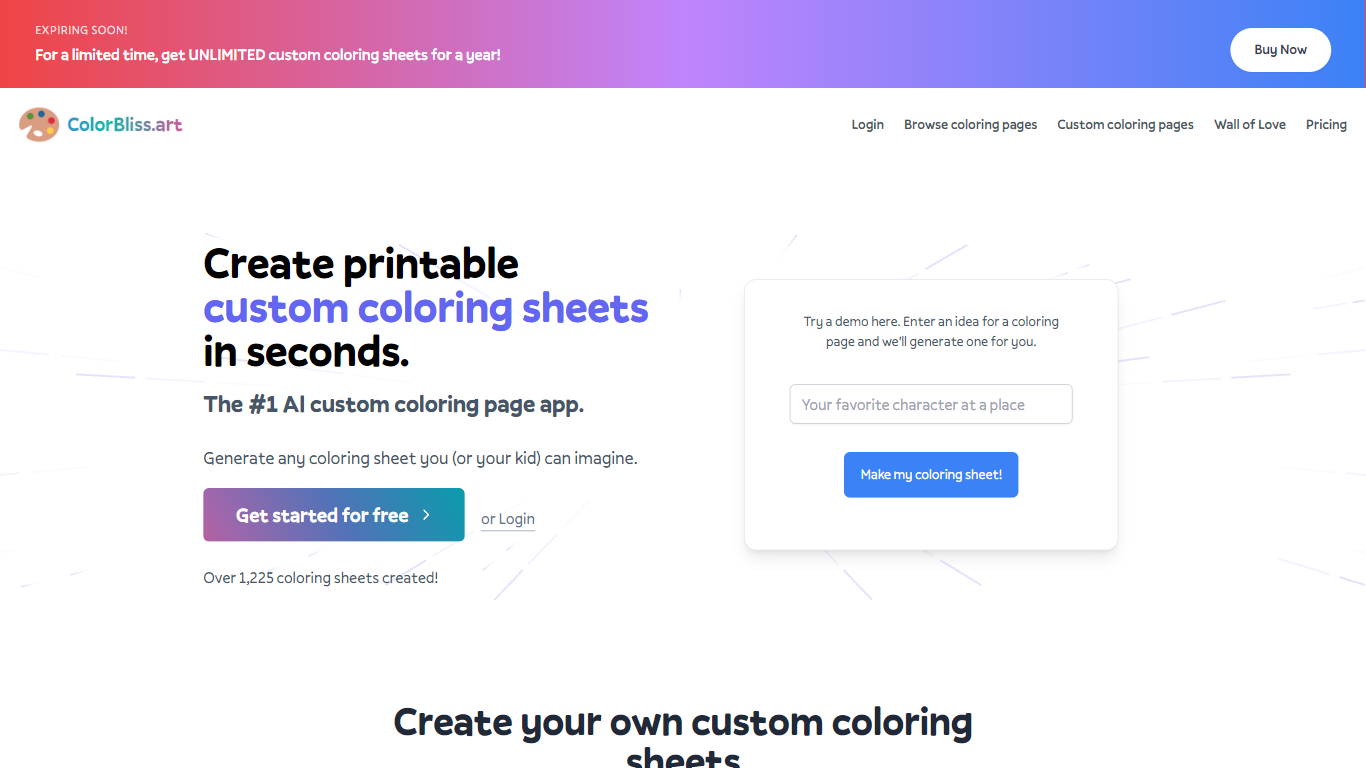
What is ColorBliss?
ColorBliss is a fun AI coloring page generator that turns text prompts, photos, or rough sketches into printable black and white line art. You describe a scene, upload a family photo, or drop in a drawing, and it returns a page you can download as PNG or PDF at 300 DPI. The site also includes Magic Color, which fills line art inside the app with styles like watercolor, markers, and pastels.
Most general image generators aim for full color artwork, so you end up cleaning shading before anything prints well. ColorBliss is built only for coloring workflows: photo conversion, word art, consistent characters across book pages, and bulk batches up to 50 pages at once on higher plans. That narrow focus is why KDP sellers and teachers pick it over Midjourney or DALL-E for printable pages.
Parents use ColorBliss for road trip activities and birthday party favors. Teachers build classroom worksheets in minutes. Self-published authors on Amazon KDP and Etsy sellers on the Artist plan rely on commercial licensing to sell coloring books built from their own prompts and photos.
Face Distortion Upvotes
ColorBliss Upvotes
Face Distortion Top Features
Eight distortion modes: pinch, bump, linear distortion, hole distortion, glitch, and twirl face effects
Finger-touch warping lets you bend any part of a photo in real time on iPhone or iPad
Funny sticker pack included for extra caricature effects beyond manual warps
Share warped images to Facebook, email, or MMS directly from the app
Requires iOS 15.0 or iPadOS 15.0 or later; app size is 32 MB
Face Distortion Pro Annual in-app purchase listed at $34.99 on the App Store
Developer Pankaj Kumar; App Store rating 3.8 out of 5 from 9 ratings
ColorBliss Top Features
Free demo on the homepage with no signup; paid free tier includes 12 coloring pages for new accounts
Photo to coloring page converter with multiple line art styles including cartoon, pencil sketch, and manga
Downloads as PNG or PDF at 300 DPI for home or classroom printing
Magic Color fills pages in 7 styles: digital ink, colored pencils, watercolor, marker, crayons, pastels, and cel shading
Artist plan at $25 per month includes commercial licensing for books and printables on Amazon KDP or Etsy
Bulk generation creates up to 50 pages at once on Artist and Business plans
Face Distortion Category
- Fun
ColorBliss Category
- Fun
Face Distortion Pricing Type
- Freemium
ColorBliss Pricing Type
- Freemium