Face Distortion vs Drumloop AI
When comparing Face Distortion vs Drumloop AI, which AI Fun tool shines brighter? We look at pricing, alternatives, upvotes, features, reviews, and more.
In a comparison between Face Distortion and Drumloop AI, which one comes out on top?
When we put Face Distortion and Drumloop AI side by side, both being AI-powered fun tools, With more upvotes, Drumloop AI is the preferred choice. The number of upvotes for Drumloop AI stands at 9, and for Face Distortion it's 6.
Disagree with the result? Upvote your favorite tool and help it win!
Face Distortion
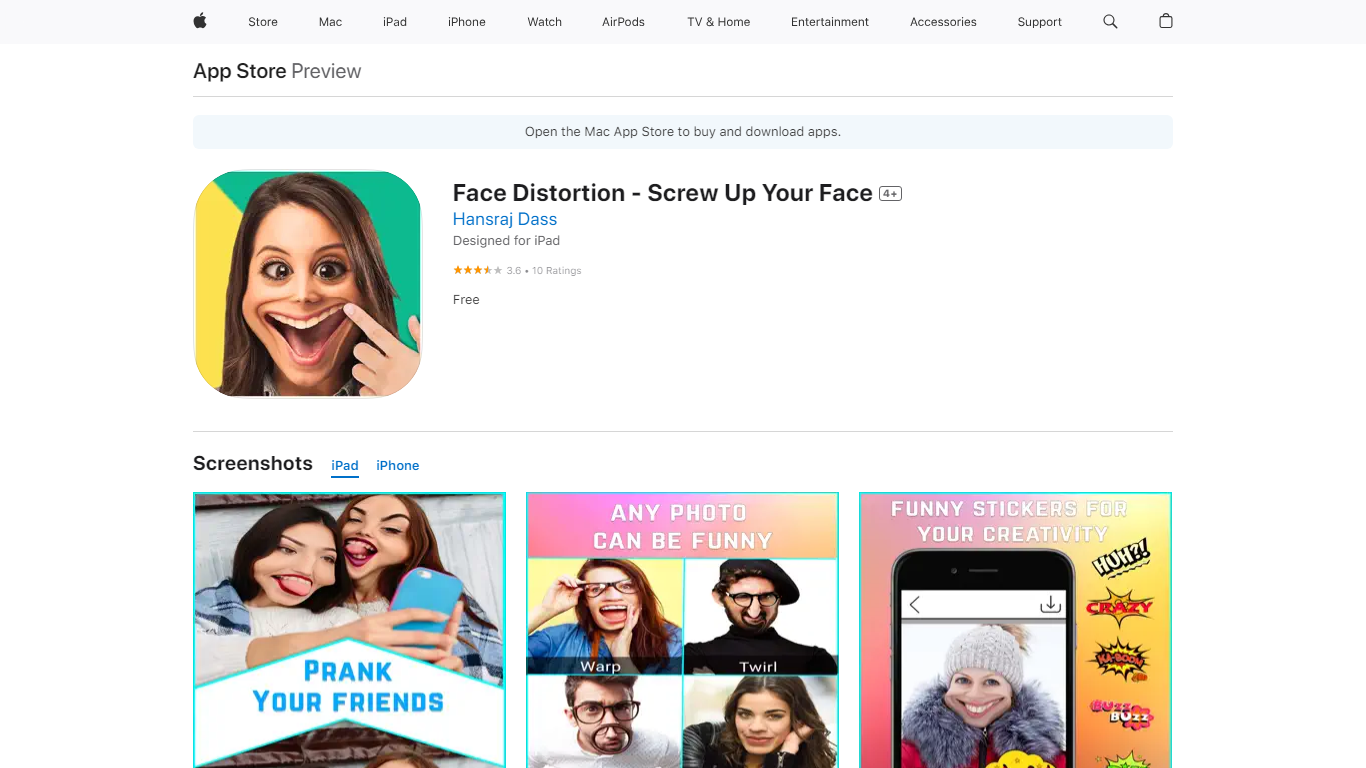

What is Face Distortion?
Face Distortion is a fun iOS photo warping app that bends selfies and portraits with finger-touch controls on iPhone and iPad. You pinch, bump, twirl, or glitch any part of a photo to build exaggerated faces, swap features, or morph body shapes for jokes you can share right away.
Most face filters apply preset stickers. Face Distortion gives you eight manual warp modes, including pinch, bump, linear distortion, hole distortion, glitch, and twirl, so you control exactly how far a nose stretches or a smile puckers. That makes it closer to a pocket caricature tool than a one-tap beauty filter.
Party hosts, meme makers, and anyone who pranks friends on iMessage use it to warp group photos, add funny stickers, and post results to Facebook, email, or MMS. The base app is free on the App Store with optional Pro subscriptions for premium features.
Drumloop AI
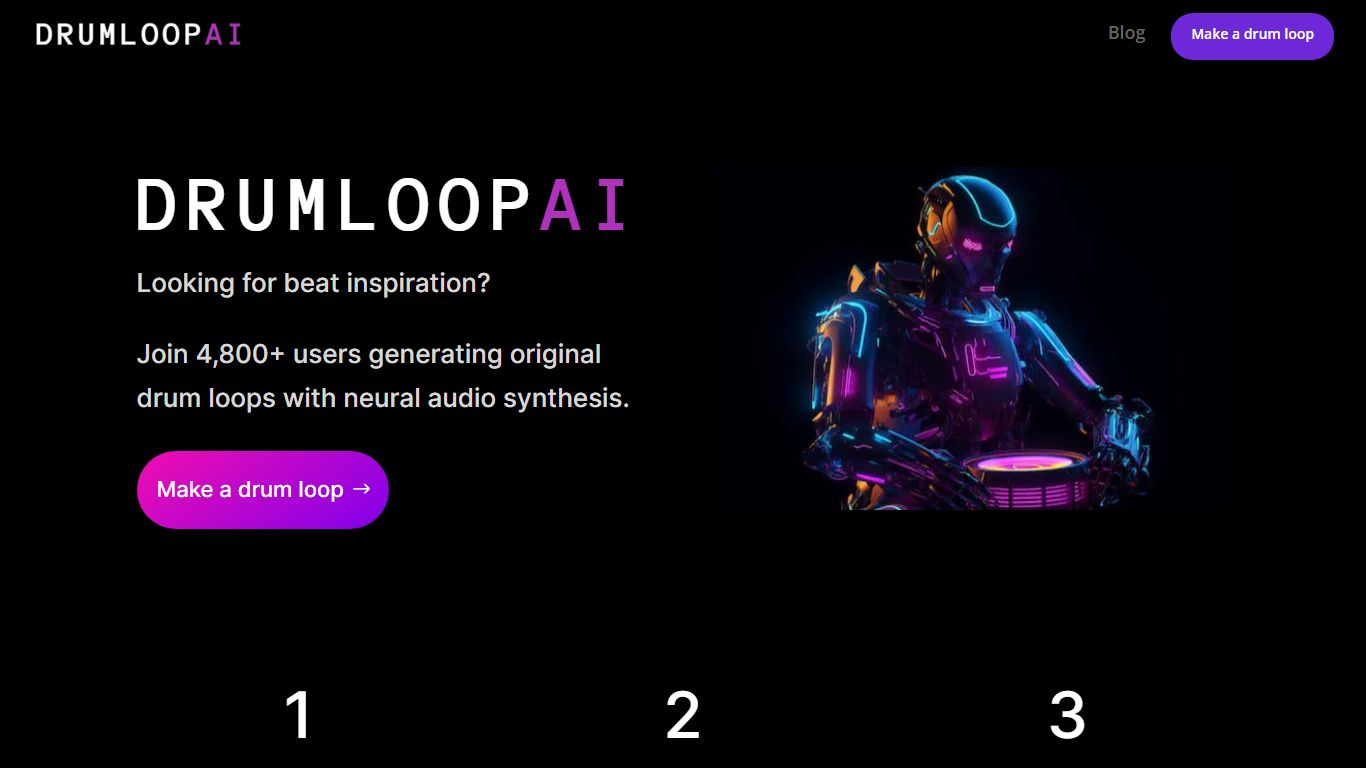
What is Drumloop AI?
Drumloop AI generates original drum loops from text prompts, uploaded audio, or an interactive beat sequencer, so guitarists, producers, and songwriters can jam without programming drums by hand. You describe a groove like modern metalcore or dusty boom bap, upload a bassline to match tempo, or seed patterns in the sequencer and the neural engine returns royalty-free WAV loops in seconds.
Most beat tools either ship static sample packs or lock you into grid editing. Drumloop AI trains on royalty-free drum data and synthesizes new loops per prompt, so every generation is unique rather than a recycled loop from a fixed library. The free drum-loops page streams 862 plus curated loops across 19 genre libraries, while the app adds three models: genre selection, text-to-beat, and AI pattern autocomplete.
Musicians cite it for songwriting sparks, riff writing, and sketching ideas before opening a DAW. The site reports 284,672 AI loops generated and 103,855 musicians on the platform, with loops exported as 24-bit WAV files for FL Studio, Ableton, Logic, or GarageBand.
Drumloop AI is paid software with a two-day free trial on the library and signup at app.drumloopai.com, because the FAQ notes high model operating costs prevent a permanently free beatmaker.
Face Distortion Upvotes
Drumloop AI Upvotes
Face Distortion Top Features
Eight distortion modes: pinch, bump, linear distortion, hole distortion, glitch, and twirl face effects
Finger-touch warping lets you bend any part of a photo in real time on iPhone or iPad
Funny sticker pack included for extra caricature effects beyond manual warps
Share warped images to Facebook, email, or MMS directly from the app
Requires iOS 15.0 or iPadOS 15.0 or later; app size is 32 MB
Face Distortion Pro Annual in-app purchase listed at $34.99 on the App Store
Developer Pankaj Kumar; App Store rating 3.8 out of 5 from 9 ratings
Drumloop AI Top Features
Text-to-beat prompts accept genre, mood, tempo, and drum kit details to synthesize unique loops
Audio upload matches drums to your bassline or guitar tempo without manual metronome work
Three AI models: genre picker, text prompt generator, and interactive sequencer with pattern autocomplete
862 plus royalty-free loops across 19 curated libraries downloadable as 24-bit WAV files
284,672 drum loops generated on the platform with drums-only and full mix preview options
Integrates with any DAW including FL Studio, Ableton Live, Logic Pro, and GarageBand
Face Distortion Category
- Fun
Drumloop AI Category
- Fun
Face Distortion Pricing Type
- Freemium
Drumloop AI Pricing Type
- Paid