Face Distortion vs Finding Words
When comparing Face Distortion vs Finding Words, which AI Fun tool shines brighter? We look at pricing, alternatives, upvotes, features, reviews, and more.
In a comparison between Face Distortion and Finding Words, which one comes out on top?
When we put Face Distortion and Finding Words side by side, both being AI-powered fun tools, The upvote count is neck and neck for both Face Distortion and Finding Words. The power is in your hands! Cast your vote and have a say in deciding the winner.
Does the result make you go "hmm"? Cast your vote and turn that frown upside down!
Face Distortion
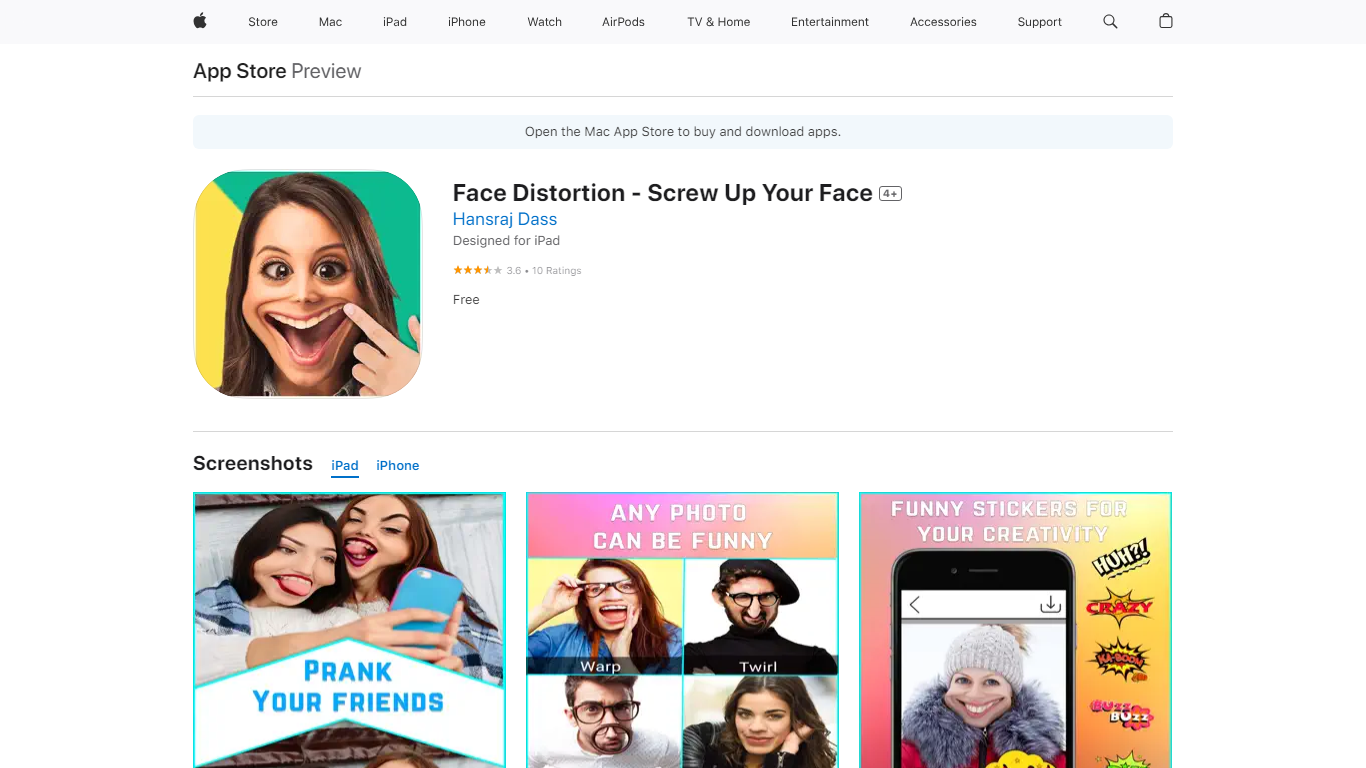

What is Face Distortion?
Face Distortion is a fun iOS photo warping app that bends selfies and portraits with finger-touch controls on iPhone and iPad. You pinch, bump, twirl, or glitch any part of a photo to build exaggerated faces, swap features, or morph body shapes for jokes you can share right away.
Most face filters apply preset stickers. Face Distortion gives you eight manual warp modes, including pinch, bump, linear distortion, hole distortion, glitch, and twirl, so you control exactly how far a nose stretches or a smile puckers. That makes it closer to a pocket caricature tool than a one-tap beauty filter.
Party hosts, meme makers, and anyone who pranks friends on iMessage use it to warp group photos, add funny stickers, and post results to Facebook, email, or MMS. The base app is free on the App Store with optional Pro subscriptions for premium features.
Finding Words
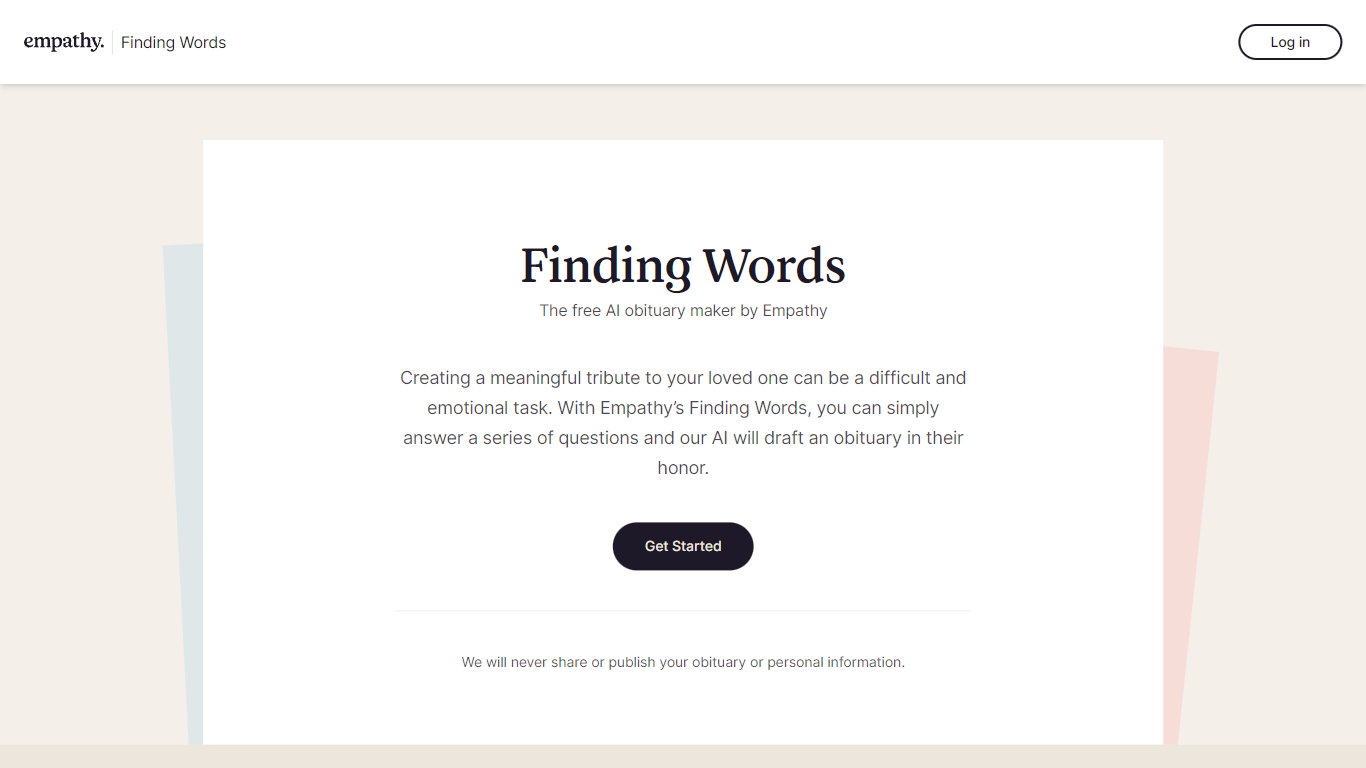
What is Finding Words?
Finding Words is a powerful and user-friendly obituary maker developed by Empathy. With this free online tool, you can honor your loved ones by creating beautifully written tribute obituaries. This AI-powered obituary maker simplifies the process by guiding you through a series of simple and thoughtful questions to generate a heartfelt obituary that truly captures the essence of your loved one's life.
Whether you're an experienced writer or someone who struggles with putting emotions into words, Finding Words is designed to assist you in creating a meaningful and memorable obituary. The AI technology behind Finding Words understands the importance of personalization, and it ensures that each obituary is unique, reflecting the individuality and significance of the person being honored.
Creating an obituary with Finding Words is a straightforward process. Answer a few key questions about your loved one's life, such as their name, age, hometown, achievements, and passions. You can also include details about their family, close friends, and any significant events or milestones. The obituary maker by Empathy intelligently incorporates this information into a well-crafted tribute, ensuring that the final result is an authentic and heartfelt portrayal of your loved one's life.
In addition to guiding you through the obituary creation process, Finding Words offers various customization options. You can choose from different writing styles, such as formal, casual, or poetic, to match the tone and personality of your loved one. The obituary maker also allows you to select from a range of templates and fonts, enabling you to create a visually appealing tribute that reflects your loved one's unique character and spirit.
Finding Words is an invaluable tool for individuals and families facing the challenging task of writing an obituary. It eliminates the stress and uncertainty of crafting a fitting tribute, allowing you to focus on grieving and cherishing the memories of your loved one. The obituary maker's AI technology ensures that the obituary is comprehensive, well-written, and honors the life and legacy of the person being remembered.
Face Distortion Upvotes
Finding Words Upvotes
Face Distortion Top Features
Eight distortion modes: pinch, bump, linear distortion, hole distortion, glitch, and twirl face effects
Finger-touch warping lets you bend any part of a photo in real time on iPhone or iPad
Funny sticker pack included for extra caricature effects beyond manual warps
Share warped images to Facebook, email, or MMS directly from the app
Requires iOS 15.0 or iPadOS 15.0 or later; app size is 32 MB
Face Distortion Pro Annual in-app purchase listed at $34.99 on the App Store
Developer Pankaj Kumar; App Store rating 3.8 out of 5 from 9 ratings
Finding Words Top Features
No top features listedFace Distortion Category
- Fun
Finding Words Category
- Fun
Face Distortion Pricing Type
- Freemium
Finding Words Pricing Type
- Freemium