FaceApp vs AI Image Upscaler on AI Image Enlarger
In the battle of FaceApp vs AI Image Upscaler on AI Image Enlarger, which AI Photo Editing tool comes out on top? We compare reviews, pricing, alternatives, upvotes, features, and more.
Between FaceApp and AI Image Upscaler on AI Image Enlarger, which one is superior?
Upon comparing FaceApp with AI Image Upscaler on AI Image Enlarger, which are both AI-powered photo editing tools, The users have made their preference clear, FaceApp leads in upvotes. FaceApp has 7 upvotes, and AI Image Upscaler on AI Image Enlarger has 6 upvotes.
Think we got it wrong? Cast your vote and show us who's boss!
FaceApp

What is FaceApp?
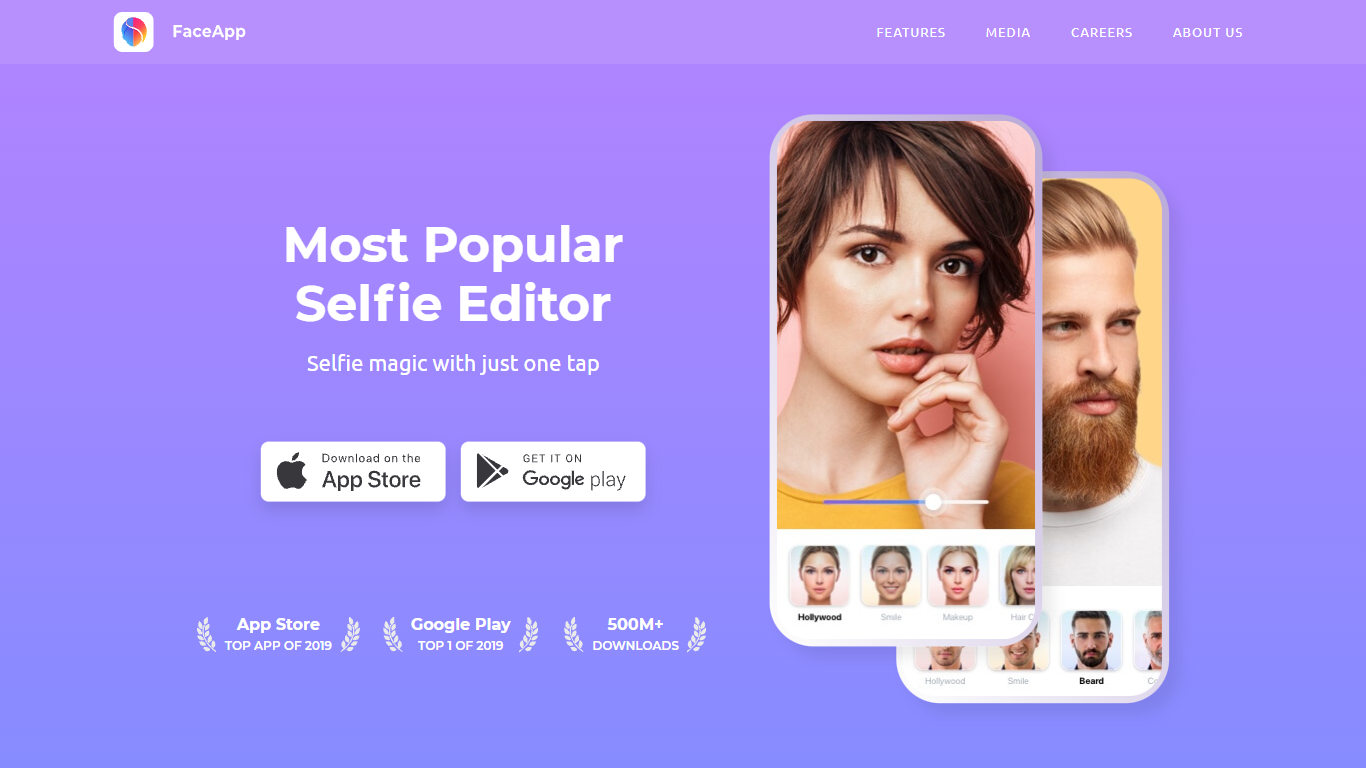
FaceApp turns phone selfies into retouched portraits with one-tap filters for makeup, hair volume, skin cleanup, and age changes. The mobile app has passed one billion downloads and bundles photorealistic face edits that used to require desktop retouching, all from a camera roll photo on iOS or Android.
Unlike general photo editors that spread tools across layers and brushes, FaceApp focuses narrowly on faces and keeps edits to a single tap. That speed makes it popular for social posts, but you trade fine control for convenience compared with Lightroom or Photoshop.
FaceApp suits casual selfie editors, social media creators, and anyone experimenting with looks before a real haircut or makeup purchase. The app is free to download, and FaceApp Pro unlocks the full filter library without watermarks through monthly or annual subscriptions billed via the App Store or Google Play.
AI Image Upscaler on AI Image Enlarger

What is AI Image Upscaler on AI Image Enlarger?
This Imglarger photo editing tool enlarges JPG, PNG, or WebP images to 2x or 4x resolution in your browser. You upload a file up to 10 MB and 1024 px wide, pick a scale factor, and the model sharpens edges and textures for 4K screens, product catalogs, or social posts. It handles portraits, AI art, anime frames, and product shots without installing desktop software.
Standard resize tools stretch pixels and leave blurry blocks. Imglarger's upscaler rebuilds detail with a focused workflow: upload, choose 200% or 400%, preview side by side, then download. You give up local batch power on the free tier and must trust cloud processing, though files auto-delete within six hours.
E-commerce teams batch-prepare catalog assets on paid plans. Digital artists upscale Midjourney or Stable Diffusion outputs, and photographers rescue compressed client files before print runs.
FaceApp Upvotes
AI Image Upscaler on AI Image Enlarger Upvotes
FaceApp Top Features
More than 1 billion downloads with App of the Year honors on iOS and Android in 2024
Impression, Retouch, Makeup, and Hair Volume filters for one-tap portrait edits
FaceApp Pro unlocks all filters and removes watermarks via in-app subscription
Free download with optional monthly or annual Pro plans inside the app
Payments processed through Apple App Store or Google Play in local currency
Headquarters in Limassol, Cyprus, led by founder Yaroslav Goncharov
AI Image Upscaler on AI Image Enlarger Top Features
Upscale images to 200% or 400% with a single upload step
Accepts JPG, PNG, and WebP files up to 10 MB and 1024 px input width
Preview upscaled output beside the original before downloading
Batch upscale multiple images on paid plans starting at $4.99 per month
Processed files are automatically deleted within six hours
Dedicated anime upscaler and enlarger tools live on the same Imglarger site
FaceApp Category
- Photo Editing
AI Image Upscaler on AI Image Enlarger Category
- Photo Editing
FaceApp Pricing Type
- Freemium
AI Image Upscaler on AI Image Enlarger Pricing Type
- Freemium