FancyAI (formerly FancyTech) vs AI Infographic Generator
Compare FancyAI (formerly FancyTech) vs AI Infographic Generator and see which AI Video Editing tool is better when we compare features, reviews, pricing, alternatives, upvotes, etc.
Which one is better? FancyAI (formerly FancyTech) or AI Infographic Generator?
When we compare FancyAI (formerly FancyTech) with AI Infographic Generator, which are both AI-powered video editing tools, The community has spoken, FancyAI (formerly FancyTech) leads with more upvotes. FancyAI (formerly FancyTech) has attracted 7 upvotes from aitools.fyi users, and AI Infographic Generator has attracted 6 upvotes.
Not your cup of tea? Upvote your preferred tool and stir things up!
FancyAI (formerly FancyTech)


What is FancyAI (formerly FancyTech)?
FancyAI (formerly FancyTech) deploys enterprise AI employees that integrate with CRM, ERP, and Slack to run marketing, design, and operations workflows autonomously. Each AI Expert handles a specific role, from turning product flat-lays into on-model videos to analyzing e-commerce sales and building presentation decks. Enterprise teams use it when they need output scaling without adding headcount.
Most AI tools stop at chat prompts that need a human to finish every deliverable. FancyAI positions AI as colleagues with domain roles, system integrations, and multi-step execution toward business objectives. Its fashion and e-commerce focus, with metrics like 80% lower shooting costs, targets brand teams rather than generic productivity chatbots.
E-commerce brands automate product photography and listing videos, marketers spin up virtual influencers, and operations teams get livestream GMV diagnostics. Clients listed on the site include Starbucks, ASICS, Skechers, and UGG.
AI Infographic Generator
What is AI Infographic Generator?
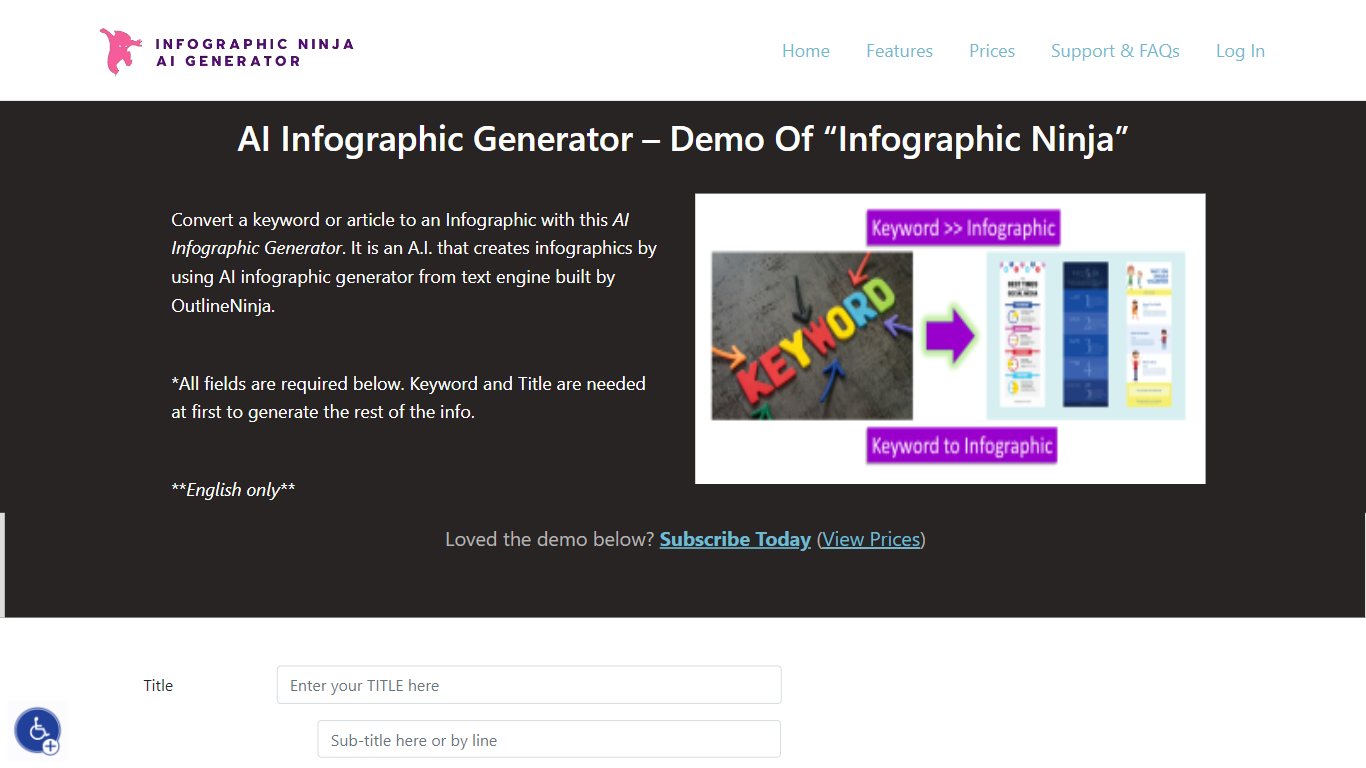
AI Infographic Generator, branded as Infographic Ninja on Outline Ninja, builds shareable infographic images from a keyword, blog article, or uploaded PDF. You pick a template, let the tool draft question-and-answer blocks, customize icons and colors, then download a finished graphic or grab FAQ schema markup for SEO. The public demo on outline.ninja runs in English only and links to a paid membership for full exports.
Compared with general design tools, Infographic Ninja targets SEO workflows: it outputs FAQSchema.org JSON matching your Q&A blocks, ships WordPress embed code with a copy button, and lets you set entry counts between 3 and 7 on a single layout. The Pro plan removes download credit limits, while a separate RapidAPI subscription handles programmatic PNG generation.
It fits content marketers, SEO agencies, and bloggers who need quick informational graphics without opening Illustrator. Membership starts at $5 per month after a $1 three-day trial, and paid tiers remove watermarks on downloads.
FancyAI (formerly FancyTech) Upvotes
AI Infographic Generator Upvotes
FancyAI (formerly FancyTech) Top Features
Pre-built AI Experts for design, marketing, IT, and operations roles
Miranda turns garment flat-lay images into on-model videos
Integrates with CRM, ERP, and Slack for end-to-end workflow execution
E-commerce clients report 80% lower shooting costs and 10x faster listing
10,000+ real-world business cases in the platform library
Enterprise security with data isolation, encryption, and private VPC options
Desktop app and centralized management dashboard for task monitoring
AI Infographic Generator Top Features
Generate infographics from a keyword, blog URL, or uploaded PDF
Choose 3 to 7 Q&A entries per graphic with 30+ font options
Export FAQSchema.org JSON aligned to your infographic questions
WordPress embed snippet with a one-click copy button for backlinks
Starter plan includes 15 download credits per month at $5; Pro is $30 for unlimited
RapidAPI endpoint returns PNG infographics from a title plus optional body text
FancyAI (formerly FancyTech) Category
- Video Editing
AI Infographic Generator Category
- Video Editing
FancyAI (formerly FancyTech) Pricing Type
- Paid
AI Infographic Generator Pricing Type
- Paid