FancyAI (formerly FancyTech) vs AI Portrait in Filmora
Dive into the comparison of FancyAI (formerly FancyTech) vs AI Portrait in Filmora and discover which AI Video Editing tool stands out. We examine alternatives, upvotes, features, reviews, pricing, and beyond.
When comparing FancyAI (formerly FancyTech) and AI Portrait in Filmora, which one rises above the other?
When we compare FancyAI (formerly FancyTech) and AI Portrait in Filmora, two exceptional video editing tools powered by artificial intelligence, and place them side by side, several key similarities and differences come to light. The users have made their preference clear, FancyAI (formerly FancyTech) leads in upvotes. FancyAI (formerly FancyTech) has 7 upvotes, and AI Portrait in Filmora has 6 upvotes.
Not your cup of tea? Upvote your preferred tool and stir things up!
FancyAI (formerly FancyTech)
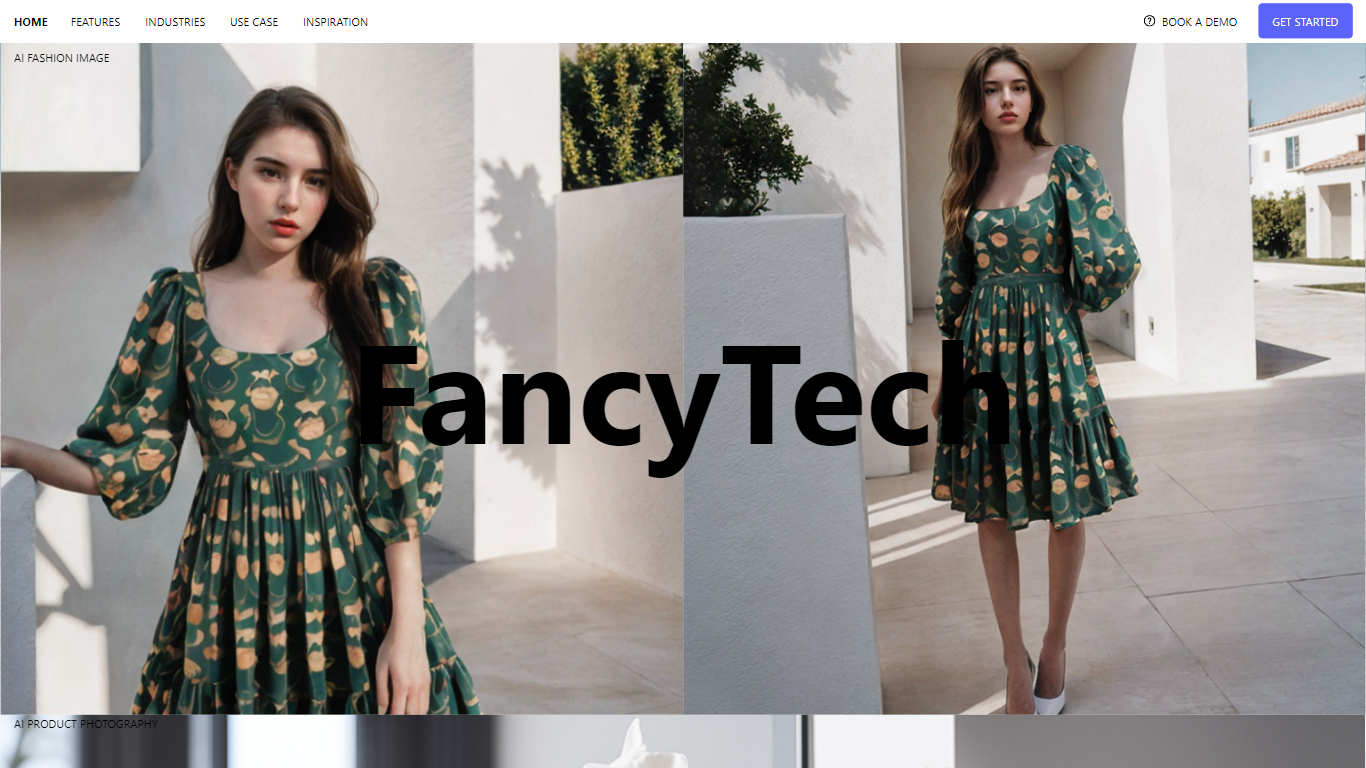

What is FancyAI (formerly FancyTech)?
FancyAI (formerly FancyTech) deploys enterprise AI employees that integrate with CRM, ERP, and Slack to run marketing, design, and operations workflows autonomously. Each AI Expert handles a specific role, from turning product flat-lays into on-model videos to analyzing e-commerce sales and building presentation decks. Enterprise teams use it when they need output scaling without adding headcount.
Most AI tools stop at chat prompts that need a human to finish every deliverable. FancyAI positions AI as colleagues with domain roles, system integrations, and multi-step execution toward business objectives. Its fashion and e-commerce focus, with metrics like 80% lower shooting costs, targets brand teams rather than generic productivity chatbots.
E-commerce brands automate product photography and listing videos, marketers spin up virtual influencers, and operations teams get livestream GMV diagnostics. Clients listed on the site include Starbucks, ASICS, Skechers, and UGG.
AI Portrait in Filmora
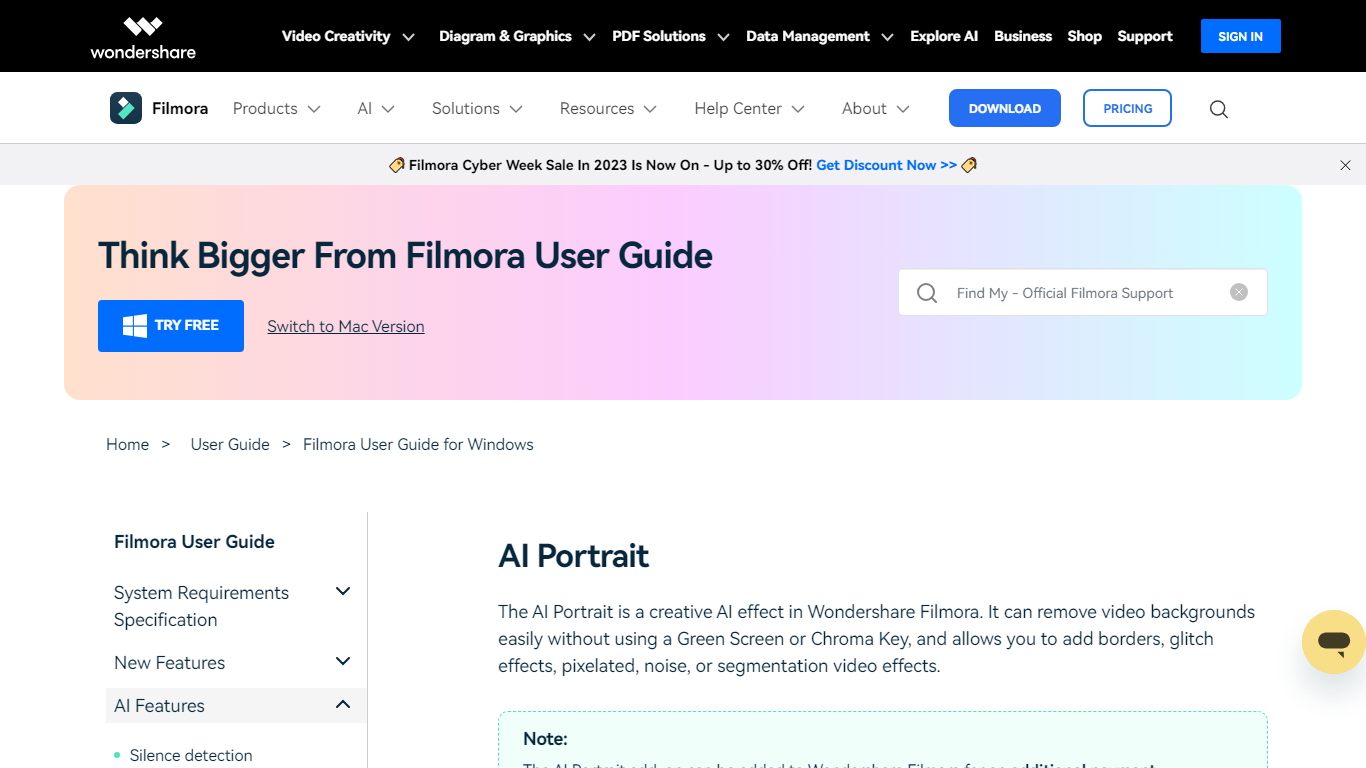
What is AI Portrait in Filmora?
AI Portrait in Filmora is a video editing feature inside Wondershare Filmora for Windows that removes portrait backgrounds without a green screen. You stack portrait footage above a background clip, enable AI Portrait Cutout, and Filmora makes the subject transparent so you can composite the person over another scene.
Standalone background removers export a cutout file you re-import elsewhere. Filmora keeps the workflow on the timeline with Advanced and Quick cutout modes, plus 70 plus body and sticker effects you can layer directly on the subject. That makes it a fit when you already edit in Filmora and want portrait compositing beside the rest of your cuts.
It suits YouTube creators, tutorial makers, and social editors who film talking-head clips at home without chroma key gear. Editors who need a dedicated rotoscoping app or node-based compositing will outgrow what this guide-page feature offers on its own.
FancyAI (formerly FancyTech) Upvotes
AI Portrait in Filmora Upvotes
FancyAI (formerly FancyTech) Top Features
Pre-built AI Experts for design, marketing, IT, and operations roles
Miranda turns garment flat-lay images into on-model videos
Integrates with CRM, ERP, and Slack for end-to-end workflow execution
E-commerce clients report 80% lower shooting costs and 10x faster listing
10,000+ real-world business cases in the platform library
Enterprise security with data isolation, encryption, and private VPC options
Desktop app and centralized management dashboard for task monitoring
AI Portrait in Filmora Top Features
AI Portrait Cutout detects people in video or images and removes the background automatically
Works without a green screen or chroma key setup according to the official guide
Offers Advanced Cutout Mode and Quick Cutout Mode for different processing speeds
Includes 70 plus body effects and sticker effects to stylize the subject
Layers portrait footage above a background clip directly on the Filmora timeline
Body effects can be added from the AI Portrait panel or the Effects toolbar
Exports finished composites through Filmora standard export workflow on Windows
FancyAI (formerly FancyTech) Category
- Video Editing
AI Portrait in Filmora Category
- Video Editing
FancyAI (formerly FancyTech) Pricing Type
- Paid
AI Portrait in Filmora Pricing Type
- Freemium