FastCut vs Peech AI
In the battle of FastCut vs Peech AI, which AI Video Editing tool comes out on top? We compare reviews, pricing, alternatives, upvotes, features, and more.
Between FastCut and Peech AI, which one is superior?
Upon comparing FastCut with Peech AI, which are both AI-powered video editing tools, The users have made their preference clear, FastCut leads in upvotes. FastCut has garnered 6 upvotes, and Peech AI has garnered 5 upvotes.
You don't agree with the result? Cast your vote to help us decide!
FastCut

What is FastCut?
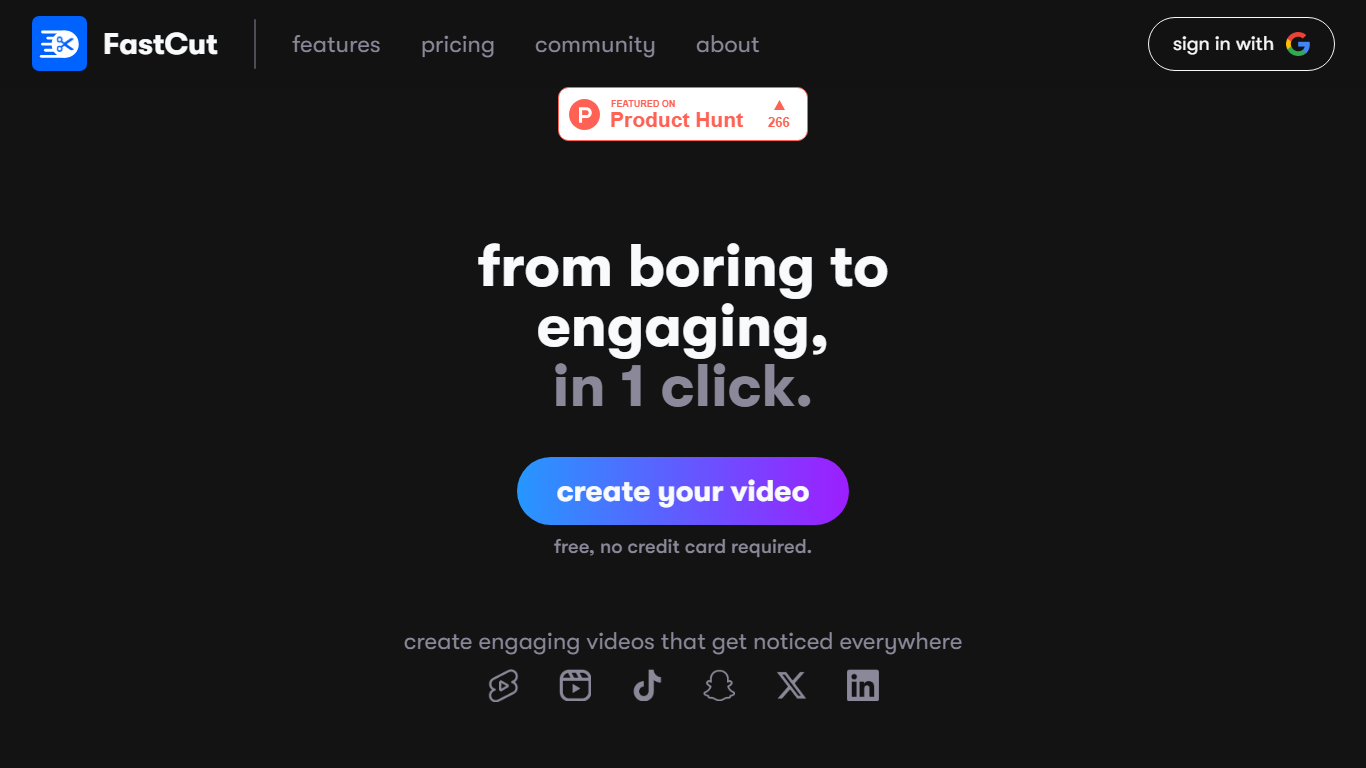
FastCut turns raw clips into captioned TikToks, Reels, and YouTube Shorts inside your browser. Upload footage and it trims dead air, adds animated captions, drops in B-roll, and exports a finished vertical video in about two minutes. The free tier gives you three videos with no credit card, and paid plans run on monthly video credits rather than unlimited timeline editing.
Most general editors expect you to cut on a timeline and add captions by hand. FastCut skips that loop: text-based trimming, silence removal, auto GIFs, Google Image Search for B-roll, and background music all run in one automated pass. It also hosts five free download utilities (YouTube, MP3, subtitles, thumbnails, Instagram Reels) that need no account, which is unusual for a paid editor and doubles as a quick way to pull source clips.
The product fits solo creators, social media managers, and marketers who publish shorts daily and want caption-heavy edits without learning Premiere or CapCut timelines. Teams needing enterprise volume can email for custom pricing.
Peech AI

What is Peech AI?
Peech turns raw video footage into branded, platform-ready clips through automated post-production. Upload your content and the platform tags scenes, transcribes speech, applies your brand elements, and outputs resized versions for social, web, and ads. A text-to-video editor lets you trim clips and remove filler words as easily as editing a document.
Agency-style post-production usually means days of editor time for every batch of marketing videos. Peech automates transcription in 20+ languages, facial-recognition framing, aspect-ratio cropping, and highlight clip generation in one workflow. Media teams report cutting post-production time by up to 95% and design costs by over 80% compared to hiring external editors.
Marketing teams at B2B companies like Peerspot and Datarails use Peech to repurpose webinars and interviews into daily social clips. Media companies organize large footage libraries with automatic tagging and topic-based highlight recommendations. You can start free without a credit card, then scale to dozens of branded videos per month through the app at app.peech-ai.com.
FastCut Upvotes
Peech AI Upvotes
FastCut Top Features
Free tier includes 3 total video credits at 2 minutes and 100MB each with watermark export
Starter plan at $20 per month covers 10 videos, Essential at $30 covers 20 videos up to 5 minutes and 4K export
Text-based trimming and silence removal run automatically so you edit by selecting transcript lines
Essential and Pro plans add auto B-rolls, GIFs via Google Image Search, and background music
Eight caption templates on Free, up to 11 premium fonts on Pro, plus animated caption styles on paid tiers
Exports up to 1080p on Starter and up to 4K on Essential and Pro without watermark on paid plans
Peech AI Top Features
Real-time transcription and translation into 20+ languages with subtitle export
Text-to-video editor cuts clips and removes filler words like editing a doc
Automated brand elements applied across every output with one-click execution
Frame cropper centers speakers via facial recognition across aspect ratios
Clip Generator produces ready-to-publish social videos from long-form footage
FastCut Category
- Video Editing
Peech AI Category
- Video Editing
FastCut Pricing Type
- Freemium
Peech AI Pricing Type
- Freemium