
Last updated 07-30-2026
Category:
Reviews:
Join thousands of AI enthusiasts in the World of AI!
FastCut
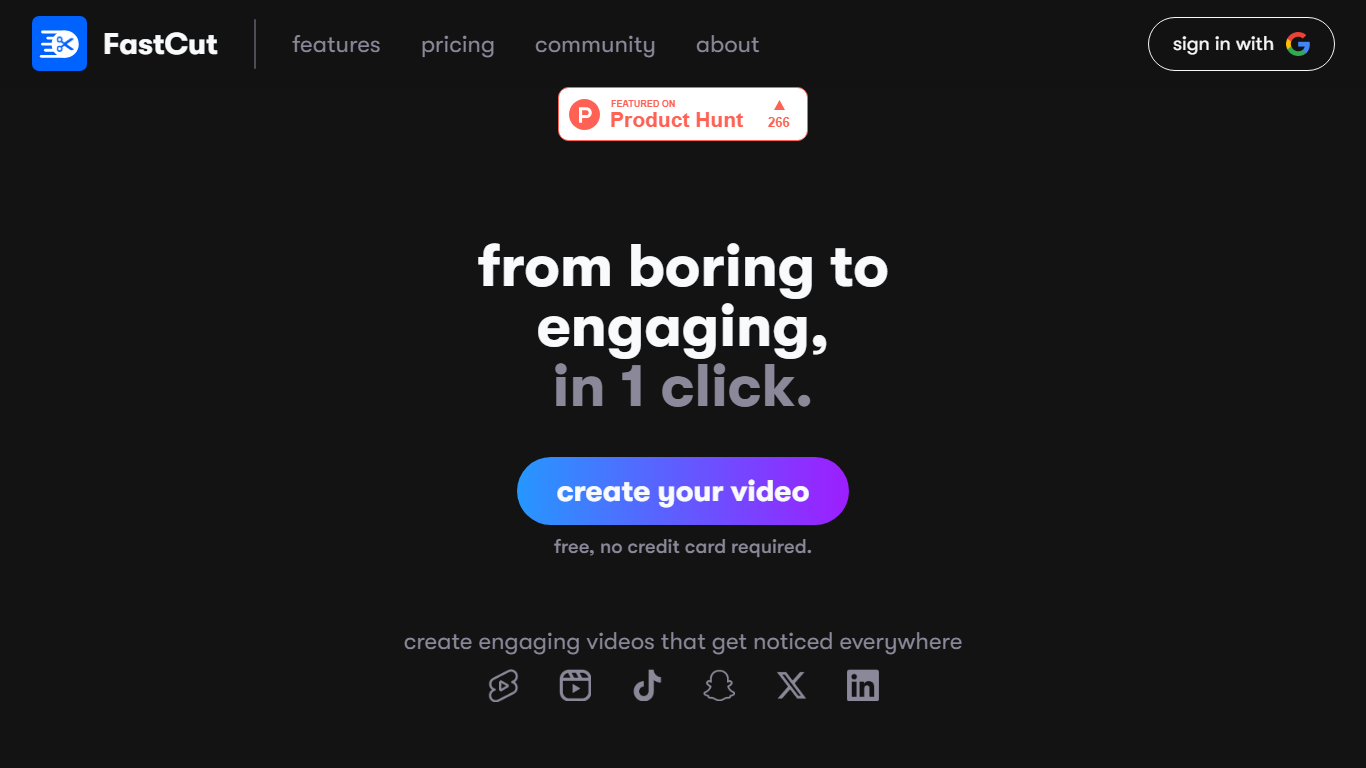
FastCut turns raw clips into captioned TikToks, Reels, and YouTube Shorts inside your browser. Upload footage and it trims dead air, adds animated captions, drops in B-roll, and exports a finished vertical video in about two minutes. The free tier gives you three videos with no credit card, and paid plans run on monthly video credits rather than unlimited timeline editing.
Most general editors expect you to cut on a timeline and add captions by hand. FastCut skips that loop: text-based trimming, silence removal, auto GIFs, Google Image Search for B-roll, and background music all run in one automated pass. It also hosts five free download utilities (YouTube, MP3, subtitles, thumbnails, Instagram Reels) that need no account, which is unusual for a paid editor and doubles as a quick way to pull source clips.
The product fits solo creators, social media managers, and marketers who publish shorts daily and want caption-heavy edits without learning Premiere or CapCut timelines. Teams needing enterprise volume can email for custom pricing.
Free tier includes 3 total video credits at 2 minutes and 100MB each with watermark export
Starter plan at $20 per month covers 10 videos, Essential at $30 covers 20 videos up to 5 minutes and 4K export
Text-based trimming and silence removal run automatically so you edit by selecting transcript lines
Essential and Pro plans add auto B-rolls, GIFs via Google Image Search, and background music
Eight caption templates on Free, up to 11 premium fonts on Pro, plus animated caption styles on paid tiers
Exports up to 1080p on Starter and up to 4K on Essential and Pro without watermark on paid plans
Automates captions, silence cuts, and B-roll in one browser workflow instead of separate timeline steps.
Free tier includes 3 videos with no credit card, useful for testing before subscribing.
Five no-signup download tools on the same site for pulling YouTube or Instagram source clips.
Paid plans export up to 4K without watermark and scale to 40 monthly credits on Pro.
Monthly video credit limits on every tier, so high-volume creators may hit caps quickly.
Full editing experience requires a desktop browser; mobile apps only handle basic tasks.
Free exports include a watermark and cap clips at 2 minutes and 100MB per file.
Is FastCut free to use?
Yes. FastCut offers a free plan with 3 total video credits, 2-minute clips, and watermark exports. No credit card is required to start. Paid Starter, Essential, and Pro plans add monthly credits, longer clips, and watermark-free exports.
How long can FastCut videos be?
On FastCut, free and Starter plans cap clips at 2 minutes per video. Essential allows 5 minutes per video and Pro allows 10 minutes per video. File size limits range from 100MB on Free and Starter to 600MB on Pro.
What does FastCut automate in an edit?
FastCut removes silent sections, trims via transcript text, adds animated captions, inserts AI-selected GIFs and B-roll from Google Image Search, and can attach background music. You can adjust cuts and timing after the first automated pass.
Which social formats does FastCut export?
FastCut exports vertical and square presets suited for TikTok, Instagram Reels, YouTube Shorts, Facebook, and Twitter. Paid plans export up to 1080p on Starter and up to 4K on Essential and Pro.
Do I need editing experience for FastCut?
No. FastCut targets creators without timeline editing skills. The workflow centers on automated first drafts and templates, though experienced editors can refine cuts, reorder clips, and adjust timing manually.
Does FastCut have a mobile app?
FastCut's full editor runs in desktop browsers. The site notes companion iOS and Android apps for capturing footage and basic edits, but the complete caption and B-roll workflow is built for desktop use.