Typeframes vs FastCut
Dive into the comparison of Typeframes vs FastCut and discover which AI Video Editing tool stands out. We examine alternatives, upvotes, features, reviews, pricing, and beyond.
In a comparison between Typeframes and FastCut, which one comes out on top?
When we compare Typeframes and FastCut, two exceptional video editing tools powered by artificial intelligence, and place them side by side, several key similarities and differences come to light. With more upvotes, Typeframes is the preferred choice. Typeframes has attracted 7 upvotes from aitools.fyi users, and FastCut has attracted 6 upvotes.
Want to flip the script? Upvote your favorite tool and change the game!
Typeframes


What is Typeframes?
Typeframes converts simple text prompts into engaging product videos optimized for social media platforms like YouTube, Instagram, and TikTok. It enables users to produce high-quality videos quickly without advanced video editing skills.
What sets Typeframes apart is its AI-driven approach that simplifies video production by offering customizable templates and automated suggestions to boost engagement. Unlike traditional video editors, it focuses on speed and ease of use, allowing creators to generate videos in minutes rather than hours.
The platform supports exporting videos in multiple resolutions tailored for different social media formats, including vertical videos. This makes Typeframes especially useful for content creators and marketers aiming to produce consistent, platform-optimized video content efficiently.
By streamlining the video creation process, Typeframes helps users save time and resources while enhancing their social media presence with visually appealing videos.
FastCut
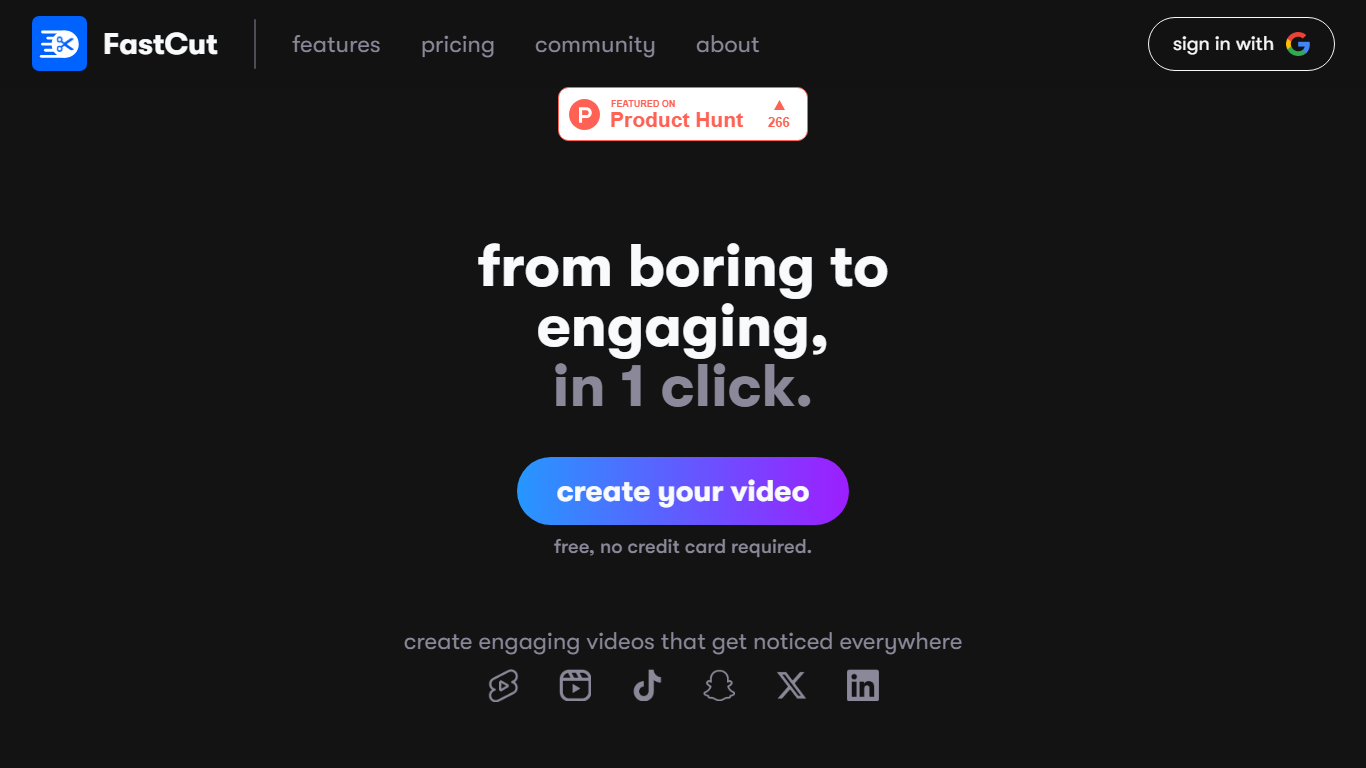
What is FastCut?
FastCut turns raw clips into captioned TikToks, Reels, and YouTube Shorts inside your browser. Upload footage and it trims dead air, adds animated captions, drops in B-roll, and exports a finished vertical video in about two minutes. The free tier gives you three videos with no credit card, and paid plans run on monthly video credits rather than unlimited timeline editing.
Most general editors expect you to cut on a timeline and add captions by hand. FastCut skips that loop: text-based trimming, silence removal, auto GIFs, Google Image Search for B-roll, and background music all run in one automated pass. It also hosts five free download utilities (YouTube, MP3, subtitles, thumbnails, Instagram Reels) that need no account, which is unusual for a paid editor and doubles as a quick way to pull source clips.
The product fits solo creators, social media managers, and marketers who publish shorts daily and want caption-heavy edits without learning Premiere or CapCut timelines. Teams needing enterprise volume can email for custom pricing.
Typeframes Upvotes
FastCut Upvotes
Typeframes Top Features
Transform text prompts into engaging videos quickly
Customize templates to match your brand style easily
Create vertical videos optimized for social platforms
Simple interface requires no video editing skills
Export videos in multiple resolutions including high quality
AI-driven suggestions to boost video engagement
FastCut Top Features
Free tier includes 3 total video credits at 2 minutes and 100MB each with watermark export
Starter plan at $20 per month covers 10 videos, Essential at $30 covers 20 videos up to 5 minutes and 4K export
Text-based trimming and silence removal run automatically so you edit by selecting transcript lines
Essential and Pro plans add auto B-rolls, GIFs via Google Image Search, and background music
Eight caption templates on Free, up to 11 premium fonts on Pro, plus animated caption styles on paid tiers
Exports up to 1080p on Starter and up to 4K on Essential and Pro without watermark on paid plans
Typeframes Category
- Video Editing
FastCut Category
- Video Editing
Typeframes Pricing Type
- Freemium
FastCut Pricing Type
- Freemium