FeedMonky vs Amazing AI
Explore the showdown between FeedMonky vs Amazing AI and find out which AI Web Apps tool wins. We analyze upvotes, features, reviews, pricing, alternatives, and more.
When comparing FeedMonky and Amazing AI, which one rises above the other?
When we contrast FeedMonky with Amazing AI, both of which are exceptional AI-operated web apps tools, and place them side by side, we can spot several crucial similarities and divergences. Both tools have received the same number of upvotes from aitools.fyi users. Join the aitools.fyi users in deciding the winner by casting your vote.
Feeling rebellious? Cast your vote and shake things up!
FeedMonky

What is FeedMonky?
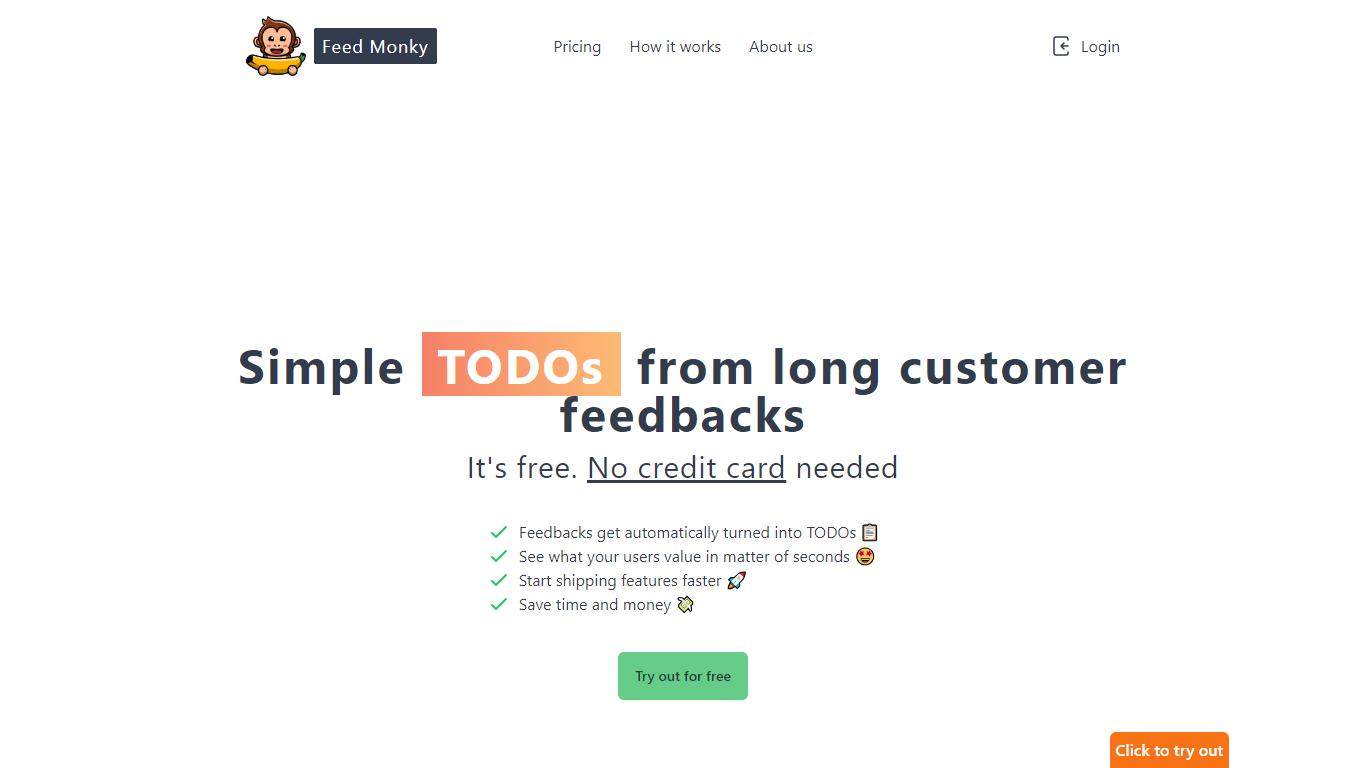
FeedMonky.com is a revolutionary tool that transforms extensive customer feedback into actionable TODO lists. It leverages a state-of-the-art language model to streamline the feedback processing, allowing businesses to quickly identify and address the needs and values of their customers.
With FeedMonky, you can integrate the service easily using various programming languages such as Vanilla JS, Vue, React, Angular, and PHP. This efficiency booster is available at no initial cost and requires no credit card to start.
Users can select between a Starter plan, perfect for small businesses, or a Pro plan that caters to the needs of growing companies. With FeedMonky, you'll experience the joy of creating, shipping features quicker, and saving both time and money.
Amazing AI
What is Amazing AI?
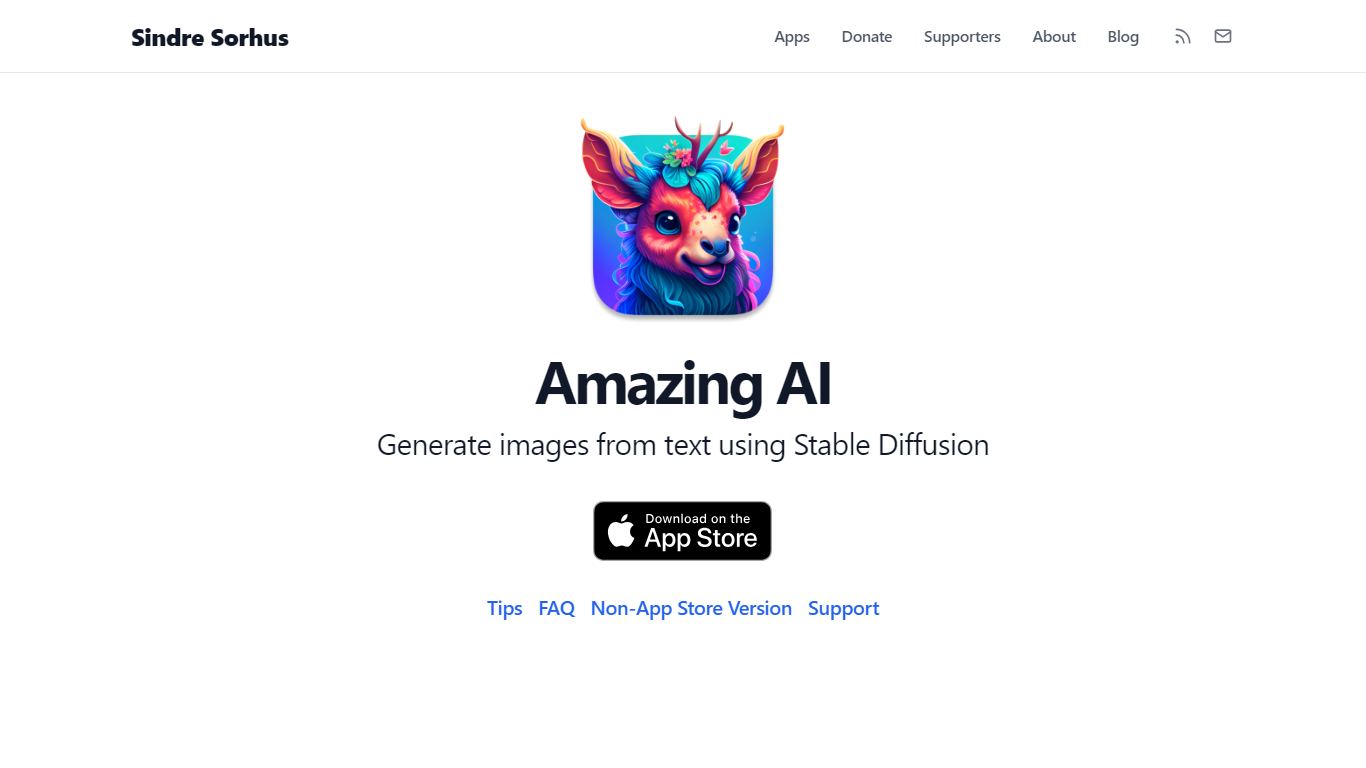
Amazing AI turns text descriptions into images with Stable Diffusion 1.5 on your Mac, iPhone, iPad, or Vision Pro, with every generation running locally on the device. Prompts never leave your hardware. The app targets the Apple Neural Engine and Core ML stack, so it fits quick productivity workflows where you want images without cloud queues, accounts, or upload delays.
Browser-based Stable Diffusion tools wrap Electron or send jobs to remote GPUs. Amazing AI stays narrow on purpose: a sandboxed App Store app with a native interface, Shortcuts support, batch runs across different prompts, and automatic upscaling. It skips inpainting, custom model imports, and non-square aspect ratios that broader tools like DiffusionBee offer.
Apple silicon Mac users, iPhone 15 Pro owners, and iPad users with M-series chips get a free app with no ads. macOS users can add negative prompts after a ## separator, browse results with keyboard shortcuts, and save images with embedded metadata tags for smart folders in Finder.
FeedMonky Upvotes
Amazing AI Upvotes
FeedMonky Top Features
Automated Feedback Processing: Turns customer feedback into TODO lists automatically.
Rapid Insights: Gain quick insights into what customers value.
Faster Feature Deployment: Speed up the shipping of new features.
Money and Time Savings: Save on resources by using FeedMonky to optimize processes.
Easy Integration: Embed the tool into your site using popular languages/frameworks within minutes.
Amazing AI Top Features
Stable Diffusion 1.5 runs locally on macOS, iOS, and visionOS with no cloud upload
Negative prompts via ## syntax after your main prompt (e.g., photo of a cake ## strawberry, out of frame)
macOS preview shortcuts: arrow keys to browse, Space to save, Command+C to copy
Batch generation of different prompts in one run, unlike same-prompt-only batch tools
Requires Apple silicon on Mac; iOS needs iPhone 15 Pro or iPad with M1 chip minimum
Saved macOS images include prompt and steps metadata visible in Finder Get Info
FeedMonky Category
- Web Apps
Amazing AI Category
- Web Apps
FeedMonky Pricing Type
- Freemium
Amazing AI Pricing Type
- Free