FeedMonky vs ChartPixel
Explore the showdown between FeedMonky vs ChartPixel and find out which AI Web Apps tool wins. We analyze upvotes, features, reviews, pricing, alternatives, and more.
In a face-off between FeedMonky and ChartPixel, which one takes the crown?
When we contrast FeedMonky with ChartPixel, both of which are exceptional AI-operated web apps tools, and place them side by side, we can spot several crucial similarities and divergences. The upvote count shows a clear preference for ChartPixel. ChartPixel has 16 upvotes, and FeedMonky has 6 upvotes.
Don't agree with the result? Cast your vote and be a part of the decision-making process!
FeedMonky

What is FeedMonky?
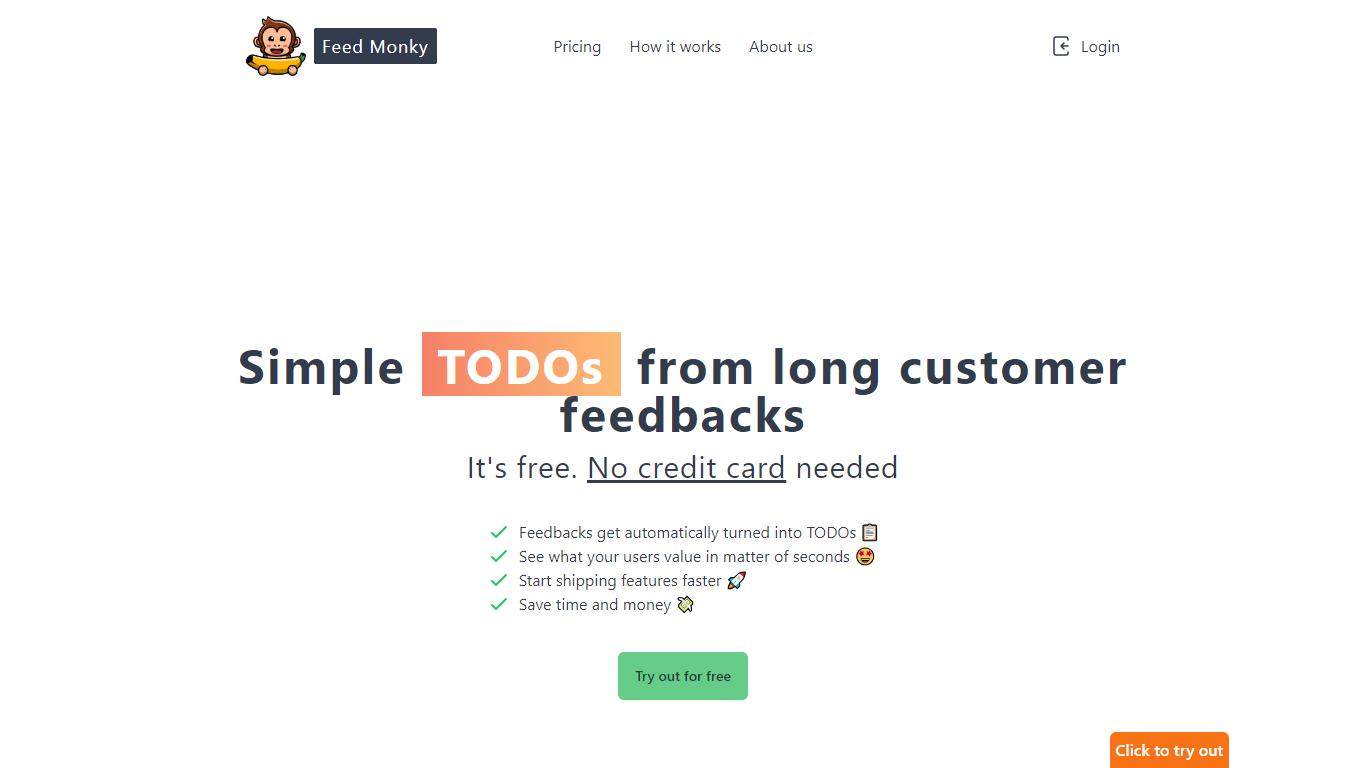
FeedMonky.com is a revolutionary tool that transforms extensive customer feedback into actionable TODO lists. It leverages a state-of-the-art language model to streamline the feedback processing, allowing businesses to quickly identify and address the needs and values of their customers.
With FeedMonky, you can integrate the service easily using various programming languages such as Vanilla JS, Vue, React, Angular, and PHP. This efficiency booster is available at no initial cost and requires no credit card to start.
Users can select between a Starter plan, perfect for small businesses, or a Pro plan that caters to the needs of growing companies. With FeedMonky, you'll experience the joy of creating, shipping features quicker, and saving both time and money.
ChartPixel
What is ChartPixel?
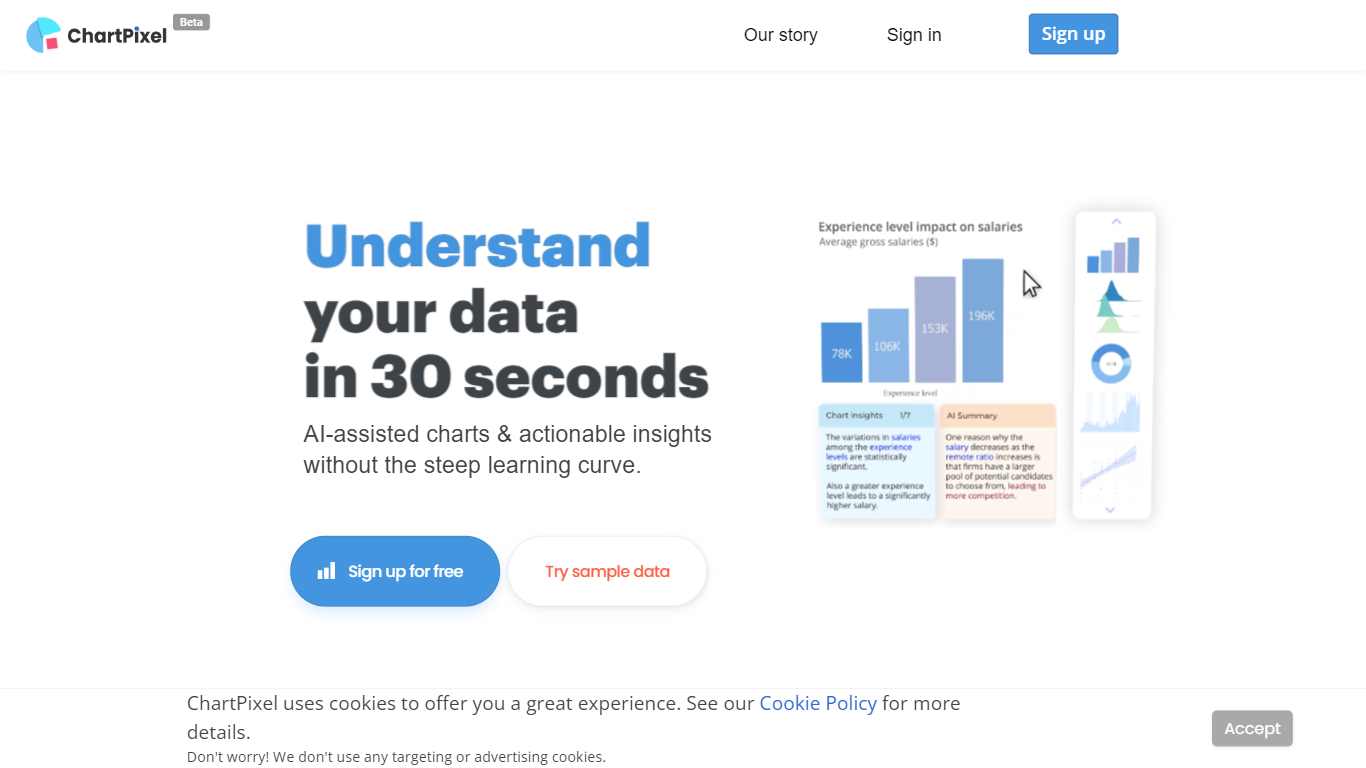
ChartPixel turns spreadsheet uploads into polished charts and written insights through a browser-based web app. Drop an Excel, CSV, or JSON file and the tool cleans missing values, picks chart types, and surfaces patterns without a BI setup. Students, researchers, and business teams use it to skip manual pivot tables and get shareable visuals in minutes.
Where most chart tools expect you to know which visualization to build, ChartPixel automates cleaning and chart selection first, then lets you customize colors, filters, and exports. Silver and Gold plans add chat-with-your-data prompts, PowerPoint export without attribution, and team seats. That workflow targets people who want answers from a file, not a blank canvas.
Freemium users get one project with capped chat prompts, while paid tiers raise row limits up to 100,000 on Gold and unlock API calls for embedded charts. Business plans start at $250 with analyst consulting, SQL connections, and VPN-only access for larger teams.
FeedMonky Upvotes
ChartPixel Upvotes
FeedMonky Top Features
Automated Feedback Processing: Turns customer feedback into TODO lists automatically.
Rapid Insights: Gain quick insights into what customers value.
Faster Feature Deployment: Speed up the shipping of new features.
Money and Time Savings: Save on resources by using FeedMonky to optimize processes.
Easy Integration: Embed the tool into your site using popular languages/frameworks within minutes.
ChartPixel Top Features
Upload Excel, CSV, or JSON files and ChartPixel auto-builds charts with AI-assisted analysis
Free plan includes one data import, one stored project, and 10 chat-with-your-data prompts
Silver plan at $7.19 per month billed annually supports files up to 10,000 rows and 64 columns
Gold plan at $23.99 per month adds 100,000-row files, 5 team seats, and 10,000 API calls
One-click PowerPoint export and shareable project links for team review
Credit packages sell 5 project unlocks for $14.99 with credits that never expire
FeedMonky Category
- Web Apps
ChartPixel Category
- Web Apps
FeedMonky Pricing Type
- Freemium
ChartPixel Pricing Type
- Freemium