
Last updated 08-09-2026
Category:
Overall Rating:
5.0 🏆
Reviews:
Join thousands of AI enthusiasts in the World of AI!
ChartPixel
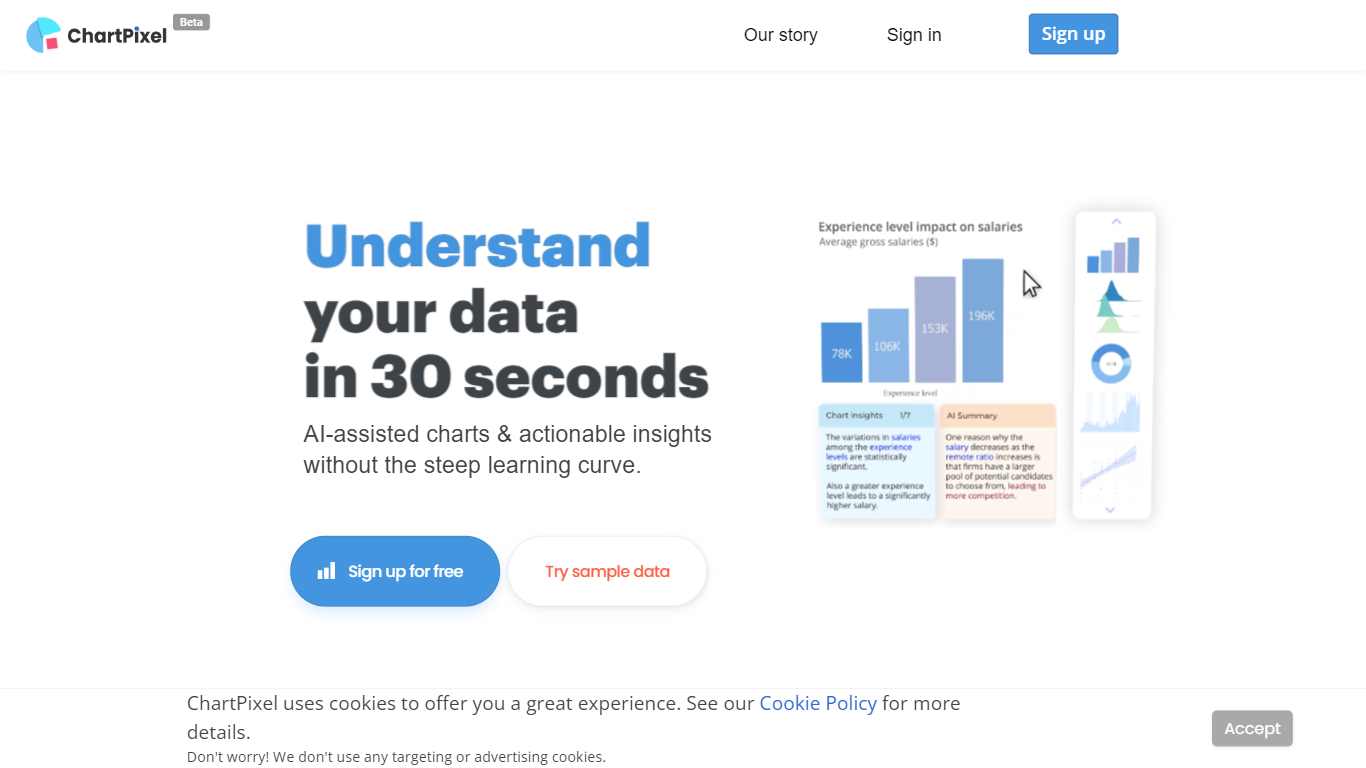
ChartPixel turns spreadsheet uploads into polished charts and written insights through a browser-based web app. Drop an Excel, CSV, or JSON file and the tool cleans missing values, picks chart types, and surfaces patterns without a BI setup. Students, researchers, and business teams use it to skip manual pivot tables and get shareable visuals in minutes.
Where most chart tools expect you to know which visualization to build, ChartPixel automates cleaning and chart selection first, then lets you customize colors, filters, and exports. Silver and Gold plans add chat-with-your-data prompts, PowerPoint export without attribution, and team seats. That workflow targets people who want answers from a file, not a blank canvas.
Freemium users get one project with capped chat prompts, while paid tiers raise row limits up to 100,000 on Gold and unlock API calls for embedded charts. Business plans start at $250 with analyst consulting, SQL connections, and VPN-only access for larger teams.
Upload Excel, CSV, or JSON files and ChartPixel auto-builds charts with AI-assisted analysis
Free plan includes one data import, one stored project, and 10 chat-with-your-data prompts
Silver plan at $7.19 per month billed annually supports files up to 10,000 rows and 64 columns
Gold plan at $23.99 per month adds 100,000-row files, 5 team seats, and 10,000 API calls
One-click PowerPoint export and shareable project links for team review
Credit packages sell 5 project unlocks for $14.99 with credits that never expire
Automates data cleaning and chart selection from spreadsheet uploads.
Freemium tier lets you test one full project before paying.
Exports charts and decks directly to PowerPoint.
Credit packs never expire for occasional projects.
Free plan limits you to one import and ten chat prompts.
API access requires Gold or credit purchases.
Business features start at $250 per month.
What file types does ChartPixel support?
ChartPixel accepts Excel, CSV, JSON, and text uploads through the web app. Gold subscribers can handle files up to 100,000 rows and 128 columns within a 20 MB size cap.
Is ChartPixel free to use?
Yes. ChartPixel offers a free tier with one data import, one stored project, and 10 chat prompts. Paid Silver and Gold subscriptions remove limits and add team seats, API access, and priority support.
How much does ChartPixel cost?
ChartPixel Silver is $7.19 per month billed annually, and Gold is $23.99 per month billed annually with up to five team accounts. One-time credit packs start at $14.99 for five project unlocks.
Can ChartPixel export charts to PowerPoint?
Yes. ChartPixel lets paid subscribers export unlimited charts and full decks to PowerPoint without attribution requirements. Free users have limited customization actions on projects.
Does ChartPixel clean messy data automatically?
ChartPixel runs automated data cleaning on uploads, handling missing values, country codes, and currencies before chart generation. Cleaned full datasets can be downloaded on paid plans.
Does ChartPixel offer an API?
ChartPixel includes API access on Gold with 10,000 calls and on credit packages with 100 calls per credit. The free and Silver tiers do not include API access.
Is my data safe on ChartPixel?
ChartPixel offers column encryption on Silver and Gold plans and removes personally identifiable information during processing. Business plans add password encryption, two-factor authentication, and optional VPN-only access.