Leia vs ChartPixel
In the battle of Leia vs ChartPixel, which AI Web Apps tool comes out on top? We compare reviews, pricing, alternatives, upvotes, features, and more.
Between Leia and ChartPixel, which one is superior?
Upon comparing Leia with ChartPixel, which are both AI-powered web apps tools, The upvote count favors ChartPixel, making it the clear winner. The number of upvotes for ChartPixel stands at 16, and for Leia it's 8.
Want to flip the script? Upvote your favorite tool and change the game!
Leia

What is Leia?
Leia was a web app that built business websites through voice and text prompts, marketed with the tagline to create a digital presence in 90 seconds. Users could publish sites from mobile or browser editors without coding, and Braidio acquired Leia in September 2021 to fold its builder into the WorkStream customer engagement platform.
The heyleia.com homepage no longer offers that builder flow. It now displays unrelated online casino affiliate reviews, while legacy subpages such as the blog and Growth Club upgrade screen still carry Leia branding from the earlier product era.
This listing marks Leia as discontinued at heyleia.com. Small business owners who relied on the free builder should treat the domain as repurposed rather than an active website creation service.
ChartPixel
What is ChartPixel?
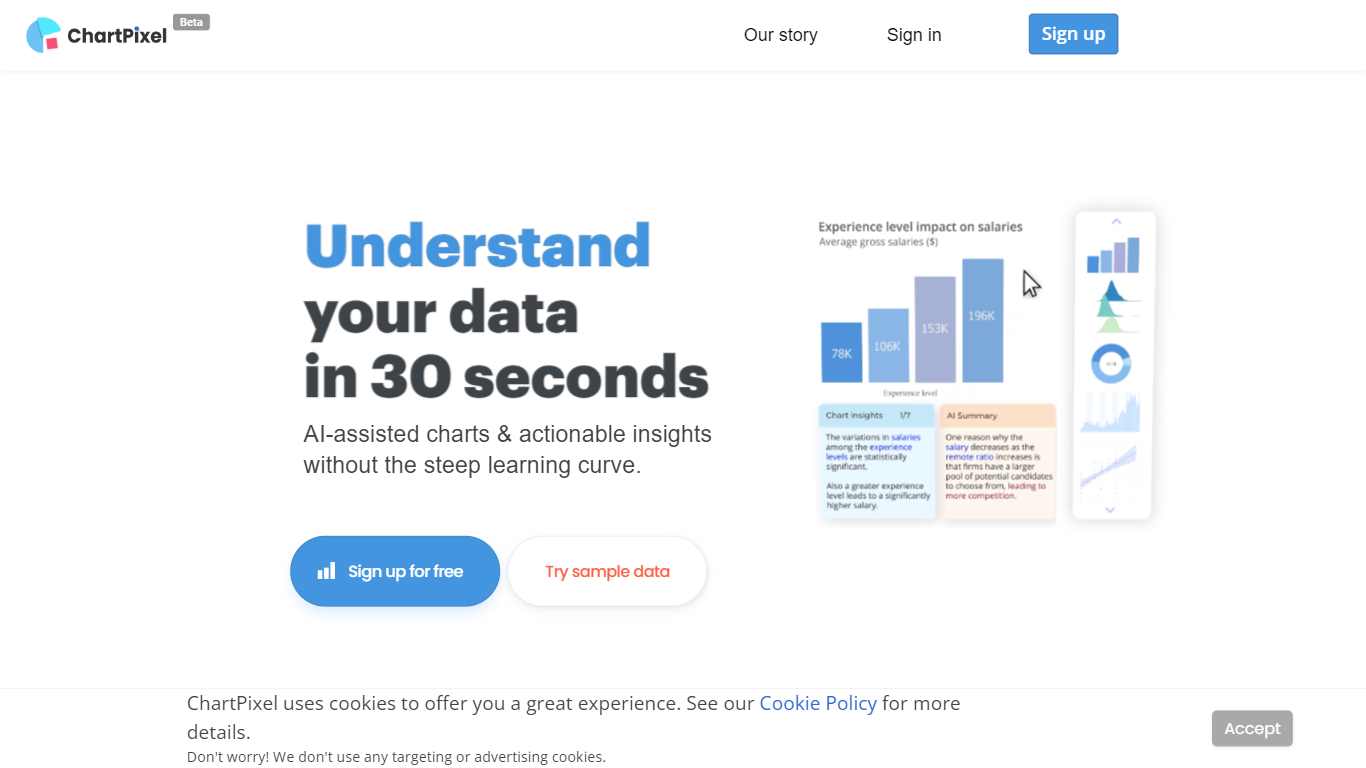
ChartPixel turns spreadsheet uploads into polished charts and written insights through a browser-based web app. Drop an Excel, CSV, or JSON file and the tool cleans missing values, picks chart types, and surfaces patterns without a BI setup. Students, researchers, and business teams use it to skip manual pivot tables and get shareable visuals in minutes.
Where most chart tools expect you to know which visualization to build, ChartPixel automates cleaning and chart selection first, then lets you customize colors, filters, and exports. Silver and Gold plans add chat-with-your-data prompts, PowerPoint export without attribution, and team seats. That workflow targets people who want answers from a file, not a blank canvas.
Freemium users get one project with capped chat prompts, while paid tiers raise row limits up to 100,000 on Gold and unlock API calls for embedded charts. Business plans start at $250 with analyst consulting, SQL connections, and VPN-only access for larger teams.
Leia Upvotes
ChartPixel Upvotes
Leia Top Features
Legacy marketing promised a published website in about 90 seconds from prompts
Leia Growth Club offered member perks at $4.99 per month or a $29.99 one-time payment
Blog archives described AI-built sites with SEO tips and small business use cases
Upgrade page bundled partner perks such as geo-targeted ads and 401(k) plan access
Contact and account navigation still reference My Websites and Leia Mail on subpages
ChartPixel Top Features
Upload Excel, CSV, or JSON files and ChartPixel auto-builds charts with AI-assisted analysis
Free plan includes one data import, one stored project, and 10 chat-with-your-data prompts
Silver plan at $7.19 per month billed annually supports files up to 10,000 rows and 64 columns
Gold plan at $23.99 per month adds 100,000-row files, 5 team seats, and 10,000 API calls
One-click PowerPoint export and shareable project links for team review
Credit packages sell 5 project unlocks for $14.99 with credits that never expire
Leia Category
- Web Apps
ChartPixel Category
- Web Apps
Leia Pricing Type
- Freemium
ChartPixel Pricing Type
- Freemium