FeedMonky vs DIY
In the contest of FeedMonky vs DIY, which AI Web Apps tool is the champion? We evaluate pricing, alternatives, upvotes, features, reviews, and more.
If you had to choose between FeedMonky and DIY, which one would you go for?
When we examine FeedMonky and DIY, both of which are AI-enabled web apps tools, what unique characteristics do we discover? There's no clear winner in terms of upvotes, as both tools have received the same number. Join the aitools.fyi users in deciding the winner by casting your vote.
Feeling rebellious? Cast your vote and shake things up!
FeedMonky
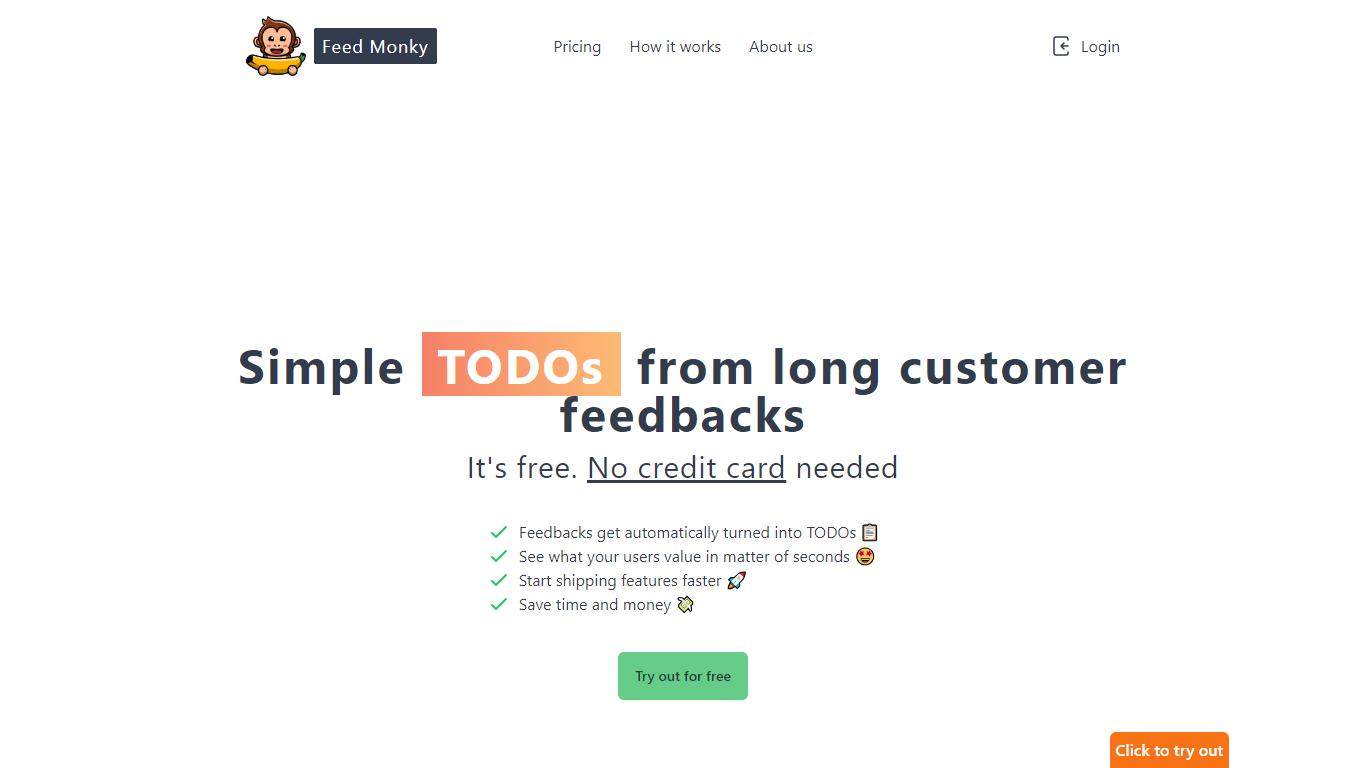

What is FeedMonky?
FeedMonky.com is a revolutionary tool that transforms extensive customer feedback into actionable TODO lists. It leverages a state-of-the-art language model to streamline the feedback processing, allowing businesses to quickly identify and address the needs and values of their customers.
With FeedMonky, you can integrate the service easily using various programming languages such as Vanilla JS, Vue, React, Angular, and PHP. This efficiency booster is available at no initial cost and requires no credit card to start.
Users can select between a Starter plan, perfect for small businesses, or a Pro plan that caters to the needs of growing companies. With FeedMonky, you'll experience the joy of creating, shipping features quicker, and saving both time and money.
DIY
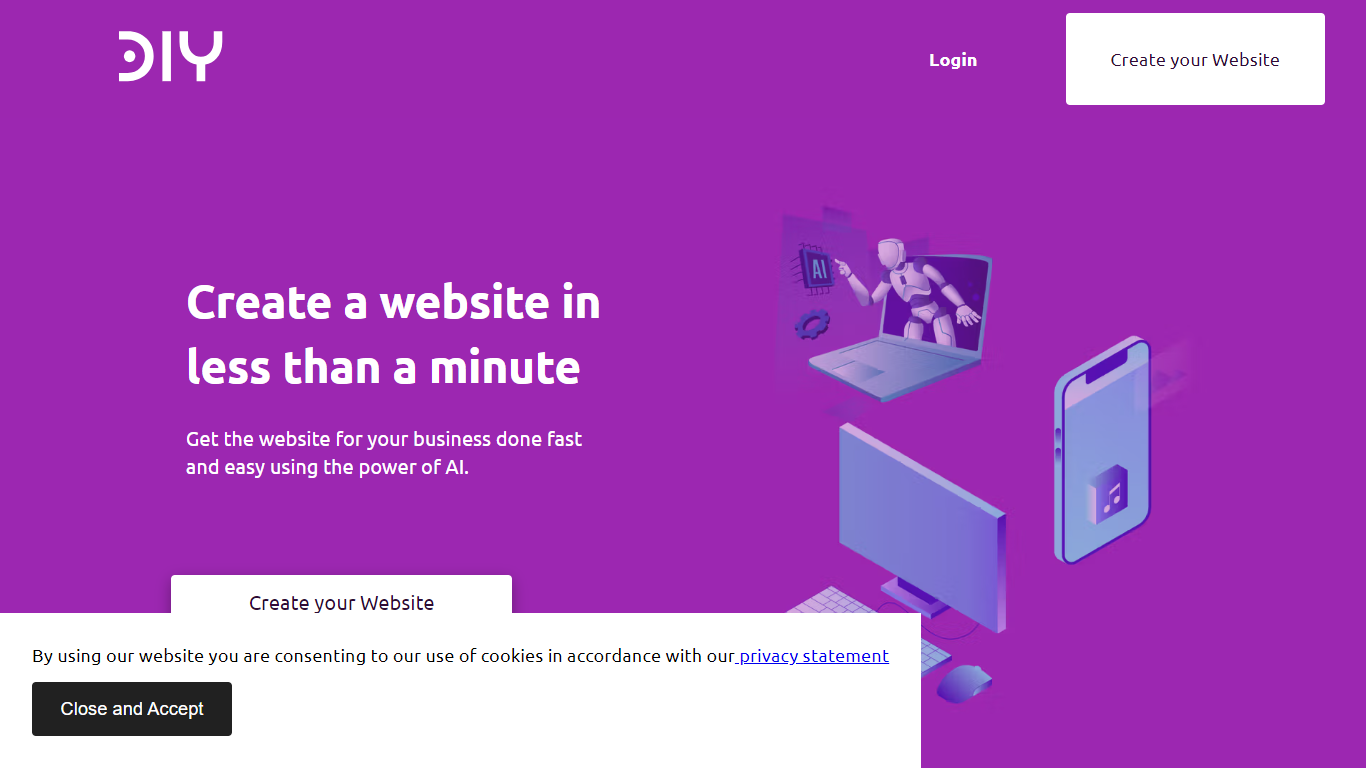
What is DIY?
DIY is an AI-powered website builder that lets users create professional websites quickly without needing coding skills. It generates complete websites with tailored content in under a minute, making it ideal for small businesses, freelancers, and entrepreneurs who want to establish an online presence fast. The platform offers a simple editor with drag-and-drop functionality and a large image library to customize designs easily.
Users benefit from built-in SEO tools that help improve search engine rankings and attract more visitors. DIY also provides free domain registration and secure hosting with SSL certificates, ensuring websites are safe and trustworthy. The responsive design ensures sites look great on all devices, from desktops to smartphones.
The platform supports multiple industries by offering customizable templates suited for various business types. It continuously updates its AI models to enhance content relevance and design quality. DIY aims to reduce the complexity of web development, allowing users to focus on their business rather than technical details.
With a 15-day risk-free trial, users can explore features without commitment. The service includes ongoing support and regular updates to keep websites current and competitive. Overall, DIY combines speed, ease of use, and essential web features to help users launch effective websites with minimal effort.
FeedMonky Upvotes
DIY Upvotes
FeedMonky Top Features
Automated Feedback Processing: Turns customer feedback into TODO lists automatically.
Rapid Insights: Gain quick insights into what customers value.
Faster Feature Deployment: Speed up the shipping of new features.
Money and Time Savings: Save on resources by using FeedMonky to optimize processes.
Easy Integration: Embed the tool into your site using popular languages/frameworks within minutes.
DIY Top Features
⚡ Instant Website Creation: Generate a full website with content in under a minute to save time and start online quickly.
🖼️ Extensive Image Library: Access a wide range of images to enhance your site’s look without extra cost.
🔍 Built-in SEO Tools: Improve your site's search ranking with easy-to-use SEO features included.
🔒 Secure Hosting with SSL: Keep your website safe and trustworthy with included SSL certificates and reliable hosting.
📱 Responsive Design: Ensure your website looks great on all devices, from phones to desktops, automatically.
FeedMonky Category
- Web Apps
DIY Category
- Web Apps
FeedMonky Pricing Type
- Freemium
DIY Pricing Type
- Freemium