FeedMonky vs dypt
In the face-off between FeedMonky vs dypt, which AI Web Apps tool takes the crown? We scrutinize features, alternatives, upvotes, reviews, pricing, and more.
When we put FeedMonky and dypt head to head, which one emerges as the victor?
If we were to analyze FeedMonky and dypt, both of which are AI-powered web apps tools, what would we find? The upvote count reveals a draw, with both tools earning the same number of upvotes. You can help us determine the winner by casting your vote and tipping the scales in favor of one of the tools.
You don't agree with the result? Cast your vote to help us decide!
FeedMonky
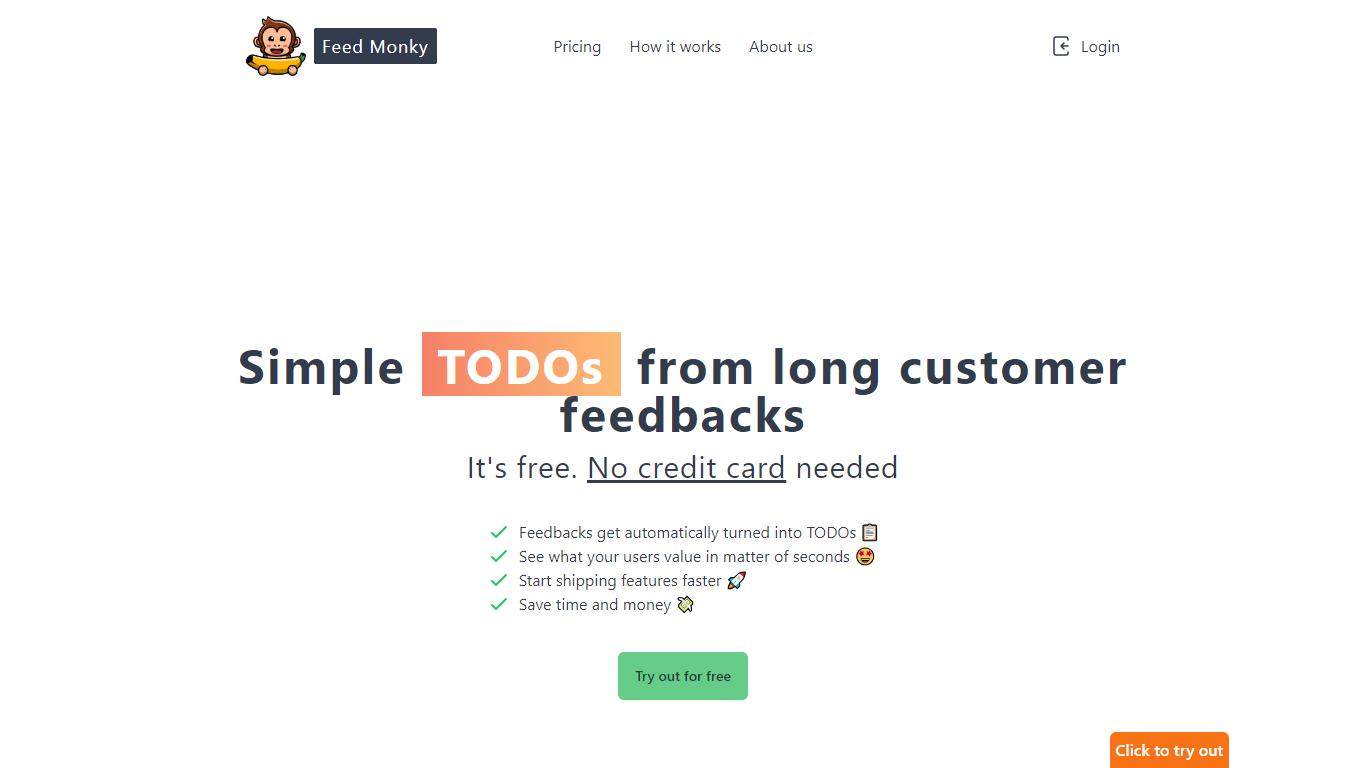

What is FeedMonky?
FeedMonky.com is a revolutionary tool that transforms extensive customer feedback into actionable TODO lists. It leverages a state-of-the-art language model to streamline the feedback processing, allowing businesses to quickly identify and address the needs and values of their customers.
With FeedMonky, you can integrate the service easily using various programming languages such as Vanilla JS, Vue, React, Angular, and PHP. This efficiency booster is available at no initial cost and requires no credit card to start.
Users can select between a Starter plan, perfect for small businesses, or a Pro plan that caters to the needs of growing companies. With FeedMonky, you'll experience the joy of creating, shipping features quicker, and saving both time and money.
dypt
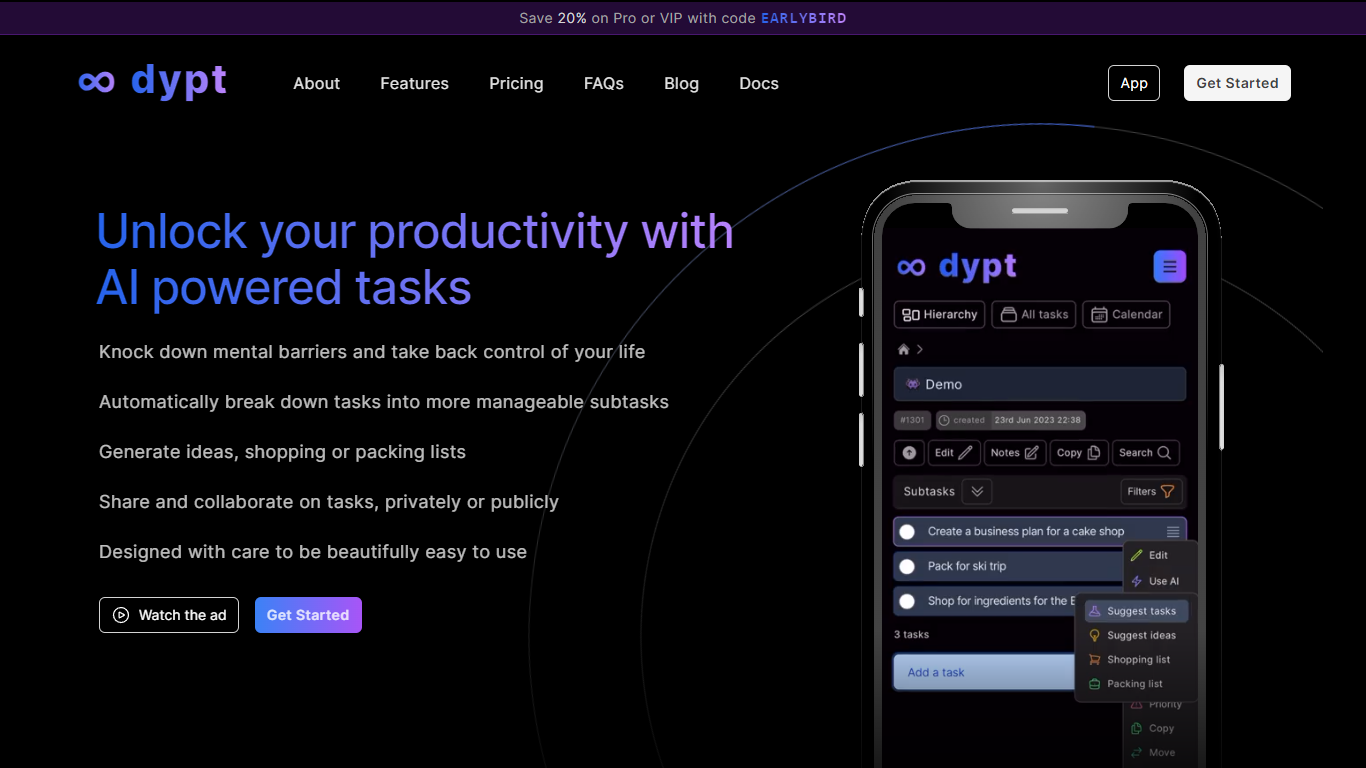
What is dypt?
dypt is a task manager built around infinitely nested tasks and AI-assisted planning. Instead of flat to-do lists, you organize work into hierarchies as deep as you need, breaking large projects into smaller steps until each item feels manageable.
The product is built by Dane Poyzer, a UK-based developer who started dypt after struggling with task management as a startup founder and parent. It is operated by Poyzer Tech Limited and targets people who want structure without heavyweight project management software.
AI features are woven into everyday task workflows: automatic breakdowns, time estimates, image-to-task capture, note cleanup, and extraction of action items from notes. You can choose Fast or Deep mode depending on how thorough you want the output.
dypt runs in the browser on any device and also offers a published CLI (@dypt/cli) for terminal-based task management with JSON output for scripts and coding agents. Tasks can be shared publicly or collaborated on privately depending on your plan.
FeedMonky Upvotes
dypt Upvotes
FeedMonky Top Features
Automated Feedback Processing: Turns customer feedback into TODO lists automatically.
Rapid Insights: Gain quick insights into what customers value.
Faster Feature Deployment: Speed up the shipping of new features.
Money and Time Savings: Save on resources by using FeedMonky to optimize processes.
Easy Integration: Embed the tool into your site using popular languages/frameworks within minutes.
dypt Top Features
Split tasks into nested subtasks at any depth until work feels manageable
AI breaks big tasks into subtasks, generates idea lists, and builds shopping or packing lists
Snap a photo of a whiteboard or handwritten notes and turn it into trackable tasks
Set deadlines, up to three reminders per task, and view everything on a calendar
Share tasks publicly or collaborate privately with teammates, family, or friends
Install the @dypt/cli npm package to manage tasks from the terminal with JSON output
FeedMonky Category
- Web Apps
dypt Category
- Web Apps
FeedMonky Pricing Type
- Freemium
dypt Pricing Type
- Freemium