FeedMonky vs Irmo
In the contest of FeedMonky vs Irmo, which AI Web Apps tool is the champion? We evaluate pricing, alternatives, upvotes, features, reviews, and more.
If you had to choose between FeedMonky and Irmo, which one would you go for?
When we examine FeedMonky and Irmo, both of which are AI-enabled web apps tools, what unique characteristics do we discover? Irmo stands out as the clear frontrunner in terms of upvotes. Irmo has attracted 10 upvotes from aitools.fyi users, and FeedMonky has attracted 6 upvotes.
Want to flip the script? Upvote your favorite tool and change the game!
FeedMonky
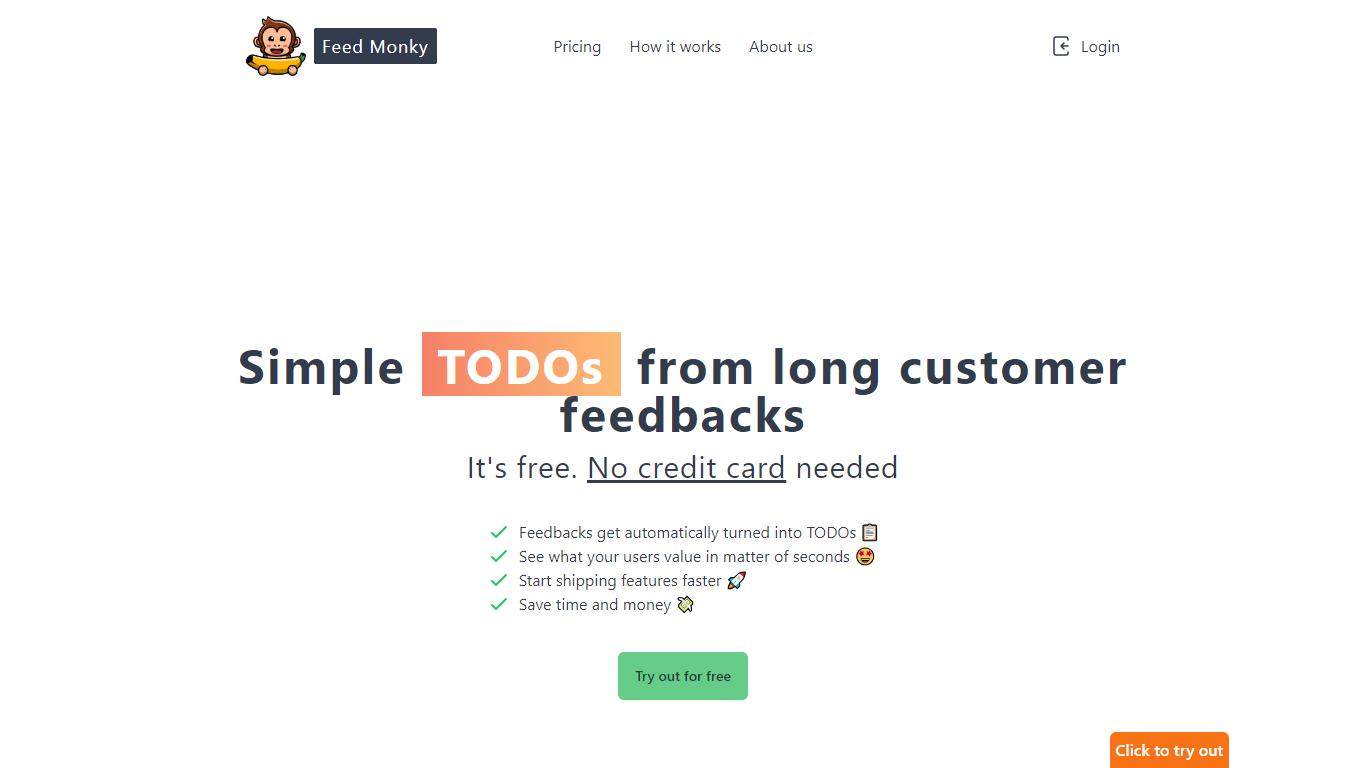

What is FeedMonky?
FeedMonky.com is a revolutionary tool that transforms extensive customer feedback into actionable TODO lists. It leverages a state-of-the-art language model to streamline the feedback processing, allowing businesses to quickly identify and address the needs and values of their customers.
With FeedMonky, you can integrate the service easily using various programming languages such as Vanilla JS, Vue, React, Angular, and PHP. This efficiency booster is available at no initial cost and requires no credit card to start.
Users can select between a Starter plan, perfect for small businesses, or a Pro plan that caters to the needs of growing companies. With FeedMonky, you'll experience the joy of creating, shipping features quicker, and saving both time and money.
Irmo
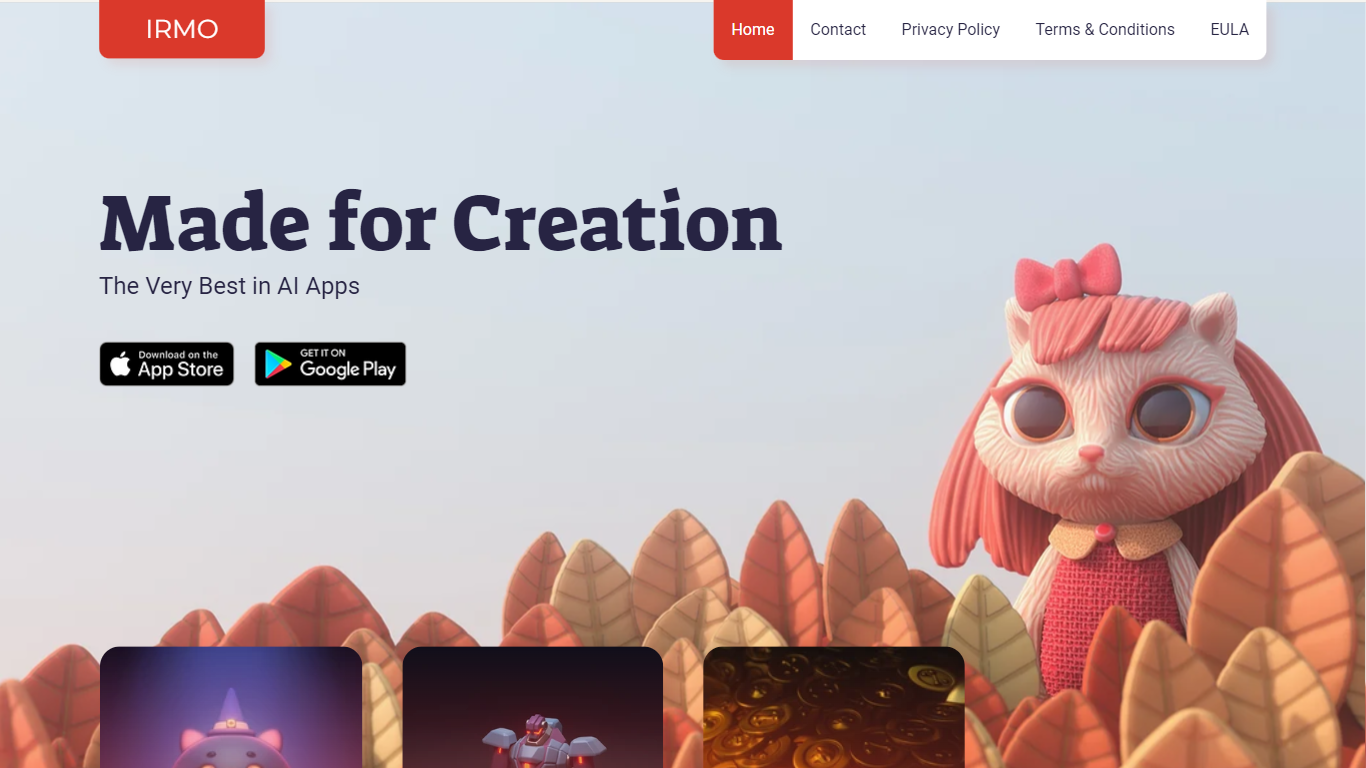
What is Irmo?
Irmo turns selfies and portraits into stylized photos and short videos through hundreds of preset AI effects. Upload a photo, pick a template pack, and the site generates themed outputs across viral filters, hairstyle previews, luxury scenes, and animated clips without manual editing in Photoshop or a timeline editor.
Unlike a single-purpose face-swap app, Irmo groups effects into large themed catalogs such as Viral Picks, Movie Star, Era Switch, and Video Effects. That structure lets casual creators browse novelty trends like Gender Swap or Cake-ify alongside portrait tools like Photoshoot lighting presets and Bring to Life animations in one account.
Social creators and casual editors use Irmo for quick shareable clips, hairstyle try-ons, and character cosplay looks. The web app also exposes Text to Image, Image to Image, Image to Video, and Text to Video modes for users who want custom generations beyond the preset gallery. Pricing details load inside the signed-in experience rather than on the public marketing pages.
FeedMonky Upvotes
Irmo Upvotes
FeedMonky Top Features
Automated Feedback Processing: Turns customer feedback into TODO lists automatically.
Rapid Insights: Gain quick insights into what customers value.
Faster Feature Deployment: Speed up the shipping of new features.
Money and Time Savings: Save on resources by using FeedMonky to optimize processes.
Easy Integration: Embed the tool into your site using popular languages/frameworks within minutes.
Irmo Top Features
Image to Video and Text to Video modes generate motion clips from still photos or written prompts
Viral Picks pack includes MiniUs, Gender Swap, Blind Date, and Figurine novelty filters
Men's Hair Salon section lists 18 named haircut previews from buzz cut to wolf cut
Video Effects templates include Crumble, Cake-ify, Explode, Squish, and Dissolve transforms
Bring to Life tools animate still images with Snap to Story, Live Portrait, and Moving Photo modes
Photoshoot presets cover Dramatic Neon, Dreamy Glow, Metro Vibe, and City Lights portrait styles
FeedMonky Category
- Web Apps
Irmo Category
- Web Apps
FeedMonky Pricing Type
- Freemium
Irmo Pricing Type
- Freemium