FeedMonky vs Littlecook
Explore the showdown between FeedMonky vs Littlecook and find out which AI Web Apps tool wins. We analyze upvotes, features, reviews, pricing, alternatives, and more.
When comparing FeedMonky and Littlecook , which one rises above the other?
When we contrast FeedMonky with Littlecook , both of which are exceptional AI-operated web apps tools, and place them side by side, we can spot several crucial similarities and divergences. Both tools are equally favored, as indicated by the identical upvote count. Since other aitools.fyi users could decide the winner, the ball is in your court now to cast your vote and help us determine the winner.
Think we got it wrong? Cast your vote and show us who's boss!
FeedMonky
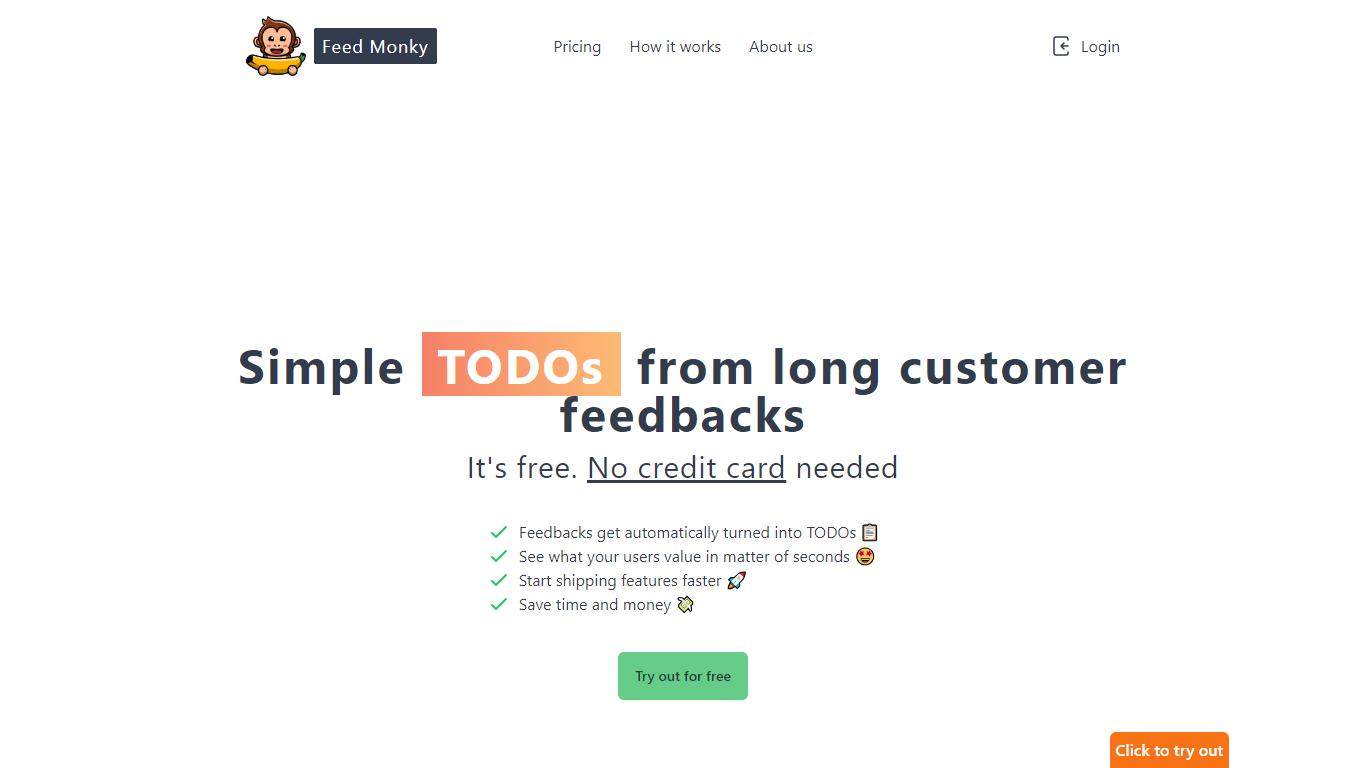

What is FeedMonky?
FeedMonky.com is a revolutionary tool that transforms extensive customer feedback into actionable TODO lists. It leverages a state-of-the-art language model to streamline the feedback processing, allowing businesses to quickly identify and address the needs and values of their customers.
With FeedMonky, you can integrate the service easily using various programming languages such as Vanilla JS, Vue, React, Angular, and PHP. This efficiency booster is available at no initial cost and requires no credit card to start.
Users can select between a Starter plan, perfect for small businesses, or a Pro plan that caters to the needs of growing companies. With FeedMonky, you'll experience the joy of creating, shipping features quicker, and saving both time and money.
Littlecook
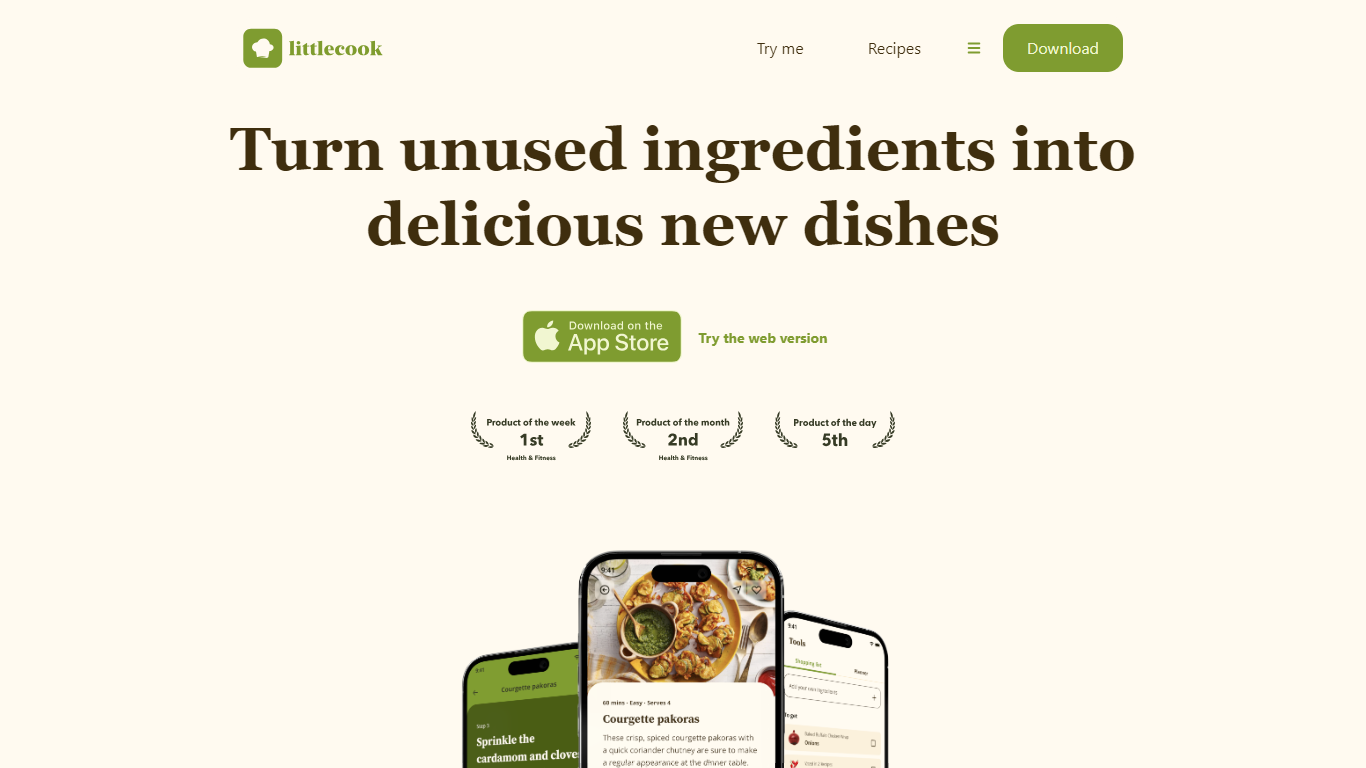
What is Littlecook ?
Littlecook turns the ingredients already in your pantry into recipe ideas, meal plans, and shopping lists through a browser web app and mobile apps. You log what you have on hand, and Littlecook suggests dishes so you cook with food before it spoils. The site also offers a browser-based try-me flow at littlecook.io/try-me without installing anything.
Recipe apps that start from a blank search assume you will shop for every dish. Littlecook starts from inventory you already own, which is why it quotes savings of about £12 per week when you use staples instead of buying extras. Pantry tracking, weekly meal planning, and smarter shopping lists all tie back to that same ingredient-first workflow.
Home cooks trying to cut food waste, plan weekly meals, or hit nutrition goals without constant grocery runs get the most out of it. Littlecook lists Free, Premium (£4 per month), and Unlimited (£8 per month) plans with tiered caps on ingredients, saved recipes, meal plans, and weekly AI suggestions.
FeedMonky Upvotes
Littlecook Upvotes
FeedMonky Top Features
Automated Feedback Processing: Turns customer feedback into TODO lists automatically.
Rapid Insights: Gain quick insights into what customers value.
Faster Feature Deployment: Speed up the shipping of new features.
Money and Time Savings: Save on resources by using FeedMonky to optimize processes.
Easy Integration: Embed the tool into your site using popular languages/frameworks within minutes.
Littlecook Top Features
Browser try-me page lets you pick ingredients and test recipes without installing the app
Pantry tracking logs ingredients so you use food before it spoils
Weekly meal planning with saved recipe slots across Free, Premium, and Unlimited tiers
Free plan includes 25 ingredients, 25 recipe saves, 5 meal plans, and 3 weekly AI suggestions
Premium at £4 per month raises limits to 100 ingredients, 100 saves, and 8 AI suggestions
Unlimited plan at £8 per month removes caps on ingredients, saves, meal plans, and AI suggestions
Homepage claims users can save about £12 weekly by cooking with ingredients already at home
FeedMonky Category
- Web Apps
Littlecook Category
- Web Apps
FeedMonky Pricing Type
- Freemium
Littlecook Pricing Type
- Freemium