FeedMonky vs MAIA AI
In the clash of FeedMonky vs MAIA AI, which AI Web Apps tool emerges victorious? We assess reviews, pricing, alternatives, features, upvotes, and more.
When we put FeedMonky and MAIA AI head to head, which one emerges as the victor?
Let's take a closer look at FeedMonky and MAIA AI, both of which are AI-driven web apps tools, and see what sets them apart. Interestingly, both tools have managed to secure the same number of upvotes. Join the aitools.fyi users in deciding the winner by casting your vote.
Feeling rebellious? Cast your vote and shake things up!
FeedMonky
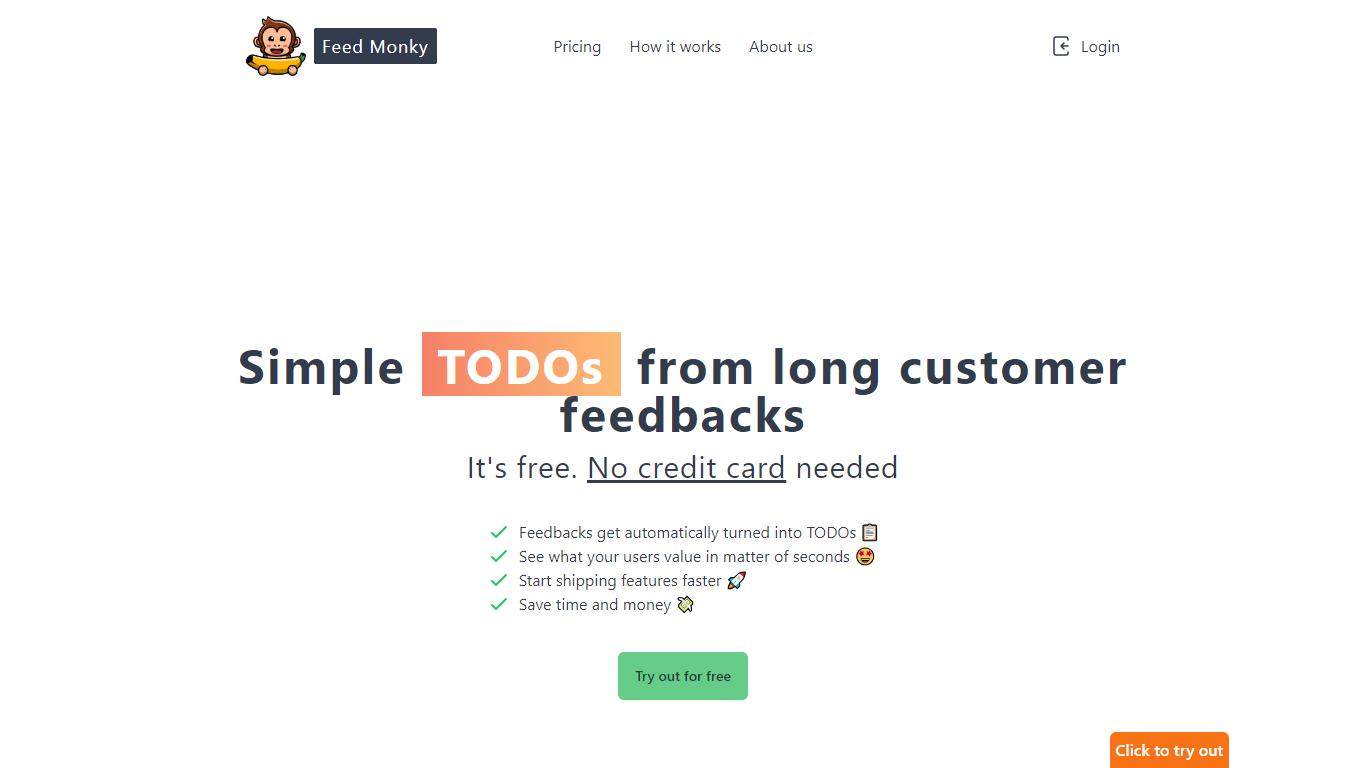

What is FeedMonky?
FeedMonky.com is a revolutionary tool that transforms extensive customer feedback into actionable TODO lists. It leverages a state-of-the-art language model to streamline the feedback processing, allowing businesses to quickly identify and address the needs and values of their customers.
With FeedMonky, you can integrate the service easily using various programming languages such as Vanilla JS, Vue, React, Angular, and PHP. This efficiency booster is available at no initial cost and requires no credit card to start.
Users can select between a Starter plan, perfect for small businesses, or a Pro plan that caters to the needs of growing companies. With FeedMonky, you'll experience the joy of creating, shipping features quicker, and saving both time and money.
MAIA AI
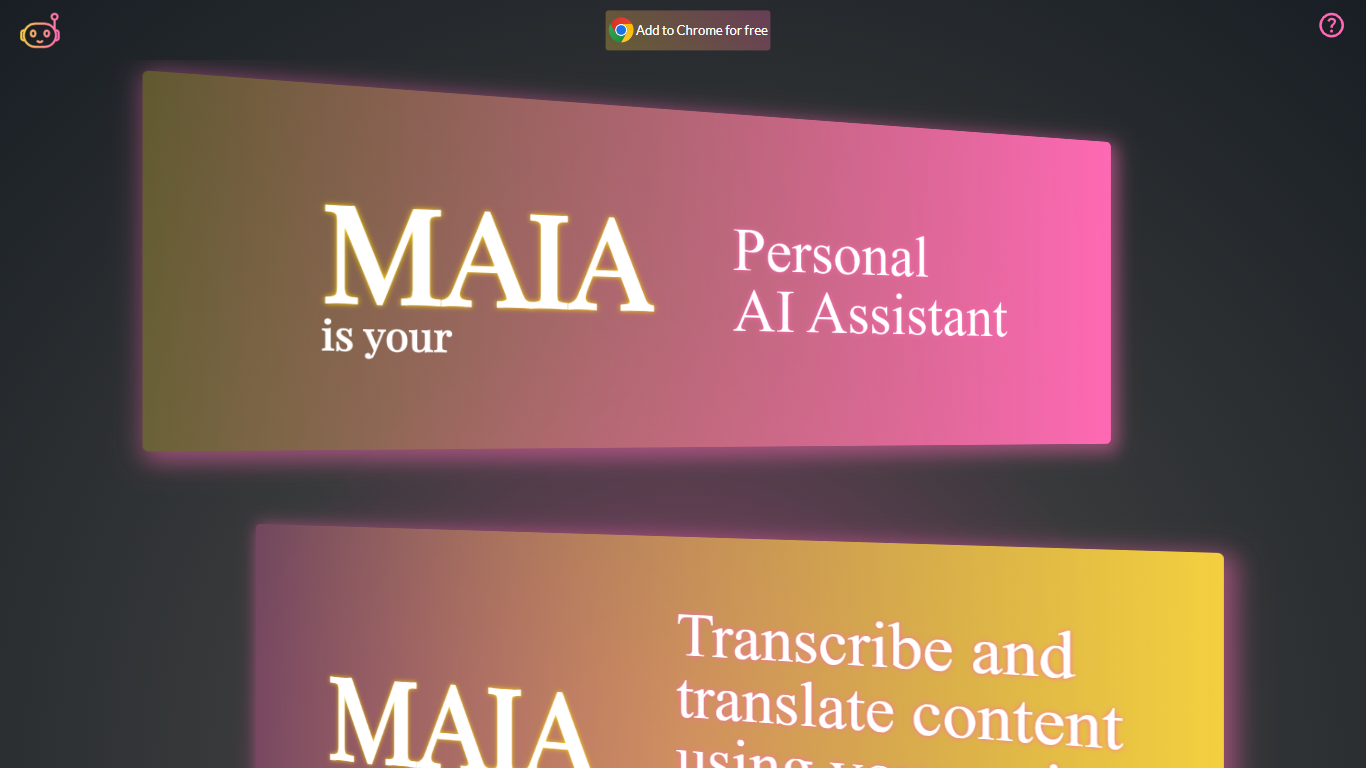
What is MAIA AI?
MAIA AI (My AI Assistant) is a Google Chrome extension that puts OpenAI models in a side panel while you browse. Select text on a page, send a prompt, and get summaries, rewrites, or answers without copying content into a separate chat tab.
Unlike all-in-one AI chat wrappers that resell token access, MAIA charges a flat $5 per month subscription and sends every request to your own OpenAI account with zero markup on usage. The extension is built around page context: highlight text on articles, emails, or other sites, then run tasks like summarizing long posts, simplifying complex topics, generating social copy, or turning emails into to-do lists.
Pricing splits into two parts: a MAIA subscription after a 14-day trial, plus pay-as-you-go OpenAI API usage billed directly by OpenAI. You bring your own OpenAI API key, so requests go straight to OpenAI without a markup on token costs.
It fits researchers, writers, and anyone who reads a lot online and wants quick help on the current page. MAIA runs only in Google Chrome on devices that support extensions.
FeedMonky Upvotes
MAIA AI Upvotes
FeedMonky Top Features
Automated Feedback Processing: Turns customer feedback into TODO lists automatically.
Rapid Insights: Gain quick insights into what customers value.
Faster Feature Deployment: Speed up the shipping of new features.
Money and Time Savings: Save on resources by using FeedMonky to optimize processes.
Easy Integration: Embed the tool into your site using popular languages/frameworks within minutes.
MAIA AI Top Features
Lives in Chrome's side panel so you can browse and chat at the same time
Highlight page text and send it to MAIA with one click
Talk instead of type with voice recording and transcription up to 20 minutes
Switch between GPT-4 and GPT-3.5 Turbo in settings
100+ starter prompts to kick off common writing and research tasks
Connects with your own OpenAI API key with no markup on usage
FeedMonky Category
- Web Apps
MAIA AI Category
- Web Apps
FeedMonky Pricing Type
- Freemium
MAIA AI Pricing Type
- Freemium