FeedMonky vs MakeForms' AI Form Builder
Dive into the comparison of FeedMonky vs MakeForms' AI Form Builder and discover which AI Web Apps tool stands out. We examine alternatives, upvotes, features, reviews, pricing, and beyond.
In a comparison between FeedMonky and MakeForms' AI Form Builder, which one comes out on top?
When we compare FeedMonky and MakeForms' AI Form Builder, two exceptional web apps tools powered by artificial intelligence, and place them side by side, several key similarities and differences come to light. Interestingly, both tools have managed to secure the same number of upvotes. Be a part of the decision-making process. Your vote could determine the winner.
Feeling rebellious? Cast your vote and shake things up!
FeedMonky

What is FeedMonky?
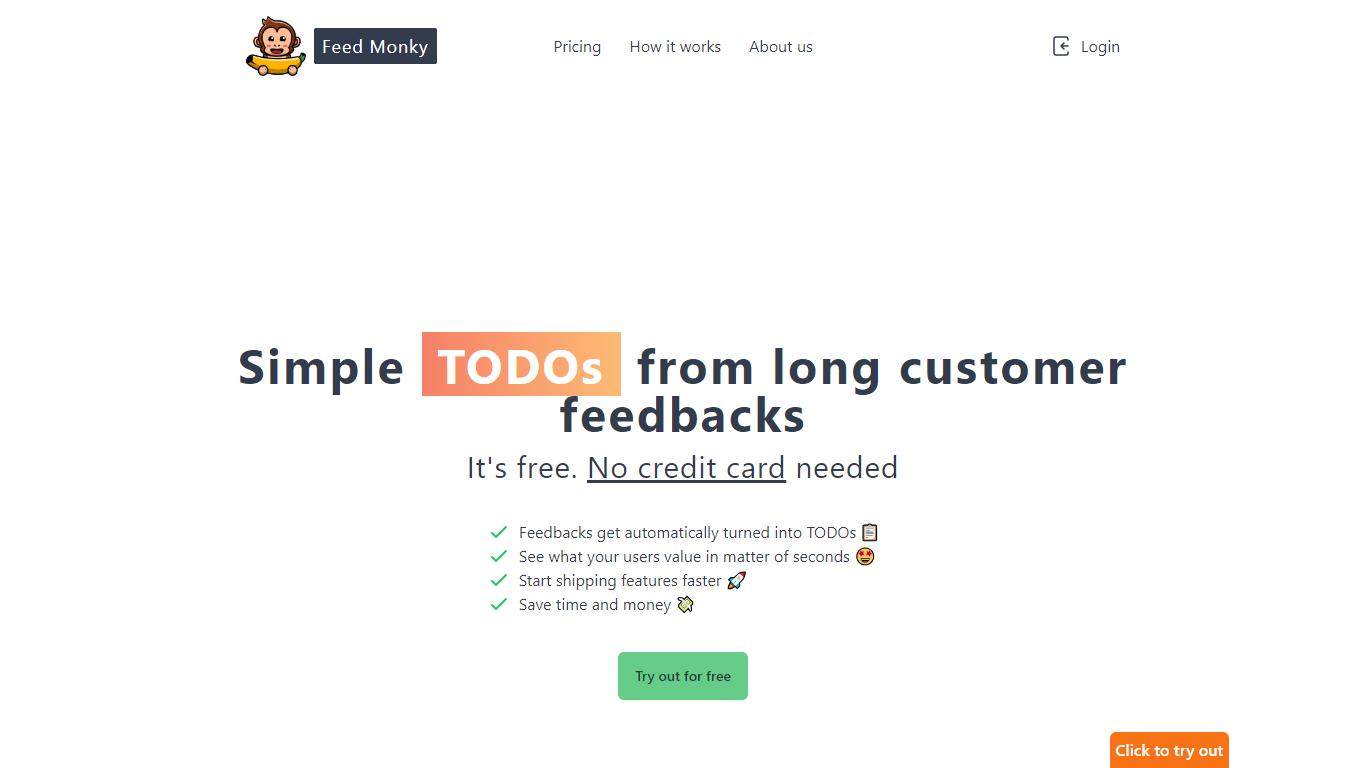
FeedMonky.com is a revolutionary tool that transforms extensive customer feedback into actionable TODO lists. It leverages a state-of-the-art language model to streamline the feedback processing, allowing businesses to quickly identify and address the needs and values of their customers.
With FeedMonky, you can integrate the service easily using various programming languages such as Vanilla JS, Vue, React, Angular, and PHP. This efficiency booster is available at no initial cost and requires no credit card to start.
Users can select between a Starter plan, perfect for small businesses, or a Pro plan that caters to the needs of growing companies. With FeedMonky, you'll experience the joy of creating, shipping features quicker, and saving both time and money.
MakeForms' AI Form Builder
What is MakeForms' AI Form Builder?
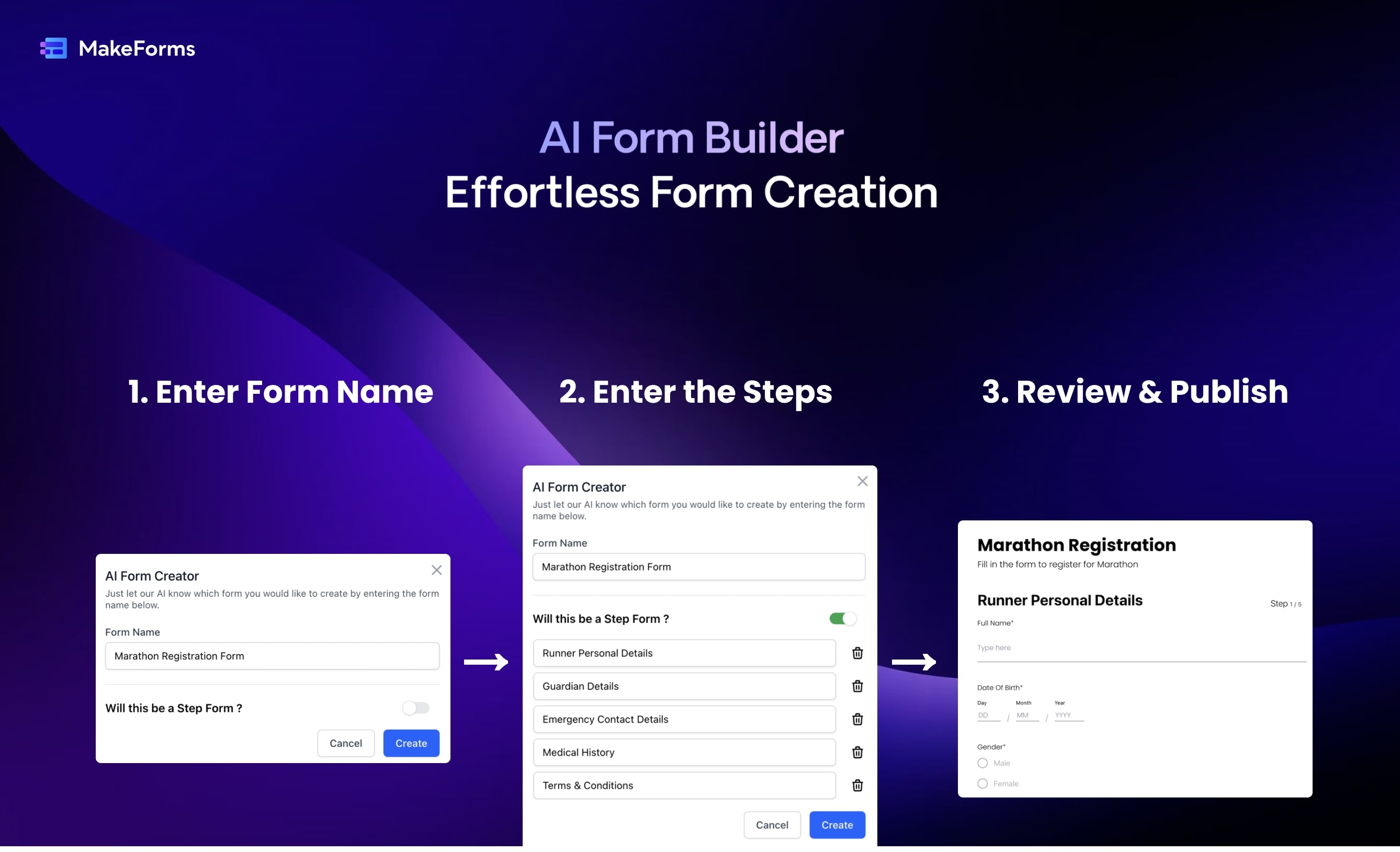
MakeForms' AI Form Builder turns a plain-language prompt into a full online form in about a minute. You describe the form name, sections, and goal, then edit the generated fields, logic, and layout in a drag-and-drop builder before sharing a link or embed.
Most form builders make you place every field by hand. MakeForms starts from a ChatGPT-style prompt, lets you request follow-up changes in chat, and bundles scheduling, e-signatures, payments, and HIPAA options on higher tiers. The platform also ships sibling AI tools for quizzes, PDF-to-form conversion, and multilingual forms from the same vendor.
Paid Launch plans start at $65 per month (billed yearly) with 3 seats and unlimited submissions, while you can create a free form without a credit card to test the AI flow. Marketing teams, HR departments, and agencies building lead capture or compliance forms are the main buyers.
FeedMonky Upvotes
MakeForms' AI Form Builder Upvotes
FeedMonky Top Features
Automated Feedback Processing: Turns customer feedback into TODO lists automatically.
Rapid Insights: Gain quick insights into what customers value.
Faster Feature Deployment: Speed up the shipping of new features.
Money and Time Savings: Save on resources by using FeedMonky to optimize processes.
Easy Integration: Embed the tool into your site using popular languages/frameworks within minutes.
MakeForms' AI Form Builder Top Features
Generate complete forms from a text prompt in under 60 seconds
Chat-style follow-up requests update fields, logic, and layout
Launch plan includes 3 seats, unlimited forms, and unlimited submissions
Built-in scheduling, e-signatures (500/month), and Stripe or Razorpay payments
HIPAA-compliant hosting with data residency in 6 regions on Launch
Conditional logic, multi-step pages, calculations, and quiz scoring
Integrations with Calendly, Slack, Zapier, Salesforce, and custom SMTP on Scale
FeedMonky Category
- Web Apps
MakeForms' AI Form Builder Category
- Web Apps
FeedMonky Pricing Type
- Freemium
MakeForms' AI Form Builder Pricing Type
- Freemium