FeedMonky vs Rapid Editor
Explore the showdown between FeedMonky vs Rapid Editor and find out which AI Web Apps tool wins. We analyze upvotes, features, reviews, pricing, alternatives, and more.
When comparing FeedMonky and Rapid Editor, which one rises above the other?
When we contrast FeedMonky with Rapid Editor, both of which are exceptional AI-operated web apps tools, and place them side by side, we can spot several crucial similarities and divergences. Rapid Editor is the clear winner in terms of upvotes. The upvote count for Rapid Editor is 7, and for FeedMonky it's 6.
Disagree with the result? Upvote your favorite tool and help it win!
FeedMonky

What is FeedMonky?
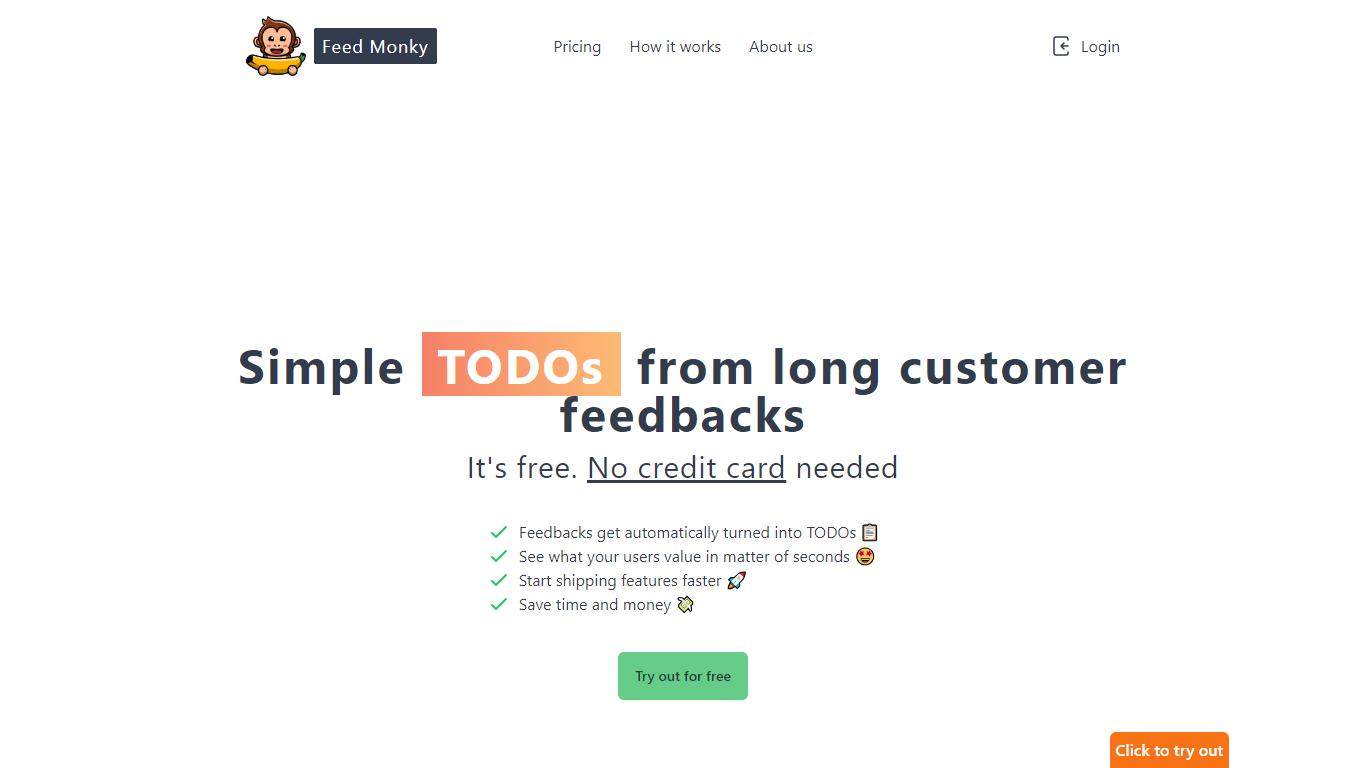
FeedMonky.com is a revolutionary tool that transforms extensive customer feedback into actionable TODO lists. It leverages a state-of-the-art language model to streamline the feedback processing, allowing businesses to quickly identify and address the needs and values of their customers.
With FeedMonky, you can integrate the service easily using various programming languages such as Vanilla JS, Vue, React, Angular, and PHP. This efficiency booster is available at no initial cost and requires no credit card to start.
Users can select between a Starter plan, perfect for small businesses, or a Pro plan that caters to the needs of growing companies. With FeedMonky, you'll experience the joy of creating, shipping features quicker, and saving both time and money.
Rapid Editor
What is Rapid Editor?
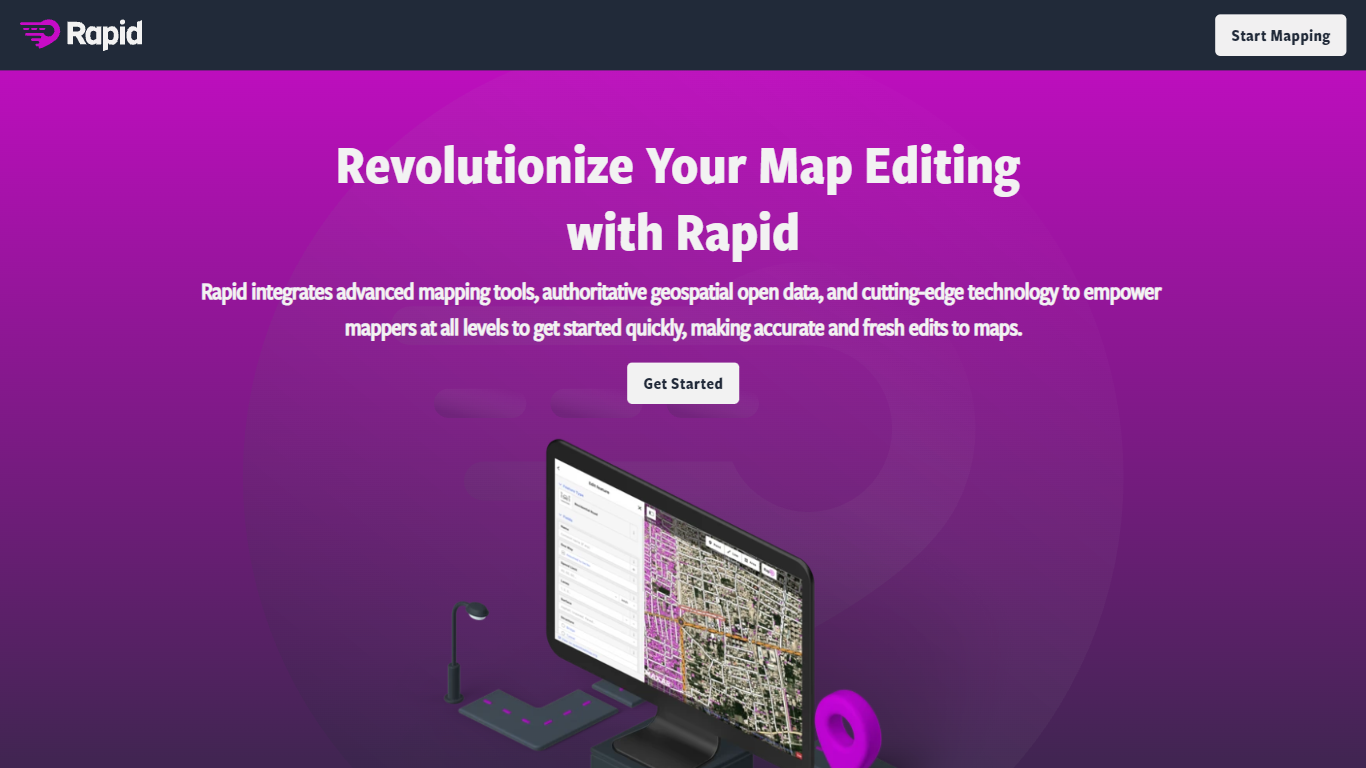
Rapid Editor lets you edit OpenStreetMap from the browser by reviewing satellite imagery, open geospatial datasets, and predicted roads, buildings, and pathways before you commit changes. You can browse the world map without signing up, but you need an OpenStreetMap account to save edits back to the community map. Meta built the editor to give new and experienced mappers a faster starting point than tracing every feature by hand.
Where classic OSM editors expect you to trace every road and building by hand, Rapid treats machine learning outputs as editable suggestions you accept, tweak, or ignore. That trade-off favors speed on humanitarian crises and large unmapped areas, not deep tag editing or offline workflows. The editor also lets you pull external map layers into the session, while predicted features ship under an MIT license with attribution rules for Maxar or DigitalGlobe imagery. If your workflow depends on JOSM plugins or painstaking manual geometry, Rapid will feel lighter and more opinionated.
Volunteer mappers, HOTOSM tasking managers, and local community groups use Rapid to chip away at missing roads and structures worldwide. Esri and OpenStreetMap partnerships surface authoritative datasets inside the same canvas, which helps teams standardize imports during coordinated mapathons. Humanitarian responders who need a quick visual scan of gaps before assigning tiles tend to reach for Rapid first, then hand complex fixes to other tools.
FeedMonky Upvotes
Rapid Editor Upvotes
FeedMonky Top Features
Automated Feedback Processing: Turns customer feedback into TODO lists automatically.
Rapid Insights: Gain quick insights into what customers value.
Faster Feature Deployment: Speed up the shipping of new features.
Money and Time Savings: Save on resources by using FeedMonky to optimize processes.
Easy Integration: Embed the tool into your site using popular languages/frameworks within minutes.
Rapid Editor Top Features
Predicted roads, pathways, and buildings appear as an editable overlay you accept, reject, or adjust before uploading to OpenStreetMap
Browse world map data without registering; an OpenStreetMap account is required only when you want to save edits back to the community database
Pull in external map layers as User-Originated Data, with you responsible for licensing and configuration per the site terms
Predicted feature datasets ship under the MIT license, with changeset attribution to source=maxar or source=digitalglobe when metadata requires it
Partnerships with OpenStreetMap, HOTOSM, and Esri surface authoritative open datasets inside the same editing canvas
Source code lives at github.com/facebookincubator/RapiD for community review and contributions
FeedMonky Category
- Web Apps
Rapid Editor Category
- Web Apps
FeedMonky Pricing Type
- Freemium
Rapid Editor Pricing Type
- Free