FeedMonky vs sshx
In the contest of FeedMonky vs sshx, which AI Web Apps tool is the champion? We evaluate pricing, alternatives, upvotes, features, reviews, and more.
If you had to choose between FeedMonky and sshx, which one would you go for?
When we examine FeedMonky and sshx, both of which are AI-enabled web apps tools, what unique characteristics do we discover? There's no clear winner in terms of upvotes, as both tools have received the same number. Join the aitools.fyi users in deciding the winner by casting your vote.
Don't agree with the result? Cast your vote and be a part of the decision-making process!
FeedMonky

What is FeedMonky?
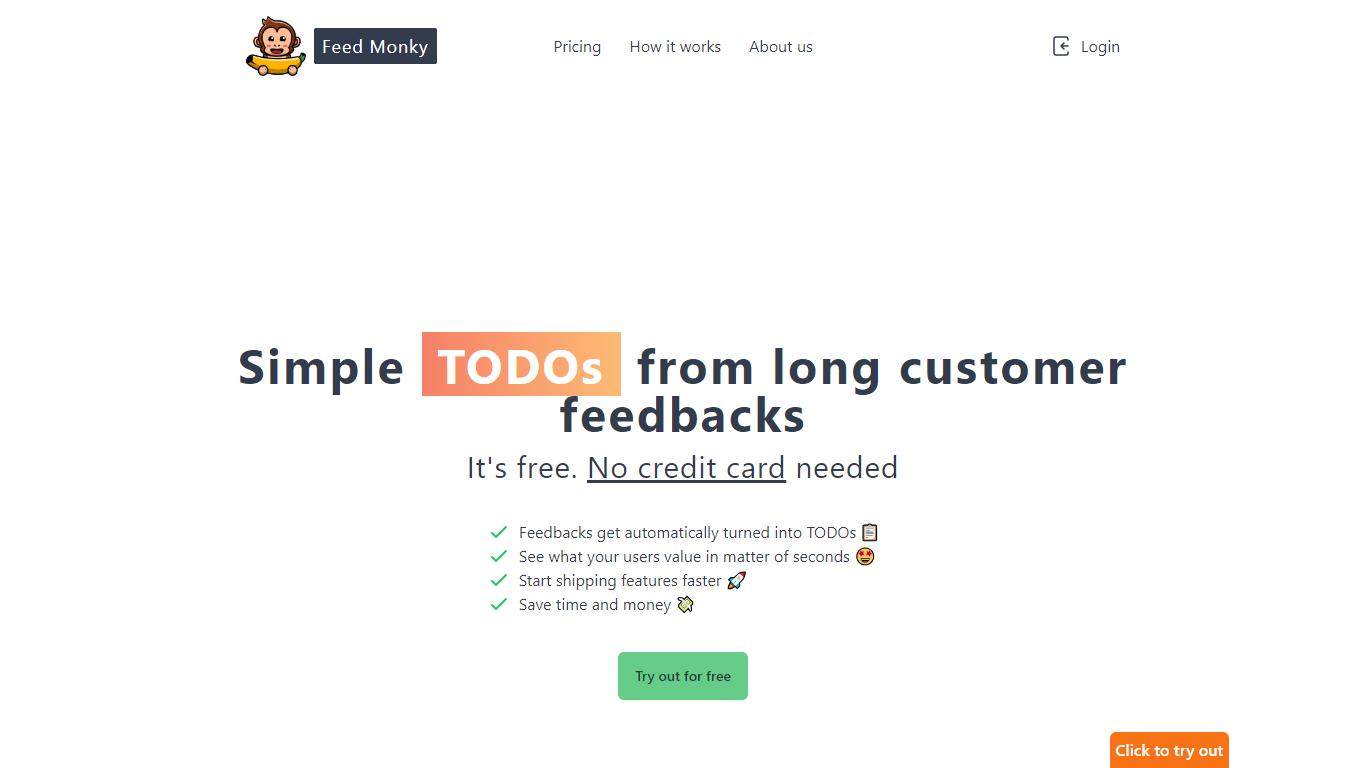
FeedMonky.com is a revolutionary tool that transforms extensive customer feedback into actionable TODO lists. It leverages a state-of-the-art language model to streamline the feedback processing, allowing businesses to quickly identify and address the needs and values of their customers.
With FeedMonky, you can integrate the service easily using various programming languages such as Vanilla JS, Vue, React, Angular, and PHP. This efficiency booster is available at no initial cost and requires no credit card to start.
Users can select between a Starter plan, perfect for small businesses, or a Pro plan that caters to the needs of growing companies. With FeedMonky, you'll experience the joy of creating, shipping features quicker, and saving both time and money.
sshx
What is sshx?
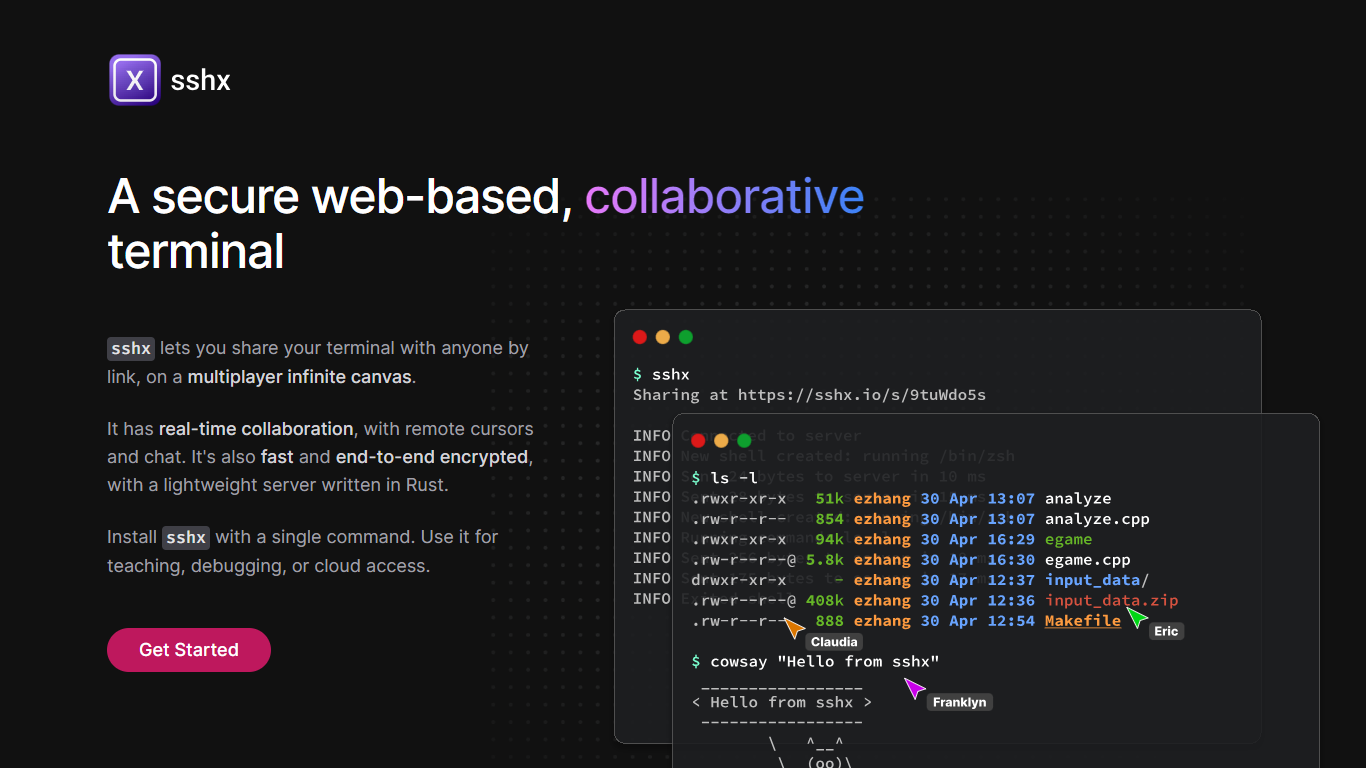
sshx lets you share your terminal with anyone through a browser link. Sessions run on a multiplayer infinite canvas where multiple people can collaborate at once with live cursors and chat.
A lightweight Rust server handles networking with end-to-end encryption, so session data stays private. The project is open source and installs on macOS, Linux, Windows, and FreeBSD with a single curl command or prebuilt binaries.
Developers use sshx for pair debugging, teaching command-line workflows, remote cloud access, and pausing GitHub Actions runs to open a live collaborative shell.
FeedMonky Upvotes
sshx Upvotes
FeedMonky Top Features
Automated Feedback Processing: Turns customer feedback into TODO lists automatically.
Rapid Insights: Gain quick insights into what customers value.
Faster Feature Deployment: Speed up the shipping of new features.
Money and Time Savings: Save on resources by using FeedMonky to optimize processes.
Easy Integration: Embed the tool into your site using popular languages/frameworks within minutes.
sshx Top Features
Share a terminal session with one secure browser link
Live cursors and chat so collaborators see who's doing what
Arrange multiple terminals on an infinite canvas you can resize freely
End-to-end encryption keeps keystrokes off the server
Mesh networking routes you to the nearest distributed peer for low latency
One curl command installs the CLI on macOS, Linux, or Windows
GitHub Actions workflows can pause and spawn a collaborative debug session
FeedMonky Category
- Web Apps
sshx Category
- Web Apps
FeedMonky Pricing Type
- Freemium
sshx Pricing Type
- Free