Fellow vs Paxo
In the battle of Fellow vs Paxo, which AI Meeting Assistant tool comes out on top? We compare reviews, pricing, alternatives, upvotes, features, and more.
Between Fellow and Paxo, which one is superior?
Upon comparing Fellow with Paxo, which are both AI-powered meeting assistant tools, With more upvotes, Fellow is the preferred choice. Fellow has 108 upvotes, and Paxo has 7 upvotes.
Disagree with the result? Upvote your favorite tool and help it win!
Fellow

What is Fellow?
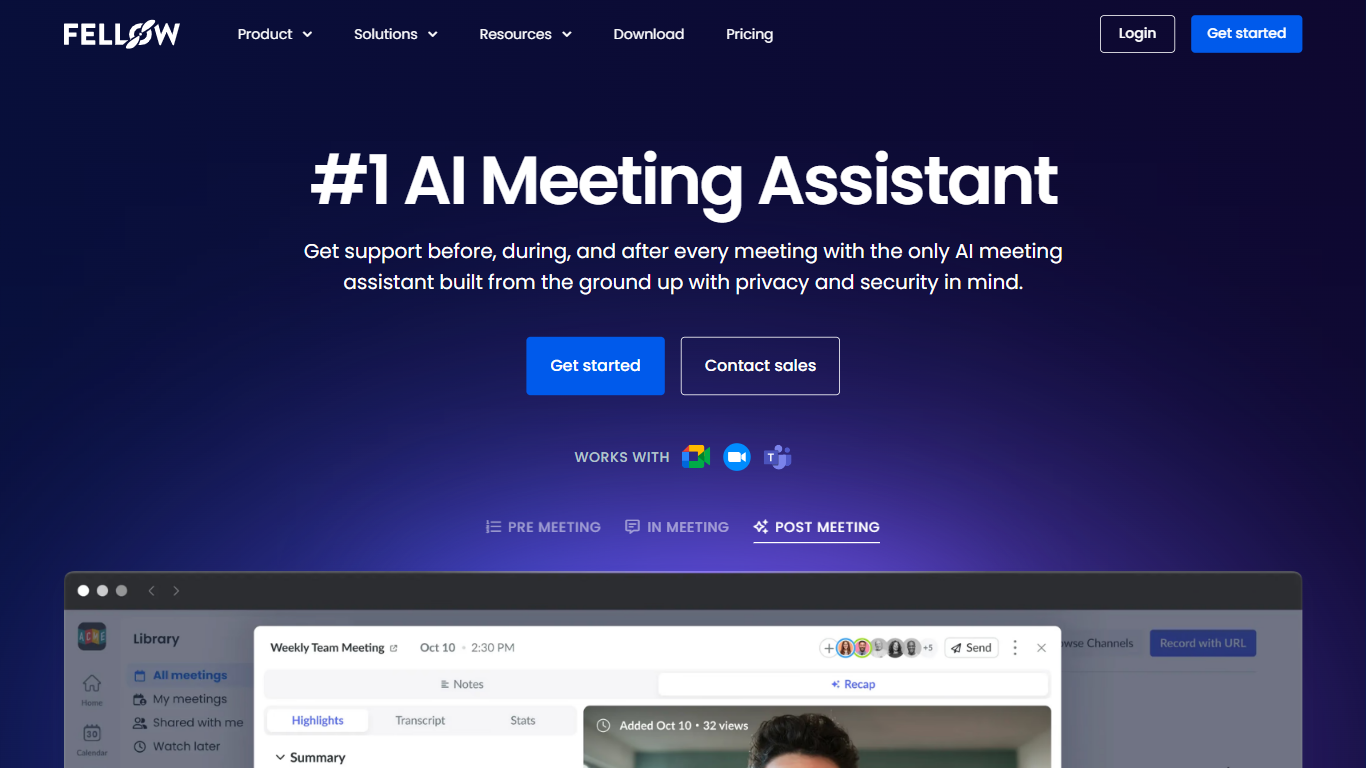
Fellow is a secure AI meeting assistant designed to record, transcribe, and summarize meetings across platforms like Zoom, Microsoft Teams, and Google Meet. It prioritizes privacy, ensuring meeting data is accessible only to authorized users with granular controls and compliance with SOC 2, HIPAA, and GDPR standards. The platform supports pre-meeting preparation with collaborative agendas and AI-generated briefs, helping teams stay focused and productive. Post-meeting, Fellow automates follow-ups, action items, and CRM updates, integrating with over 50 tools including Salesforce, HubSpot, Jira, and Slack. It offers botless recording options for added privacy and supports regulated industries such as finance and healthcare with features like transcript redaction and audit trails. Fellow serves diverse teams from sales and marketing to engineering and operations, centralizing meeting knowledge and streamlining workflows.
Paxo
What is Paxo?
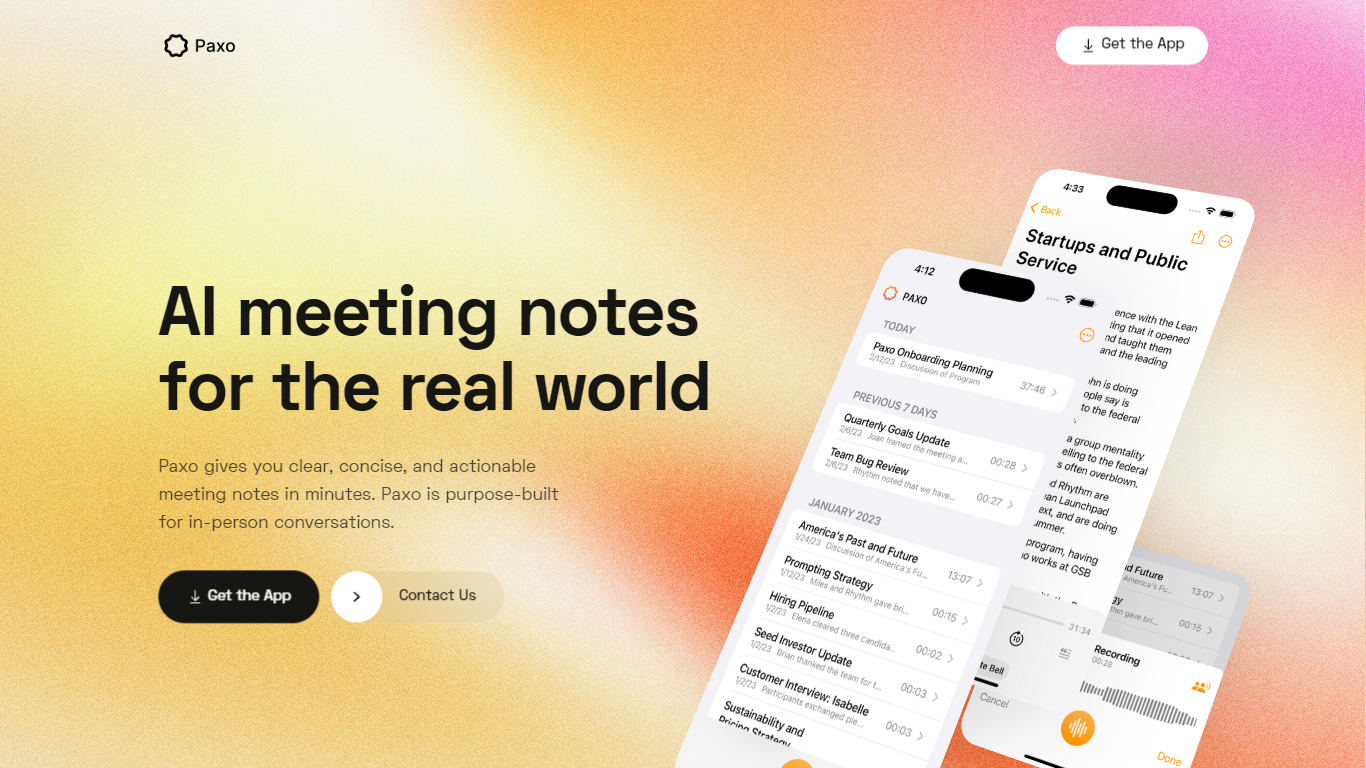
Paxo is an iPhone meeting assistant built for in-person conversations rather than calendar bots. You hit record in the app, Paxo transcribes the audio, and you get searchable notes with speaker labels after you assign voices from your Contacts. The homepage pitches it for face-to-face meetings, desk-side Zoom calls, and walking conversations where a browser extension would not follow you.
Most meeting note tools assume a video call with a shared link. Paxo records from the phone microphone, stores recordings on device, and syncs across Apple devices through iCloud. Server processing is limited to transcription and note generation, and the privacy policy says recordings are deleted from Paxo servers once processing finishes.
Managers, consultants, and field teams use Paxo to capture decisions without typing during meetings. Voice identification learns teammates over time, exports can go to Notion, Obsidian, or Google Docs, and the interface keeps past recordings organized and searchable.
Fellow Upvotes
Paxo Upvotes
Fellow Top Features
🔒 Privacy-first design with SOC 2, HIPAA, and GDPR compliance ensures your meeting data stays secure and private.
📝 AI-powered meeting notes and summaries capture key points and action items automatically during calls.
🤖 AskFellow AI agent generates follow-up emails, documents, and CRM updates to keep workflows moving.
📚 Centralized recording library with granular access controls lets teams organize and share meeting knowledge safely.
🔗 Integrates with 50+ tools like Salesforce, HubSpot, Jira, Slack, and Zapier to sync meeting insights across workflows.
Paxo Top Features
iOS app records in-person, walking, or desk-side Zoom conversations from the phone microphone
Speaker identification learns contacts and recommends labels for future recordings
Recordings stored on device with optional iCloud sync across Apple devices
Server-side transcription using OpenAI with recordings deleted after processing per privacy policy
Search across notes and transcripts with import and export to Notion, Obsidian, and Google Docs
Privacy policy updated August 18, 2024 from Paxo Assist LLC with [email protected] contact
Crash reporting via Sentry without sending recordings in crash reports
Fellow Category
- Meeting Assistant
Paxo Category
- Meeting Assistant
Fellow Pricing Type
- Freemium
Paxo Pricing Type
- Freemium