Figflow vs AlphaCTR
Dive into the comparison of Figflow vs AlphaCTR and discover which AI Design tool stands out. We examine alternatives, upvotes, features, reviews, pricing, and beyond.
In a comparison between Figflow and AlphaCTR, which one comes out on top?
When we compare Figflow and AlphaCTR, two exceptional design tools powered by artificial intelligence, and place them side by side, several key similarities and differences come to light. Both tools have received the same number of upvotes from aitools.fyi users. Join the aitools.fyi users in deciding the winner by casting your vote.
You don't agree with the result? Cast your vote to help us decide!
Figflow
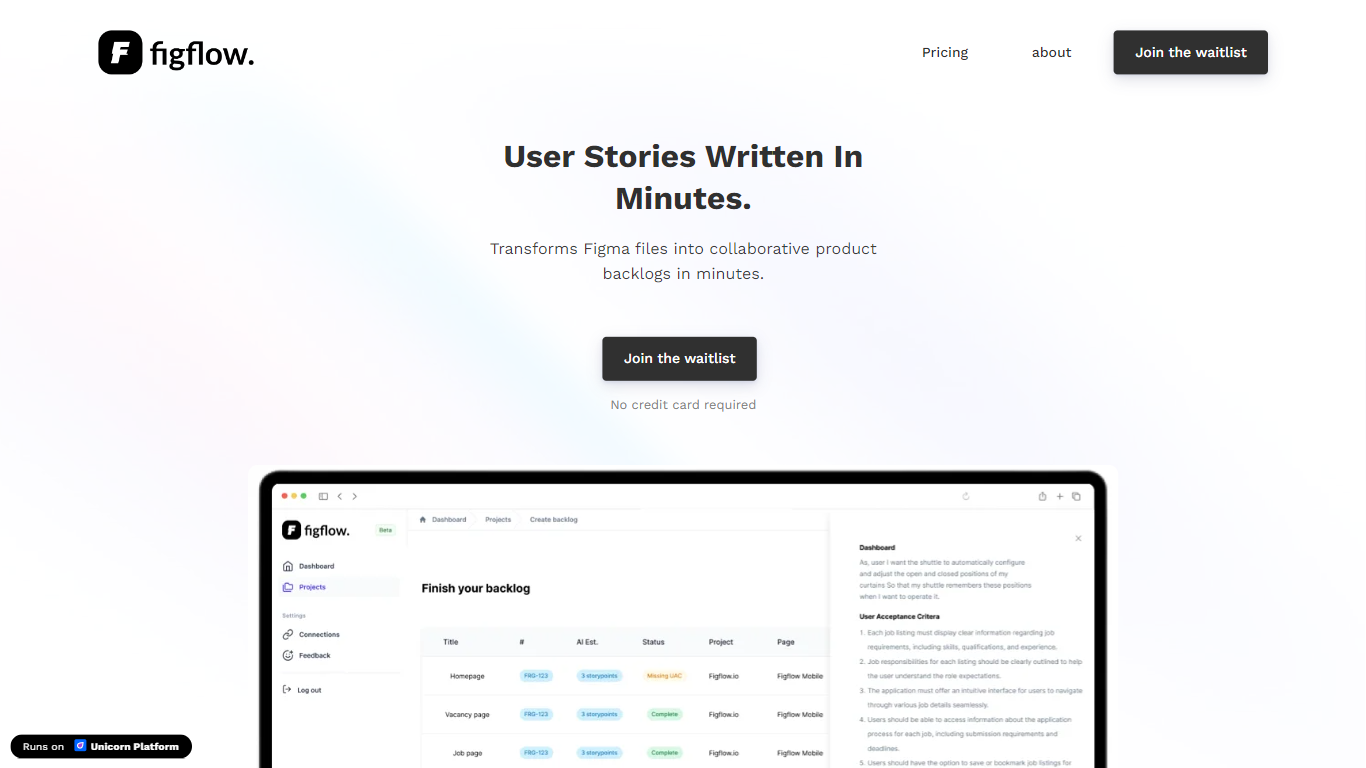

What is Figflow ?
Figflow is an innovative tool designed to simplify the process of creating user stories from design files. It's perfect for product owners, product managers, and product designers who want to save time and enhance collaboration in product development. With Figflow, you can convert your Figma design files into comprehensive product backlogs within minutes, streamlining your sprint planning and execution. This no-hassle solution empowers teams to focus on building, minimizing the tedious task of writing user stories and preparing for development sprints. Whether you're refining user stories for clarity, gathering product requirements, or ensuring that your design smoothly transitions into development, Figflow assists every step of the way. Get ready to enhance your workflow and join the waitlist today—no credit card required!
AlphaCTR
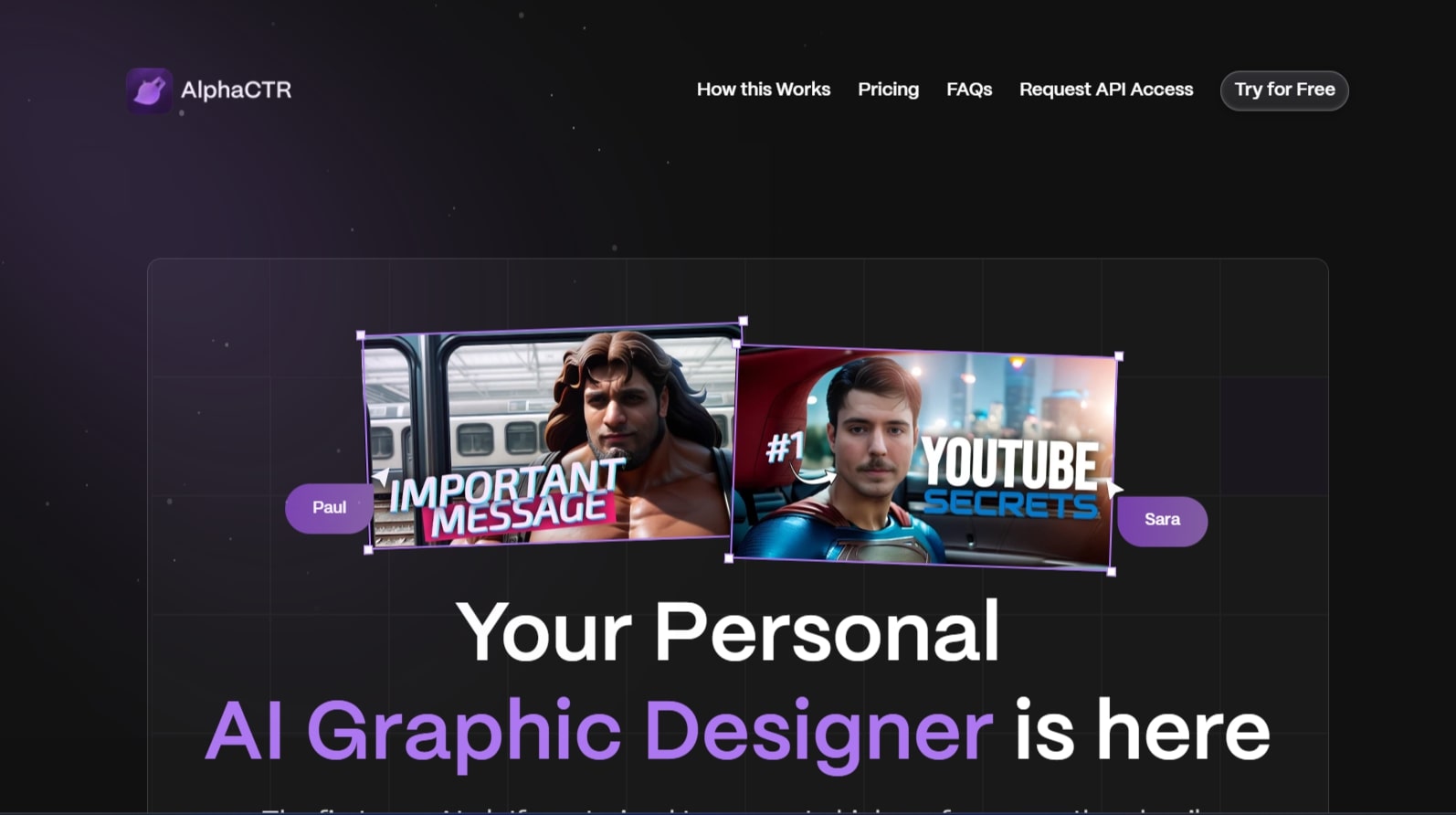
What is AlphaCTR?
Discover the innovation of AlphaCTR, the foremost AI platform designed for crafting high-performance thumbnails and ad creatives with unmatched efficiency. AlphaCTR utilizes advanced AI technology, fine-tuned for maximum click-through rates (CTR), to offer a wide array of top-quality image options. With just a few clicks, you can generate numerous image variations, ensuring that your creatives stand out and capture attention. The platform's intuitive design streamlines the creative process, allowing users to create hundreds of captivating thumbnails and ad images swiftly. Whether you're a seasoned designer or a content creator with no formal design experience, AlphaCTR empowers you to create professional-grade visuals without any hassle. Optimize your creative workflow and elevate your content with powerful, AI-generated images using AlphaCTR.
Figflow Upvotes
AlphaCTR Upvotes
Figflow Top Features
User Stories Creation: Transforms Figma files into collaborative product backlogs in minutes.
Manual Work Reduction: Refines user stories to streamline sprint planning and execution.
Insights Gathering: Helps product managers easily collect product requirements and communicate with stakeholders.
Design to Development Transition: Seamlessly generates user stories from Figma files for a smooth process.
No Credit Card Required: Join the waitlist without any upfront payment requirement.
AlphaCTR Top Features
High-Performance Creatives: The AI is specifically trained to optimize for high CTR ensuring your thumbnails and ad visuals stand out.
User-Friendly Interface: No prior design experience is necessary to use the platform thanks to its easy-to-navigate interface.
Fast and Easy Creation Process: Create hundreds of creative variations quickly allowing you to spend more time on content creation.
Advanced Face Reconstruction: Incorporates a 99% accurate face generation feature to enhance click-through rates of creatives with realistic faces.
AI-Optimized Customization: Continuously learns your preferences and tailors the results to your favored styles for improved performance.
Figflow Category
- Design
AlphaCTR Category
- Design
Figflow Pricing Type
- Freemium
AlphaCTR Pricing Type
- Freemium