Figflow vs ColorMagic
Dive into the comparison of Figflow vs ColorMagic and discover which AI Design tool stands out. We examine alternatives, upvotes, features, reviews, pricing, and beyond.
When comparing Figflow and ColorMagic, which one rises above the other?
When we compare Figflow and ColorMagic, two exceptional design tools powered by artificial intelligence, and place them side by side, several key similarities and differences come to light. The upvote count reveals a draw, with both tools earning the same number of upvotes. Be a part of the decision-making process. Your vote could determine the winner.
Want to flip the script? Upvote your favorite tool and change the game!
Figflow

What is Figflow ?
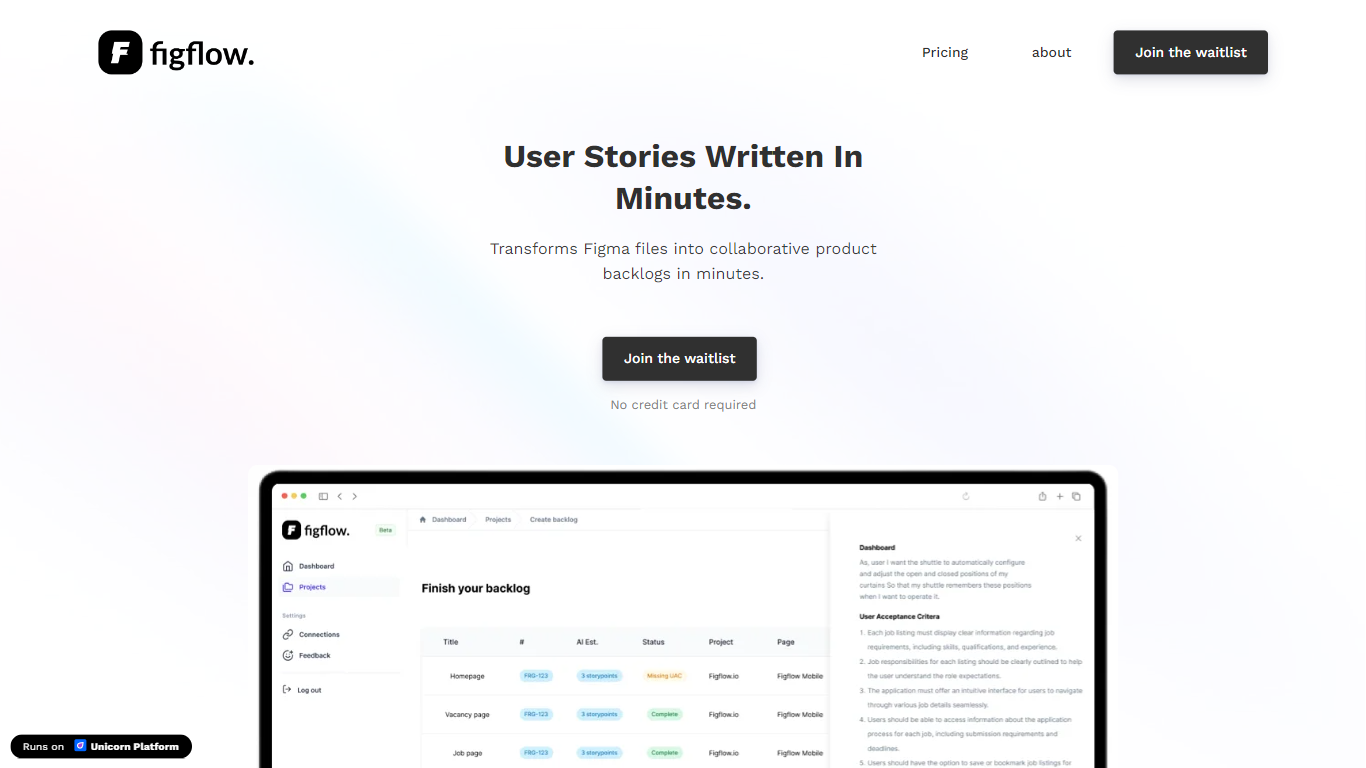
Figflow is an innovative tool designed to simplify the process of creating user stories from design files. It's perfect for product owners, product managers, and product designers who want to save time and enhance collaboration in product development. With Figflow, you can convert your Figma design files into comprehensive product backlogs within minutes, streamlining your sprint planning and execution. This no-hassle solution empowers teams to focus on building, minimizing the tedious task of writing user stories and preparing for development sprints. Whether you're refining user stories for clarity, gathering product requirements, or ensuring that your design smoothly transitions into development, Figflow assists every step of the way. Get ready to enhance your workflow and join the waitlist today—no credit card required!
ColorMagic
What is ColorMagic?
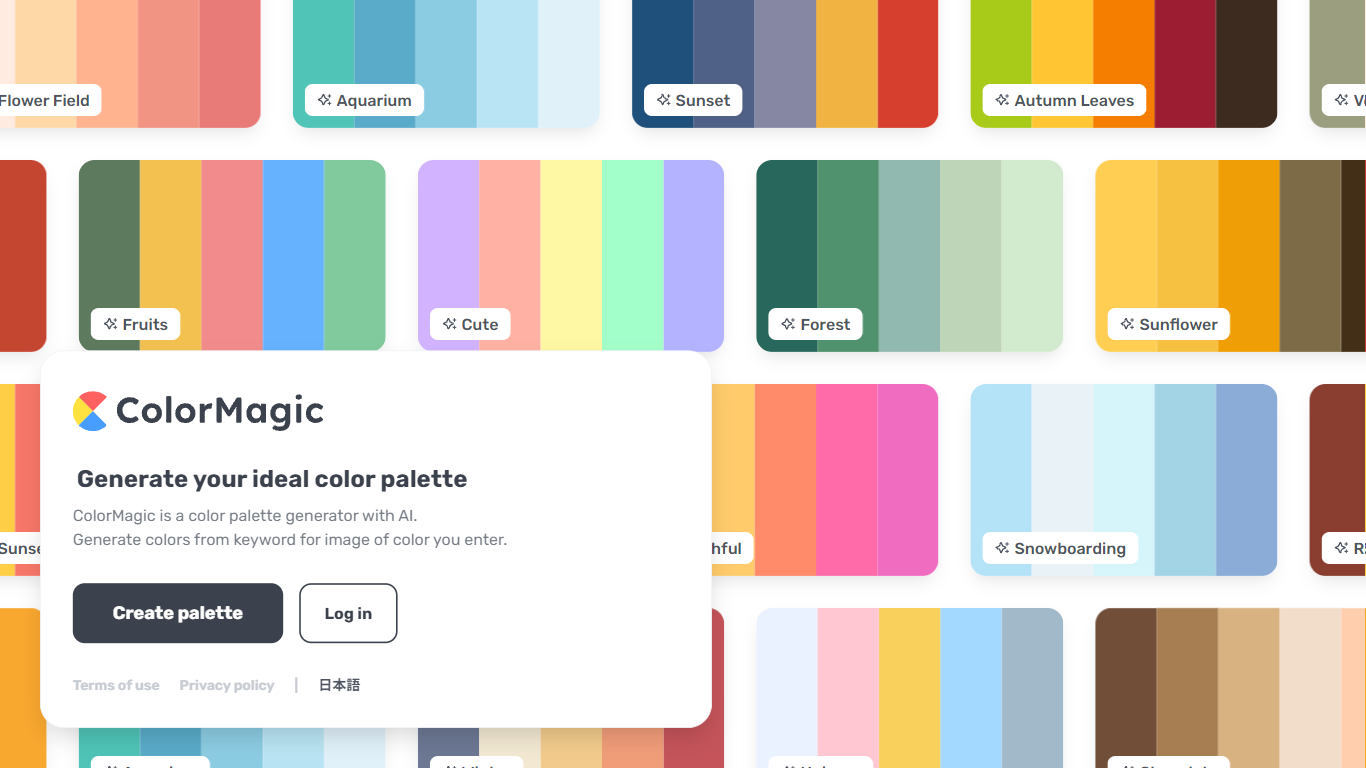
ColorMagic is an innovative AI-powered tool designed to help users generate beautiful color palettes effortlessly. Whether you're an artist, designer, or just looking to spruce up your project with harmonious colors, ColorMagic has you covered. Simply enter a keyword or upload an image of the color you have in mind, and the tool will present you with a palette that matches your vision. Managing color schemes has never been easier, making ColorMagic a go-to resource for anyone in need of color inspiration. Explore the easy-to-use interface with features that allow palette creation, and rest assured with the clear terms of use and privacy policy provided in multiple languages including English and 日本語.
Figflow Upvotes
ColorMagic Upvotes
Figflow Top Features
User Stories Creation: Transforms Figma files into collaborative product backlogs in minutes.
Manual Work Reduction: Refines user stories to streamline sprint planning and execution.
Insights Gathering: Helps product managers easily collect product requirements and communicate with stakeholders.
Design to Development Transition: Seamlessly generates user stories from Figma files for a smooth process.
No Credit Card Required: Join the waitlist without any upfront payment requirement.
ColorMagic Top Features
Generate AI-Based Color Palettes: Create color schemes easily using AI algorithms.
Inspiration From Keywords: Use keywords to find the perfect colors for your projects.
Image Color Extraction: Generate palettes by uploading an image and extracting colors.
User-Friendly Interface: Easily navigate the tool to create and customize palettes.
Multilingual Support: Access ColorMagic's services in English and 日本語.
Figflow Category
- Design
ColorMagic Category
- Design
Figflow Pricing Type
- Freemium
ColorMagic Pricing Type
- Freemium