Figflow vs nameGPT
In the battle of Figflow vs nameGPT, which AI Design tool comes out on top? We compare reviews, pricing, alternatives, upvotes, features, and more.
Between Figflow and nameGPT, which one is superior?
Upon comparing Figflow with nameGPT, which are both AI-powered design tools, The upvote count favors nameGPT, making it the clear winner. nameGPT has 7 upvotes, and Figflow has 6 upvotes.
Think we got it wrong? Cast your vote and show us who's boss!
Figflow
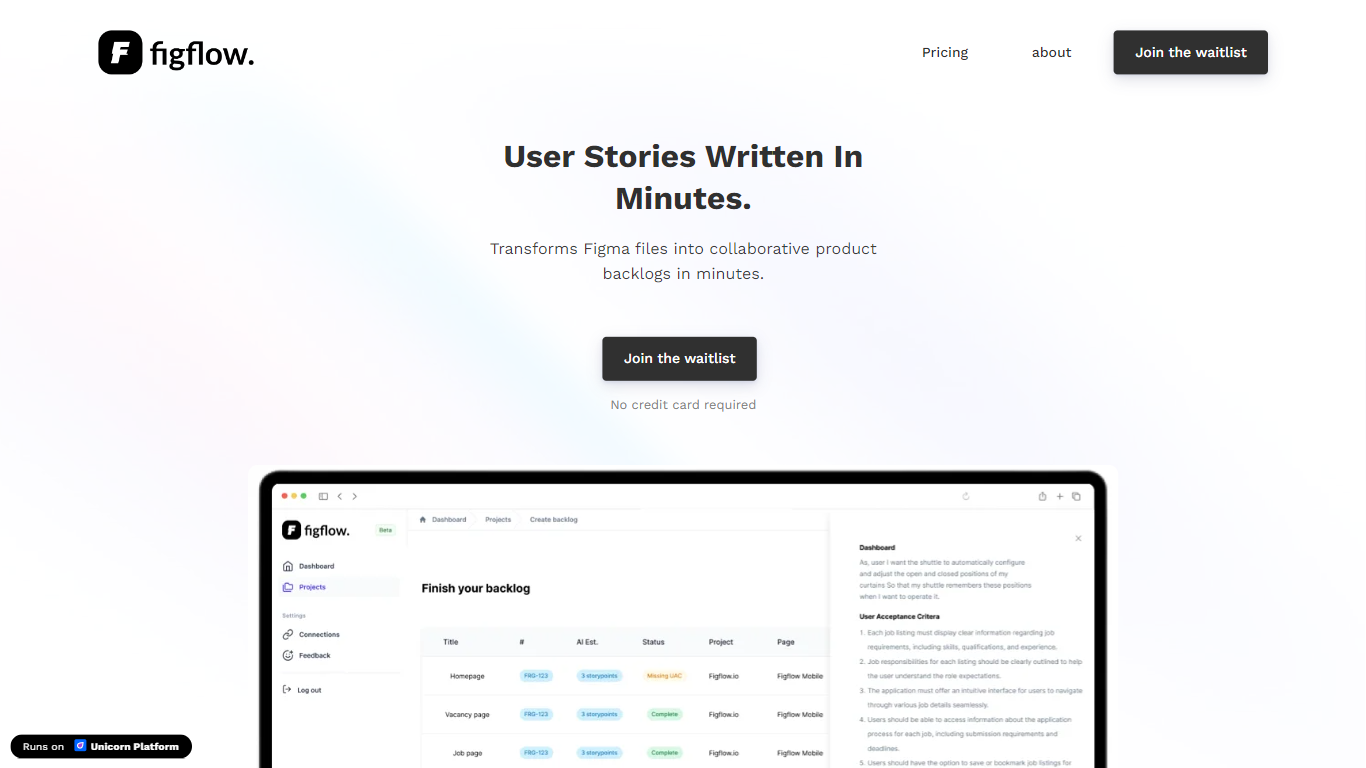

What is Figflow ?
Figflow is an innovative tool designed to simplify the process of creating user stories from design files. It's perfect for product owners, product managers, and product designers who want to save time and enhance collaboration in product development. With Figflow, you can convert your Figma design files into comprehensive product backlogs within minutes, streamlining your sprint planning and execution. This no-hassle solution empowers teams to focus on building, minimizing the tedious task of writing user stories and preparing for development sprints. Whether you're refining user stories for clarity, gathering product requirements, or ensuring that your design smoothly transitions into development, Figflow assists every step of the way. Get ready to enhance your workflow and join the waitlist today—no credit card required!
nameGPT
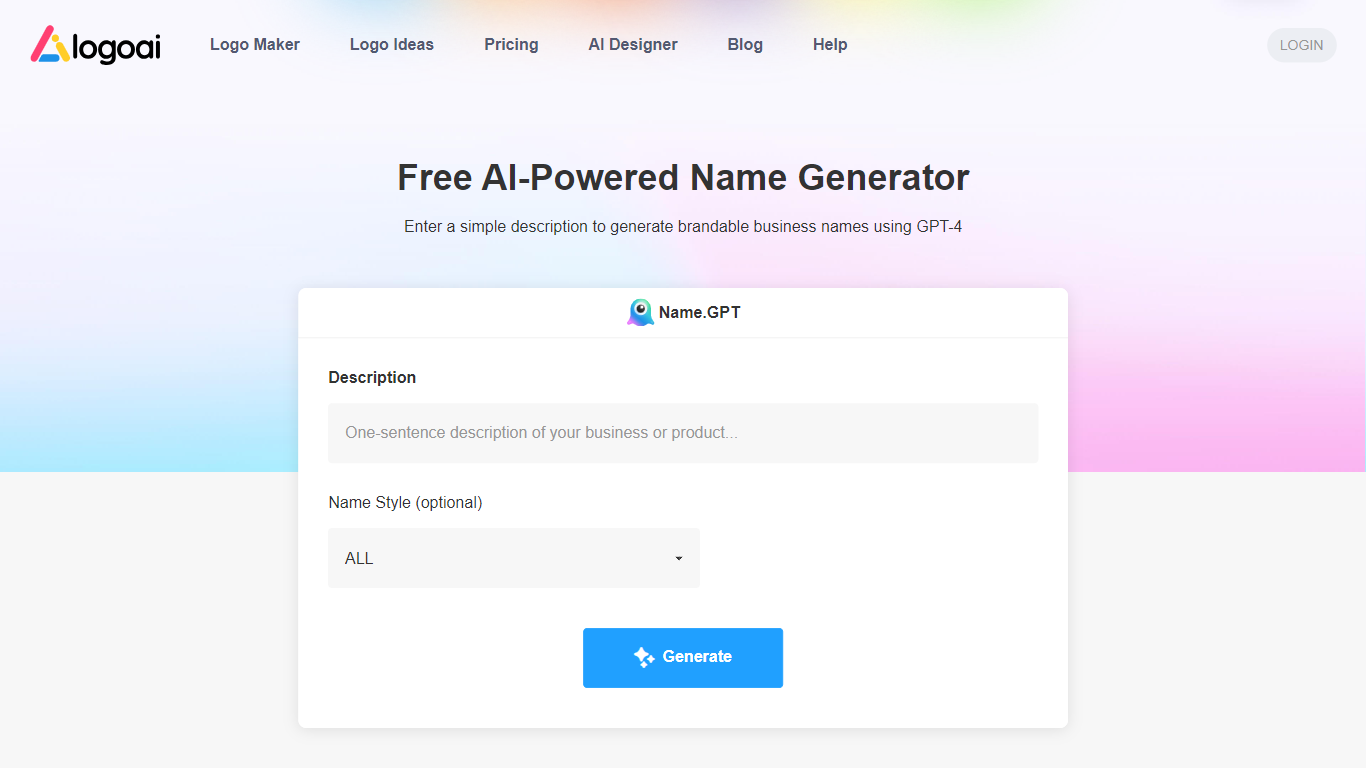
What is nameGPT?
NamingGPT: Your Free AI-Powered Business Name Generator
Unleash the power of GPT-4 to effortlessly craft brandable business names.
With NamingGPT, discover captivating and imaginative business names driven by artificial intelligence.
Figflow Upvotes
nameGPT Upvotes
Figflow Top Features
User Stories Creation: Transforms Figma files into collaborative product backlogs in minutes.
Manual Work Reduction: Refines user stories to streamline sprint planning and execution.
Insights Gathering: Helps product managers easily collect product requirements and communicate with stakeholders.
Design to Development Transition: Seamlessly generates user stories from Figma files for a smooth process.
No Credit Card Required: Join the waitlist without any upfront payment requirement.
nameGPT Top Features
It's super easy to use. Just type in a few keywords about your business and Boom! AI technology will give you 10 cool names you can choose from. Choose Your Preferred Name Style
Your logo's name style can significantly influence your brand identity. Navigate to the " Name Style" option to explore different styles. Dive in to find the one that best aligns with your brand's essence.
Chat With AI To Refine Your Name Options
If you come across a name that's close to what you want but you still want to add a bit more personal touch, simply describe the adjustments you have in mind. The AI (name.GPT) will refine your options and create a logo name that is specifically tailored to your brand.
Click On The Name You Like To See Logo Ideas Once you've finished choosing your preferred logo name, it's time to design the logo. Believe it or not, all you need to do is another click.
Figflow Category
- Design
nameGPT Category
- Design
Figflow Pricing Type
- Freemium
nameGPT Pricing Type
- Freemium