Figflow vs Thumbmachine
Explore the showdown between Figflow vs Thumbmachine and find out which AI Design tool wins. We analyze upvotes, features, reviews, pricing, alternatives, and more.
In a face-off between Figflow and Thumbmachine, which one takes the crown?
When we contrast Figflow with Thumbmachine, both of which are exceptional AI-operated design tools, and place them side by side, we can spot several crucial similarities and divergences. The users have made their preference clear, Thumbmachine leads in upvotes. Thumbmachine has attracted 7 upvotes from aitools.fyi users, and Figflow has attracted 6 upvotes.
Think we got it wrong? Cast your vote and show us who's boss!
Figflow

What is Figflow ?
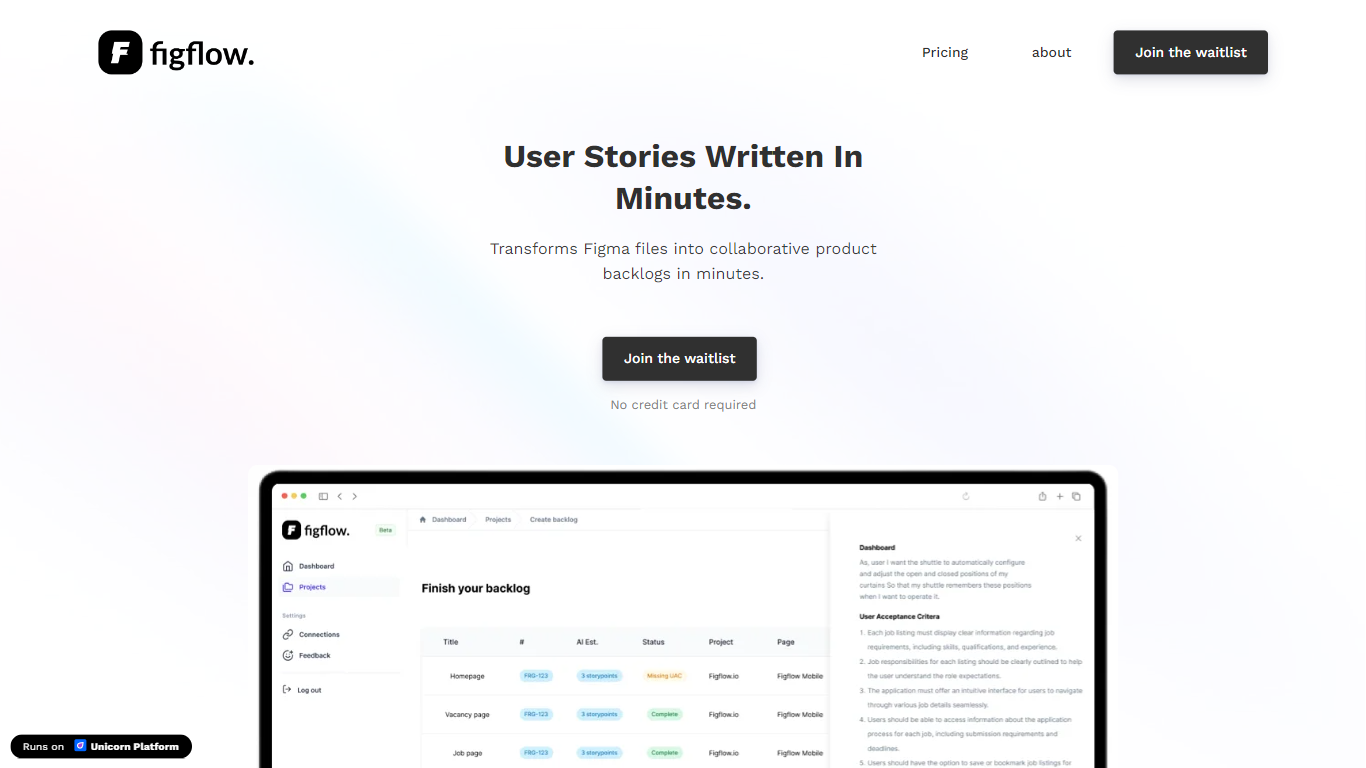
Figflow is an innovative tool designed to simplify the process of creating user stories from design files. It's perfect for product owners, product managers, and product designers who want to save time and enhance collaboration in product development. With Figflow, you can convert your Figma design files into comprehensive product backlogs within minutes, streamlining your sprint planning and execution. This no-hassle solution empowers teams to focus on building, minimizing the tedious task of writing user stories and preparing for development sprints. Whether you're refining user stories for clarity, gathering product requirements, or ensuring that your design smoothly transitions into development, Figflow assists every step of the way. Get ready to enhance your workflow and join the waitlist today—no credit card required!
Thumbmachine

What is Thumbmachine?
Thumbmachine is a browser-based thumbnail designer built for YouTube creators who need polished video thumbnails without opening a full graphics suite. You pick a hero image, background, colors, and title text, then the platform generates multiple layout variations you can cycle through until one clicks.
The workflow centers on speed. You can generate a hero image with the built-in text-to-image model, upload your own photo, or pull from a library of more than three million royalty-free stock images. Background removal, upscaling, and palette tools sit in the same editor so you are not bouncing between apps.
The product targets video creators, marketers, and small teams who want to A/B test thumbnail styles for higher click-through rates. Finished renders ship with full commercial usage rights, and the gallery saves your styles for reuse across a branded thumbnail set.
Everything runs in the cloud with free signup and no credit card required to start. Desktop and tablet screens work best, though the editor is accessible from phones too.
Figflow Upvotes
Thumbmachine Upvotes
Figflow Top Features
User Stories Creation: Transforms Figma files into collaborative product backlogs in minutes.
Manual Work Reduction: Refines user stories to streamline sprint planning and execution.
Insights Gathering: Helps product managers easily collect product requirements and communicate with stakeholders.
Design to Development Transition: Seamlessly generates user stories from Figma files for a smooth process.
No Credit Card Required: Join the waitlist without any upfront payment requirement.
Thumbmachine Top Features
Generate hero images with text-to-image, your uploads, or 3 million+ stock photos
Cycle through unlimited layout variations until the thumbnail composition feels right
Built-in background remover supports PNG and JPG files up to 4000 x 4000 pixels
Upscale and enhance final renders before downloading HD thumbnails
Save finished styles in your gallery and reuse them across future videos
Palette and title generator tools help match brand colors and on-image copy
Figflow Category
- Design
Thumbmachine Category
- Design
Figflow Pricing Type
- Freemium
Thumbmachine Pricing Type
- Freemium