FineShare FineVoice vs SpeechGPT
In the battle of FineShare FineVoice vs SpeechGPT, which AI Audio Generation tool comes out on top? We compare reviews, pricing, alternatives, upvotes, features, and more.
Between FineShare FineVoice and SpeechGPT, which one is superior?
Upon comparing FineShare FineVoice with SpeechGPT, which are both AI-powered audio generation tools, The upvote count is neck and neck for both FineShare FineVoice and SpeechGPT. Join the aitools.fyi users in deciding the winner by casting your vote.
Think we got it wrong? Cast your vote and show us who's boss!
FineShare FineVoice

What is FineShare FineVoice?
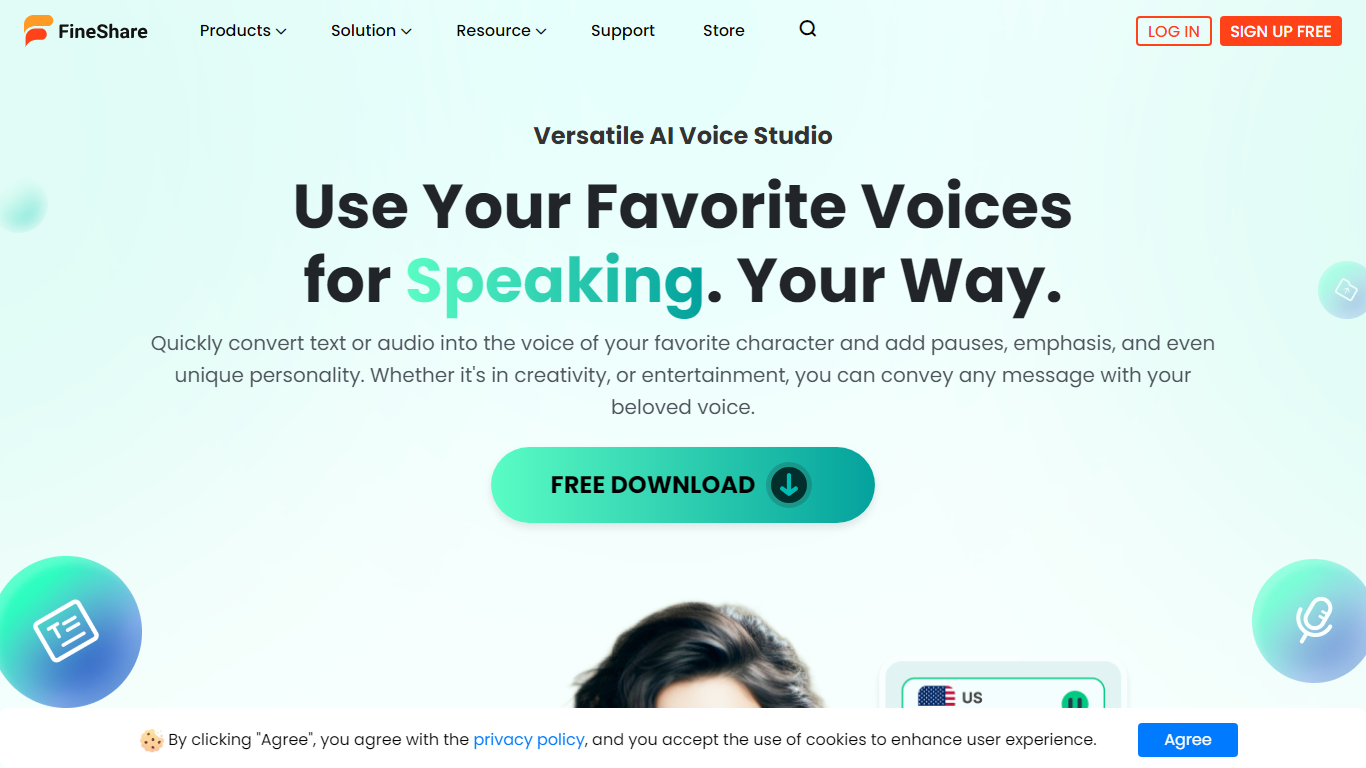
FineShare FineVoice is a browser-based AI audio studio for text-to-speech, voice changing, cloning, and sound design. You can generate narration from scripts, swap voices in recordings, design custom voices from text prompts, and create royalty-free sound effects or background music without opening separate apps.
Most voice generators focus on narration alone. FineVoice bundles speech-to-text, voice enhancement, lip sync, talking photos, and podcast generation in one workspace, plus a linked VoiceTrans desktop app with 1,000+ real-time voice models for games and chat. Video voiceover export and full video localization are still marked Coming Soon, so it fits audio-first creators more than teams that need finished video exports today.
YouTube creators, podcasters, educators, marketers, and developers use FineVoice for multilingual voiceovers, character acting, and API-driven apps. The marketing site advertises no sign-up for core online trials, with paid tiers that raise monthly character quotas, clone slots, and speech-to-text minutes.
SpeechGPT

What is SpeechGPT?
SpeechGPT lets you hold voice conversations in the browser using your own OpenAI API key. You type or record messages, send them through a chat interface, and hear spoken replies without installing desktop software.
Unlike hosted TTS services that bundle model costs into a subscription, SpeechGPT runs in the browser and bills you only through the OpenAI, Azure Speech Services, or Amazon Polly accounts you connect. That makes it a lightweight option for developers and language learners who already have API access and want a simple voice chat front end.
The interface supports English, Spanish, and Chinese UI labels, includes a record button for speech input, and stores session data locally in the browser. It suits developers testing voice chat flows, language learners practicing spoken prompts, and anyone who wants a minimal ChatGPT voice client on mobile or desktop.
FineShare FineVoice Upvotes
SpeechGPT Upvotes
FineShare FineVoice Top Features
1,500+ text-to-speech voices across 154 languages and accents
Voice cloning in 30 seconds with uploadable RVC models for custom workflows
AI voice changer with emotion tags like angry, happy, and sad for expressive speech
Speech-to-text exports in TXT, JSON, SRT, and VTT with automatic punctuation
Royalty-free AI sound effects and background music generated from text prompts
Developer API advertised with 99.9% uptime and JSON, SRT, and VTT output formats
SpeechGPT Top Features
Chat interface accepts typed messages or recorded speech input with Enter to send
Requires your OpenAI API key in settings before the app will run conversations
Optional Azure Speech Services or Amazon Polly access keys for alternate text-to-speech backends
UI available in English, Spanish, and Chinese from the in-app language selector
Shift plus Enter inserts a newline without sending the message
Runs as a web app on Vercel with no separate desktop install required
FineShare FineVoice Category
- Audio Generation
SpeechGPT Category
- Audio Generation
FineShare FineVoice Pricing Type
- Freemium
SpeechGPT Pricing Type
- Free