FinetuneFast vs LM Studio
When comparing FinetuneFast vs LM Studio , which AI Large Language Model (LLM) tool shines brighter? We look at pricing, alternatives, upvotes, features, reviews, and more.
In a comparison between FinetuneFast and LM Studio , which one comes out on top?
When we put FinetuneFast and LM Studio side by side, both being AI-powered large language model (llm) tools, The upvote count shows a clear preference for FinetuneFast. The upvote count for FinetuneFast is 8, and for LM Studio it's 6.
Not your cup of tea? Upvote your preferred tool and stir things up!
FinetuneFast
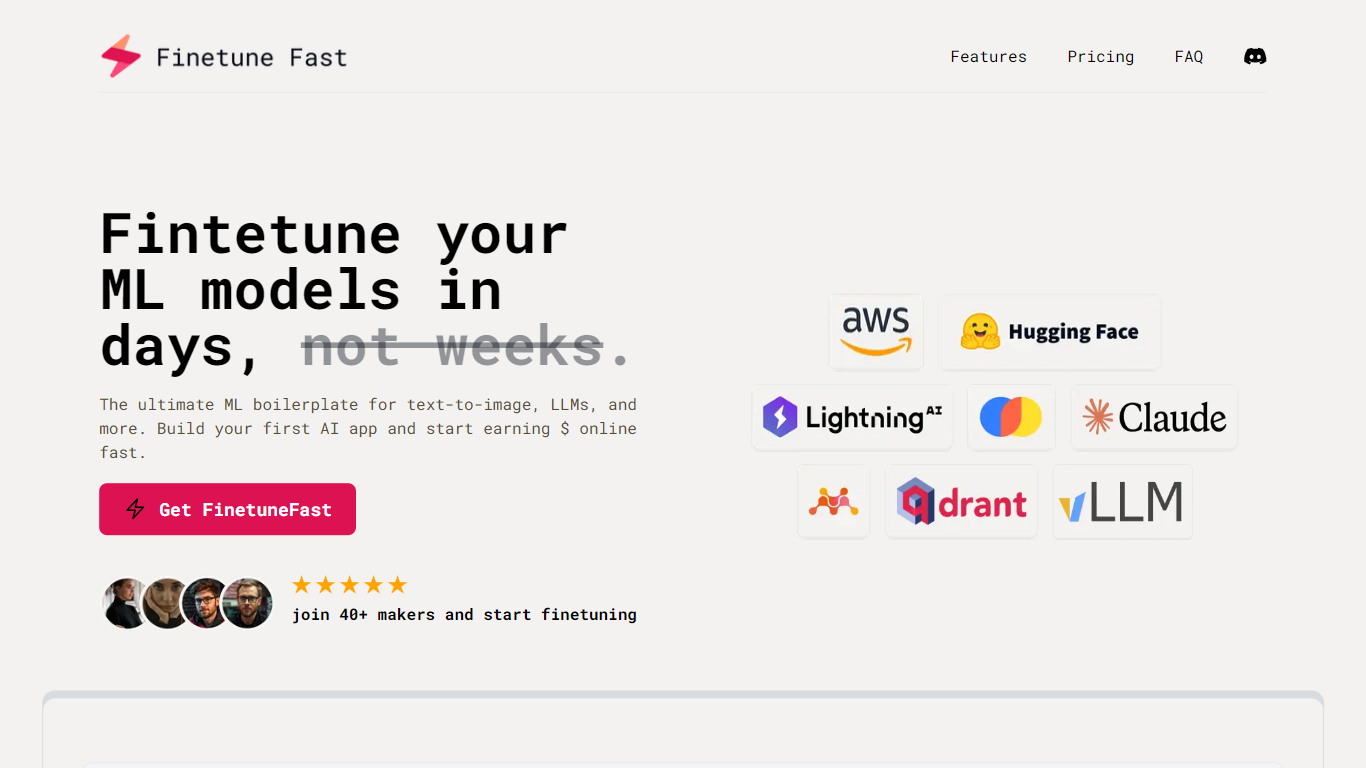

What is FinetuneFast?
FinetuneFast is a paid boilerplate kit for fine-tuning and deploying machine learning models. It bundles pre-configured training scripts, data loading pipelines, hyperparameter optimization, and deployment templates so developers can move from setup to production faster than building everything from scratch.
The package covers text-to-image, large language models, RAG applications, and related workflows. Included examples reference providers such as AWS Bedrock, Mistral AI, and OpenAI, along with templates for Flux-Schnell text-to-image, Fish-Speech text-to-speech, and retrieval-augmented generation.
After purchase, buyers receive access to GitHub repository materials with documentation. The All In plan adds Discord community access and lifetime updates. Founder Patrick built the product from hands-on ML engineering experience, including work on model training, inference APIs, and scalable infrastructure.
LM Studio
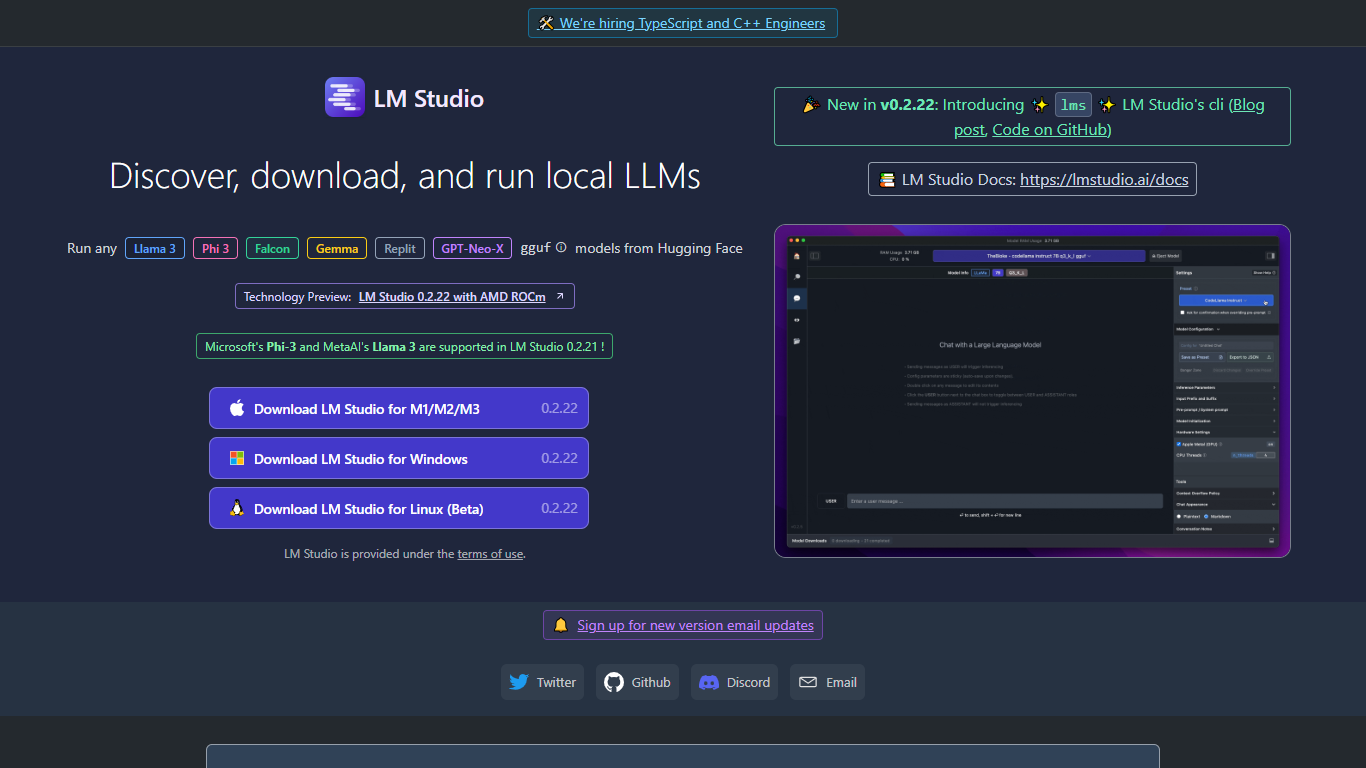
What is LM Studio ?
LM Studio is a desktop app for discovering, downloading, and running large language models on your own computer. You can chat with models like gpt-oss, Llama, Qwen, Gemma, and DeepSeek without sending prompts or files to a remote server. The app is free for home and work use.
Under the hood, LM Studio runs GGUF models through llama.cpp and, on Apple Silicon Macs, MLX models as well. You can search and download models from Hugging Face, attach documents for offline chat, connect MCP servers, and expose loaded models through local REST or OpenAI-compatible endpoints.
Developers get Python and TypeScript SDKs, an lms CLI, and llmster for headless deployment on servers or in CI. LM Link lets you route workloads across multiple machines. Teams can also explore enterprise controls for models, MCPs, and plugins across an organization.
FinetuneFast Upvotes
LM Studio Upvotes
FinetuneFast Top Features
Pre-configured training scripts with multi-GPU support and no-code fine-tuning options
Efficient data loading pipelines for preparing and organizing training datasets
Hyperparameter optimization tools to tune model performance
One-click deployment with auto-scaling infrastructure and generated API endpoints
Production-ready inference boilerplates, RAG examples, and AI SaaS starter templates
Model coverage includes Flux-Schnell, Mistral, OpenAI integrations, Fish-Speech TTS, and RAG workflows
LM Studio Top Features
Download and run open models like gpt-oss, Qwen, Gemma, and DeepSeek on your own hardware
Chat with attached documents offline using built-in RAG
Install MCP servers and use them with local models inside the app
Serve models through REST, OpenAI-compatible, and Anthropic-compatible local APIs
Deploy headless with llmster on Linux servers, cloud boxes, or CI pipelines
Script workflows with Python and TypeScript SDKs plus the lms CLI
LM Link routes local AI workloads across multiple devices on the free tier
FinetuneFast Category
- Large Language Model (LLM)
LM Studio Category
- Large Language Model (LLM)
FinetuneFast Pricing Type
- Paid
LM Studio Pricing Type
- Freemium