
Last updated 07-23-2026
Category:
Reviews:
Join thousands of AI enthusiasts in the World of AI!
LM Studio
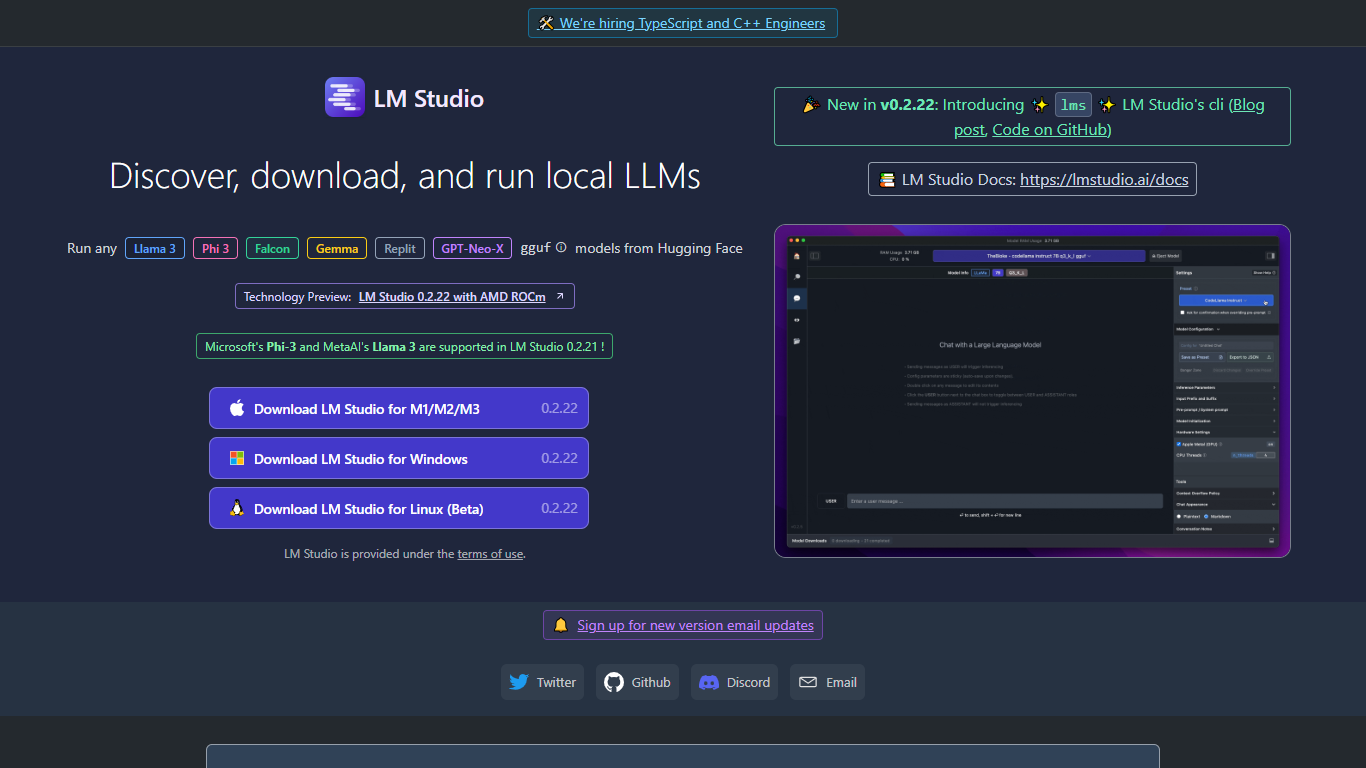
LM Studio is a desktop app for discovering, downloading, and running large language models on your own computer. You can chat with models like gpt-oss, Llama, Qwen, Gemma, and DeepSeek without sending prompts or files to a remote server. The app is free for home and work use.
Under the hood, LM Studio runs GGUF models through llama.cpp and, on Apple Silicon Macs, MLX models as well. You can search and download models from Hugging Face, attach documents for offline chat, connect MCP servers, and expose loaded models through local REST or OpenAI-compatible endpoints.
Developers get Python and TypeScript SDKs, an lms CLI, and llmster for headless deployment on servers or in CI. LM Link lets you route workloads across multiple machines. Teams can also explore enterprise controls for models, MCPs, and plugins across an organization.
Download and run open models like gpt-oss, Qwen, Gemma, and DeepSeek on your own hardware
Chat with attached documents offline using built-in RAG
Install MCP servers and use them with local models inside the app
Serve models through REST, OpenAI-compatible, and Anthropic-compatible local APIs
Deploy headless with llmster on Linux servers, cloud boxes, or CI pipelines
Script workflows with Python and TypeScript SDKs plus the lms CLI
LM Link routes local AI workloads across multiple devices on the free tier
Free for home and work use with no subscription required for local model inference.
Runs fully offline once models are downloaded, keeping prompts and documents on your machine.
OpenAI-compatible and REST APIs make it straightforward to point existing apps at local models.
Supports both llama.cpp GGUF and Apple MLX runtimes in one desktop app.
Large, frequently updated model catalog with developer SDKs and a headless daemon option.
Cloud model access requires buying credits; per-credit pricing is not listed on the public pricing page.
Bionic Pass plan details and pricing are not yet published.
Larger models need enough local RAM and GPU or CPU headroom to run comfortably.
Full enterprise org controls require contacting the LM Studio sales team.
Is LM Studio free to use?
Yes. LM Studio is free for home and work use on your own machine, including local LLM inference, offline voice transcription, and LM Link for up to five devices. Optional cloud inference uses pay-as-you-go credits, and a Bionic Pass plan is listed as coming soon.
What models can I run in LM Studio?
LM Studio supports a wide catalog of local open models, including gpt-oss, Qwen, Gemma, DeepSeek, Llama, Mistral, Phi, and many others. Models run as GGUF files through llama.cpp, and Apple Silicon Macs can also run MLX models.
Does LM Studio work offline?
Yes. LM Studio is designed for offline operation once models are downloaded. You can chat, run inference, and use document chat (RAG) without an internet connection. Some features, such as zero-data-retention web search, require logging in.
Does LM Studio have an API for developers?
Yes. LM Studio exposes a local REST API plus OpenAI-compatible and Anthropic-compatible endpoints. It also offers Python and TypeScript SDKs, an lms CLI, and llmster for headless server deployments.
What platforms does LM Studio support?
LM Studio runs on macOS, Windows, and Linux. The docs list support for Apple Silicon Macs, x64 and ARM64 Windows PCs, and x64 Linux PCs, with system requirements varying by model size and runtime.
What is llmster in LM Studio?
llmster is LM Studio's headless daemon for running the same core runtime without the desktop GUI. You can install it on servers or in CI, start the daemon with lms, download models, and serve them through the local API.