OneOver vs LM Studio
In the battle of OneOver vs LM Studio , which AI Large Language Model (LLM) tool comes out on top? We compare reviews, pricing, alternatives, upvotes, features, and more.
Between OneOver and LM Studio , which one is superior?
Upon comparing OneOver with LM Studio , which are both AI-powered large language model (llm) tools, The upvote count is neck and neck for both OneOver and LM Studio . Your vote matters! Help us decide the winner among aitools.fyi users by casting your vote.
Think we got it wrong? Cast your vote and show us who's boss!
OneOver
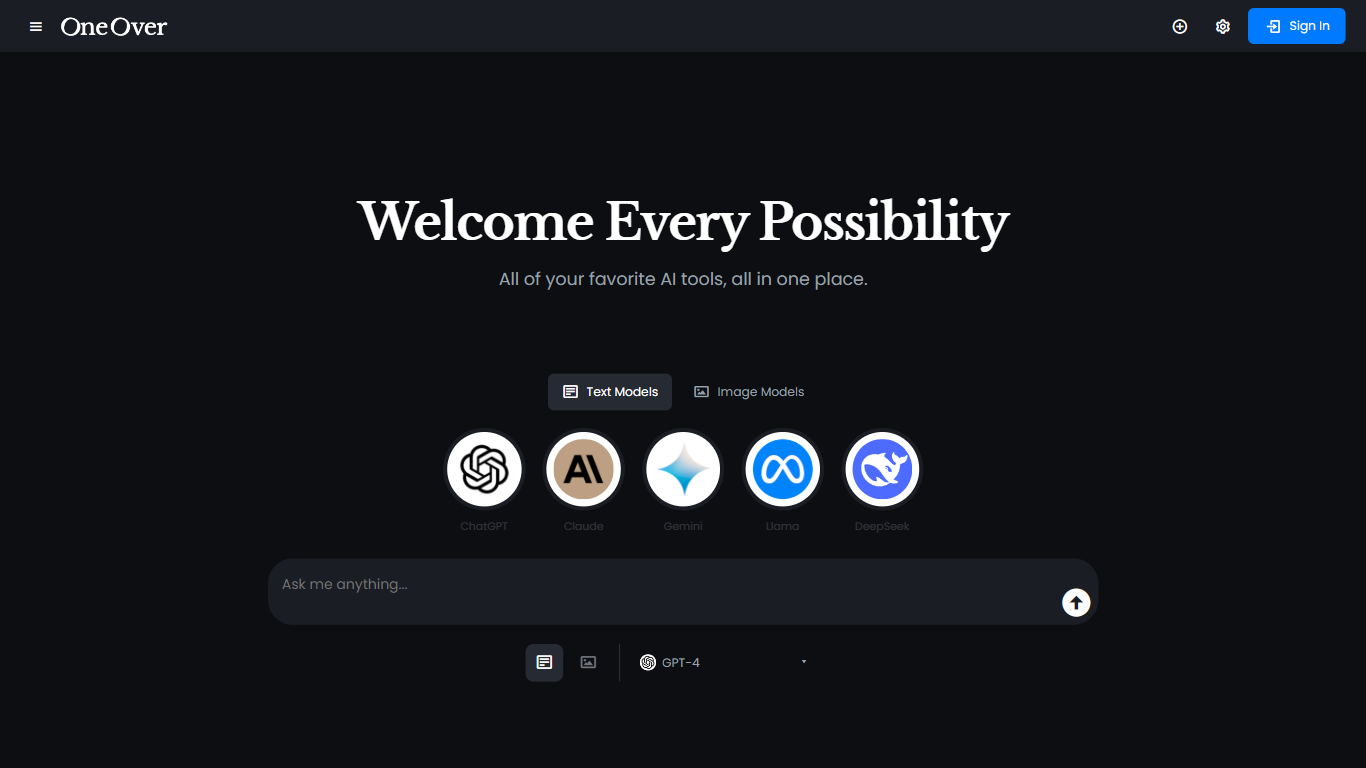

What is OneOver?
OneOver is a creative studio that puts multi-model chat, image generation, video, voice, and music in one browser workspace. You can run GPT, Claude, Gemini, Grok, and dozens of other models in a single thread, attach PDFs and images, flip on web search, and swap models without losing context. Guests get five chat messages before signup, and new accounts receive 50 one-time starter credits.
Where most tools make you pick one provider and buy separate subscriptions for images or video, OneOver routes everything through one shared credit balance. Subscription refills, plan bonuses, and pay-as-you-go packs all spend across chat, diffusion, video, speech, music, and playground mini apps. Switching from GPT-5.4 Nano to Claude Opus 5 is a dropdown change in the same conversation, not a copy-paste hop between sites.
Creators and marketers use OneOver to draft copy, iterate visuals, and turn prompts or photos into short clips from one library. Developers can hit the same model routes through a REST API with streaming support. Pro and Studio also ship seat-based team plans that pool monthly credits with member soft limits and one invoice.
LM Studio
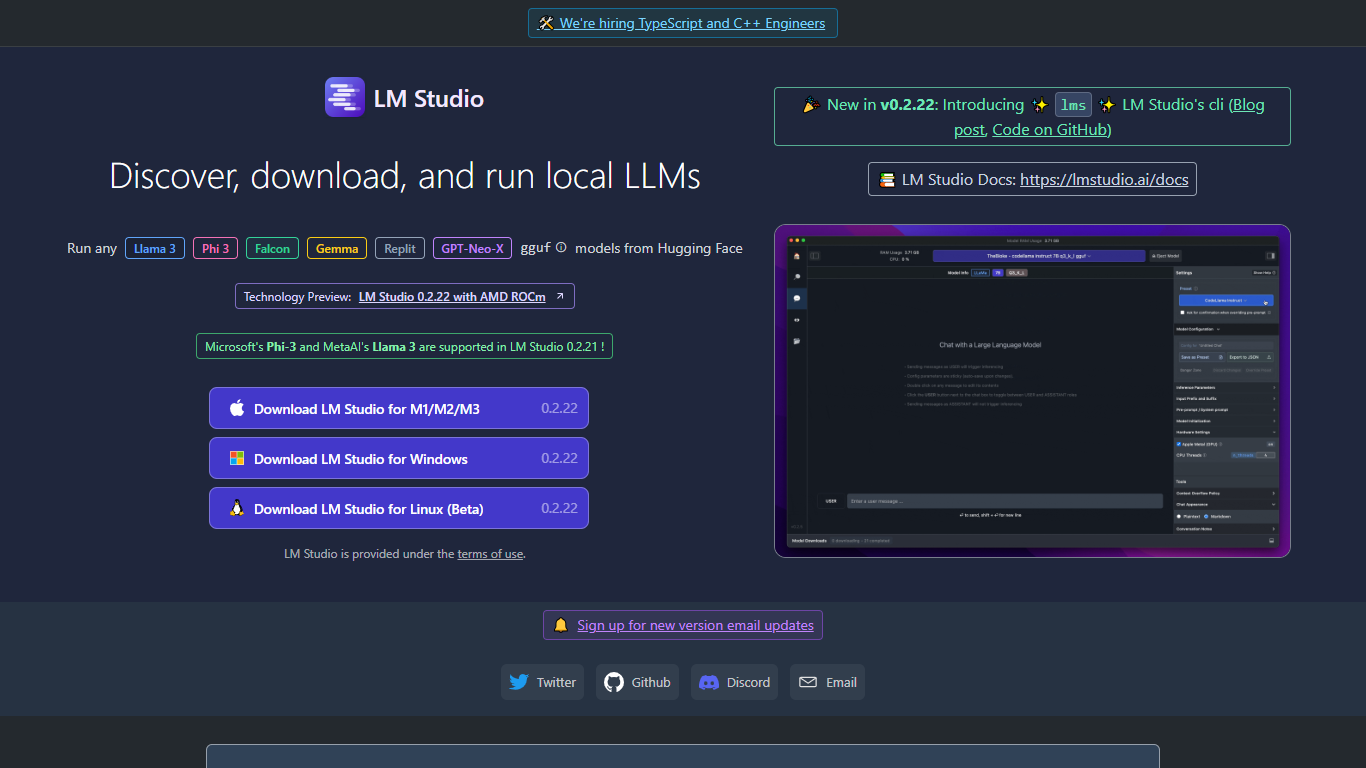
What is LM Studio ?
LM Studio is a desktop app for discovering, downloading, and running large language models on your own computer. You can chat with models like gpt-oss, Llama, Qwen, Gemma, and DeepSeek without sending prompts or files to a remote server. The app is free for home and work use.
Under the hood, LM Studio runs GGUF models through llama.cpp and, on Apple Silicon Macs, MLX models as well. You can search and download models from Hugging Face, attach documents for offline chat, connect MCP servers, and expose loaded models through local REST or OpenAI-compatible endpoints.
Developers get Python and TypeScript SDKs, an lms CLI, and llmster for headless deployment on servers or in CI. LM Link lets you route workloads across multiple machines. Teams can also explore enterprise controls for models, MCPs, and plugins across an organization.
OneOver Upvotes
LM Studio Upvotes
OneOver Top Features
Switch between GPT-5.6 Sol, Claude Opus 5, Gemini 3.6 Flash, and Grok 4.6 in one thread without losing context
Pro includes 1,400 credits per month (1,000 base plus 400 bonus) for chat, images, and short video work
Text-to-speech and text-to-music generators sit beside image and video studios in the same credit pool
Pay-as-you-go packs start at $5 for 500 credits that never expire and stack with subscription balances
REST API covers chat, image generation, and usage metering with streaming and one-field model swaps
Ten playground mini apps include Meme Generator, Upscaler, and Homework Helper with costs from 1 credit
LM Studio Top Features
Download and run open models like gpt-oss, Qwen, Gemma, and DeepSeek on your own hardware
Chat with attached documents offline using built-in RAG
Install MCP servers and use them with local models inside the app
Serve models through REST, OpenAI-compatible, and Anthropic-compatible local APIs
Deploy headless with llmster on Linux servers, cloud boxes, or CI pipelines
Script workflows with Python and TypeScript SDKs plus the lms CLI
LM Link routes local AI workloads across multiple devices on the free tier
OneOver Category
- Large Language Model (LLM)
LM Studio Category
- Large Language Model (LLM)
OneOver Pricing Type
- Freemium
LM Studio Pricing Type
- Freemium