
Last updated 08-31-2026
Category:
Reviews:
Join thousands of AI enthusiasts in the World of AI!
Gemini AI
Gemini is Google's flagship family of multimodal AI models, developed by Google DeepMind and available through the Gemini app at gemini.google.com. The models handle text, images, audio, and video in a single conversation, and the consumer app positions Gemini as a personal assistant for writing, planning, brainstorming, and research.
Google ships Gemini across several tiers, from the free Gemini app to paid Google AI Plus, Pro, and Ultra subscriptions. Developers access the same underlying models through the Gemini API in Google AI Studio, with separate free and pay-as-you-go pricing for production workloads.
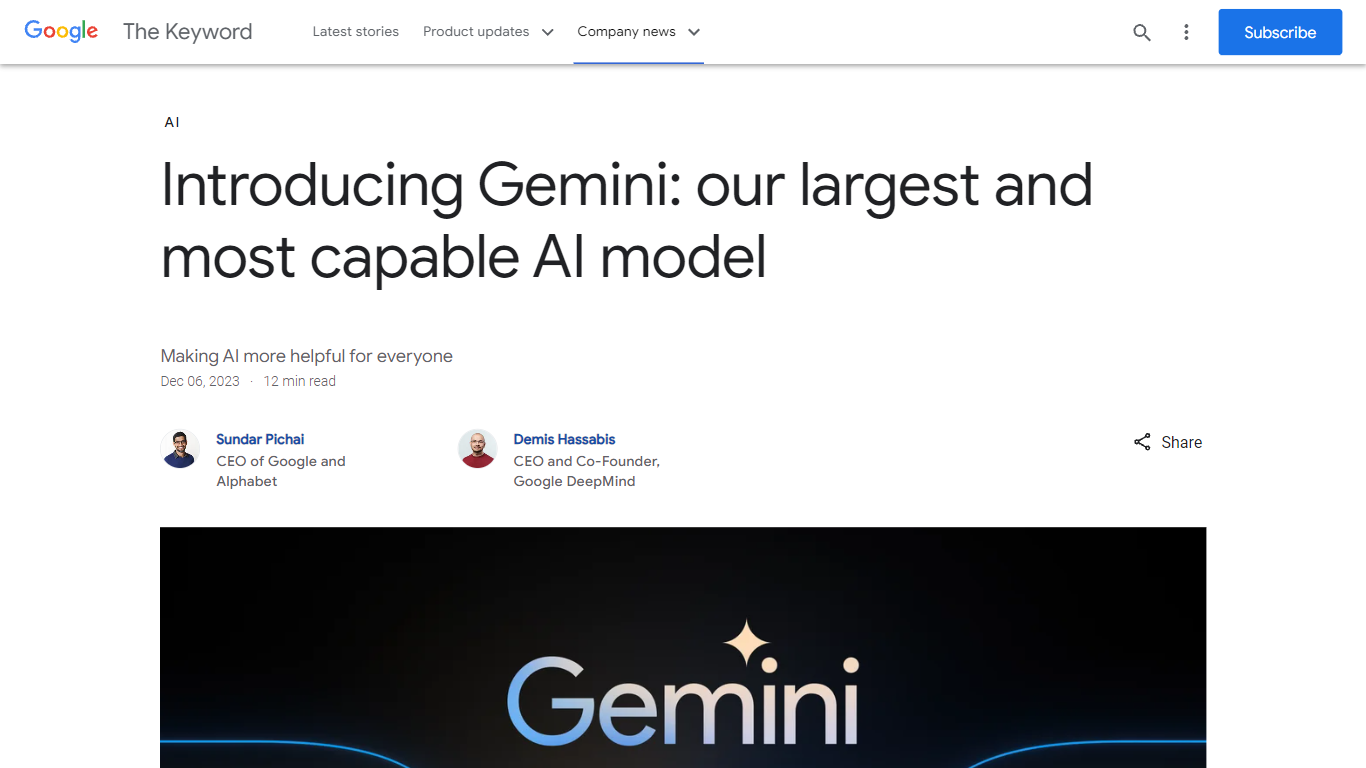
The model line has expanded well beyond the original Ultra, Pro, and Nano sizes announced in 2023. Current releases include Gemini 3.5 Flash, Gemini 3.1 Pro, and specialized variants for image generation, video, audio, and on-device use.
Chat with Gemini 3.5 Flash and Gemini 3.1 Pro for writing, coding, and complex reasoning tasks
Generate and edit images with Nano Banana directly inside the Gemini app
Create and edit videos conversationally with Gemini Omni
Run Deep Research to compile reports from web sources and uploaded documents
Switch between voice and text with Gemini Live, including camera input for visual questions
Build custom Gems for repeatable workflows and specialized assistant behavior
Use Canvas to draft documents, code, and plans alongside the chat interface
Strong multimodal support across text, images, audio, and video in one assistant.
Free tier covers core chat, image generation, Deep Research, and Gemini Live.
Same model family powers both the consumer app and a full developer API.
Deep integration with Google Search, Workspace, Android, and Chrome on paid plans.
Advanced models and higher usage limits require paid Google AI subscriptions.
Feature availability varies by country, language, and subscription tier.
Some advanced features like Gemini Spark are limited to specific regions and languages.
Is Gemini free to use?
Yes. The Gemini app is free with a Google Account and includes access to Gemini 3.5 Flash, image generation, Deep Research, Gemini Live, and Canvas. Paid Google AI Plus, Pro, and Ultra plans add higher usage limits and extra features like video generation.
How much does Google AI Pro cost?
Google AI Pro costs $19.99 per month on gemini.google.com. It includes 4x higher usage limits than the free tier, more NotebookLM capacity, Gemini access in Gmail and Docs, 5 TB storage, and YouTube Premium Lite.
Can developers use Gemini through an API?
Yes. Developers can access Gemini models through the Gemini API in Google AI Studio at ai.google.dev. The API offers a free tier with limited model access, plus paid pay-as-you-go pricing and an enterprise option through Google Cloud.
What can Gemini generate besides text?
The Gemini app supports image generation and editing, video generation through Gemini Omni, music generation, and real-time voice conversation through Gemini Live. Capabilities vary by subscription tier and region.
Does Gemini work on mobile devices?
Yes. Gemini is available as a mobile app for Android and iOS, and Gemini Nano runs on-device tasks on supported Pixel phones. You can also use Gemini in Chrome and across Google Workspace apps on paid plans.