Flaminyo vs Microsoft Designer
In the contest of Flaminyo vs Microsoft Designer, which AI Design tool is the champion? We evaluate pricing, alternatives, upvotes, features, reviews, and more.
If you had to choose between Flaminyo and Microsoft Designer, which one would you go for?
When we examine Flaminyo and Microsoft Designer, both of which are AI-enabled design tools, what unique characteristics do we discover? The community has spoken, Microsoft Designer leads with more upvotes. Microsoft Designer has been upvoted 10 times by aitools.fyi users, and Flaminyo has been upvoted 6 times.
Don't agree with the result? Cast your vote and be a part of the decision-making process!
Flaminyo
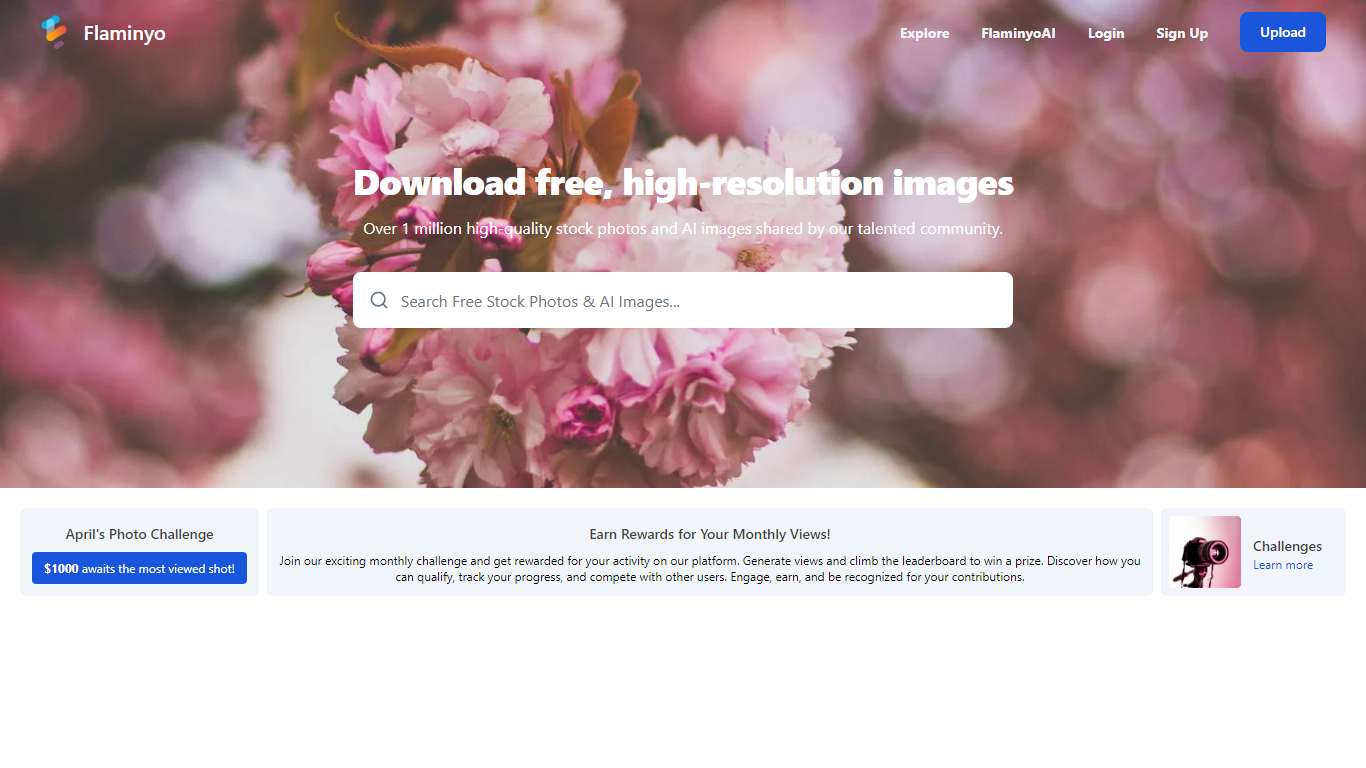

What is Flaminyo?
Flaminyo is a free stock photo platform where you can browse and download over a million high-quality images, including community uploads and AI-generated visuals. It targets designers, marketers, and content creators who need royalty-free photos without subscription fees or ads.
The platform blends traditional stock photography with a dedicated AI image section called FlaminyoAI. AI-generated photos carry a badge so you can tell them apart from camera shots, and many images are exclusive to the platform since they are created by its community of AI enthusiasts.
Photographers can upload their work, compete on a monthly leaderboard, and join themed photo challenges with cash prizes. The site emphasizes unlimited free downloads and a community-driven catalog rather than a paid stock library model.
Microsoft Designer
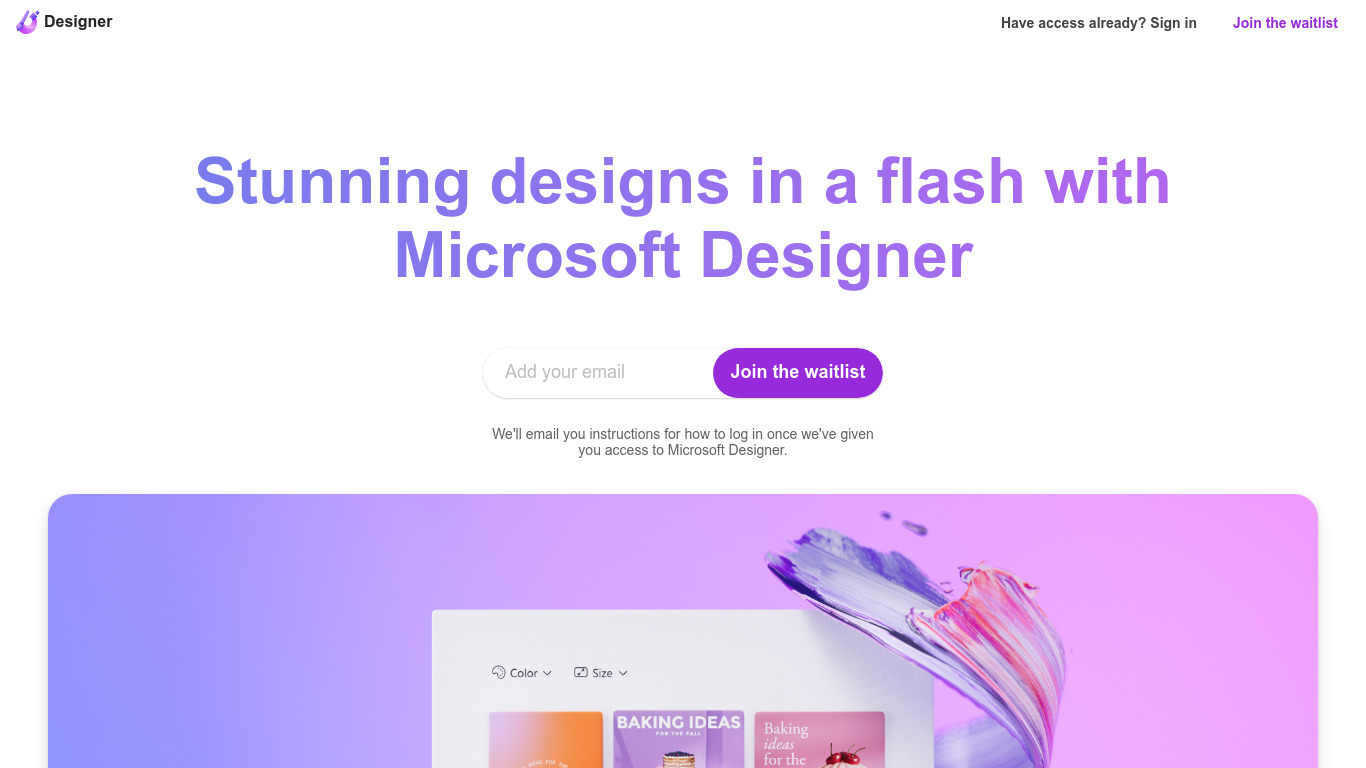
What is Microsoft Designer?
Microsoft Designer helps you build social posts, invitations, flyers, and graphics from prompt templates inside a browser app. Pick a category such as Instagram posts, LinkedIn banners, or Outlook headers, then use Create with AI, Edit with AI, or blank canvas layouts sized for each platform. Sign-in with a Microsoft account unlocks the editor.
Canva gives you a broad template marketplace, while Microsoft Designer ties layouts directly to Microsoft 365 surfaces like Teams headers, SharePoint banners, Word covers, and PowerPoint slides. Its Edit with AI tools add background removal, generative erase, and image framing without leaving the Microsoft ecosystem, which matters if your files already live in Office apps.
Microsoft Designer fits small business owners making weekly social content, internal comms teams publishing Teams and Outlook assets, and creators who want sized templates instead of resizing manually. Teachers, event planners, and marketers who already use Microsoft sign-in can start from the homepage categories without installing desktop software.
Flaminyo Upvotes
Microsoft Designer Upvotes
Flaminyo Top Features
Over 1 million royalty-free stock photos and AI images to download
Dedicated FlaminyoAI section with badge-labeled AI-generated visuals
Unlimited free downloads with no ads on the platform
Monthly photo challenges with cash prizes up to $1,000
Leaderboard ranking photographers by views over the last 30 days
Microsoft Designer Top Features
Create with AI templates for images, icons, wallpapers, avatars, stickers, and social posts
Edit with AI includes background removal, generative erase, and image framing tools
Design-from-scratch presets for Instagram, Facebook, LinkedIn, Pinterest, and Twitter formats
Built-in sizes for Outlook headers, Teams banners, SharePoint covers, Word, and PowerPoint layouts
Document presets cover A4, A5, US letter, and common photo print dimensions
Sign in with a Microsoft account to save and continue designs in the web app
Flaminyo Category
- Design
Microsoft Designer Category
- Design
Flaminyo Pricing Type
- Free
Microsoft Designer Pricing Type
- Freemium