Flaminyo vs Tango on Chrome Web Store
In the clash of Flaminyo vs Tango on Chrome Web Store, which AI Design tool emerges victorious? We assess reviews, pricing, alternatives, features, upvotes, and more.
When we put Flaminyo and Tango on Chrome Web Store head to head, which one emerges as the victor?
Let's take a closer look at Flaminyo and Tango on Chrome Web Store, both of which are AI-driven design tools, and see what sets them apart. In the race for upvotes, Tango on Chrome Web Store takes the trophy. Tango on Chrome Web Store has attracted 7 upvotes from aitools.fyi users, and Flaminyo has attracted 6 upvotes.
Don't agree with the result? Cast your vote and be a part of the decision-making process!
Flaminyo


What is Flaminyo?
Flaminyo is a free stock photo platform where you can browse and download over a million high-quality images, including community uploads and AI-generated visuals. It targets designers, marketers, and content creators who need royalty-free photos without subscription fees or ads.
The platform blends traditional stock photography with a dedicated AI image section called FlaminyoAI. AI-generated photos carry a badge so you can tell them apart from camera shots, and many images are exclusive to the platform since they are created by its community of AI enthusiasts.
Photographers can upload their work, compete on a monthly leaderboard, and join themed photo challenges with cash prizes. The site emphasizes unlimited free downloads and a community-driven catalog rather than a paid stock library model.
Tango on Chrome Web Store
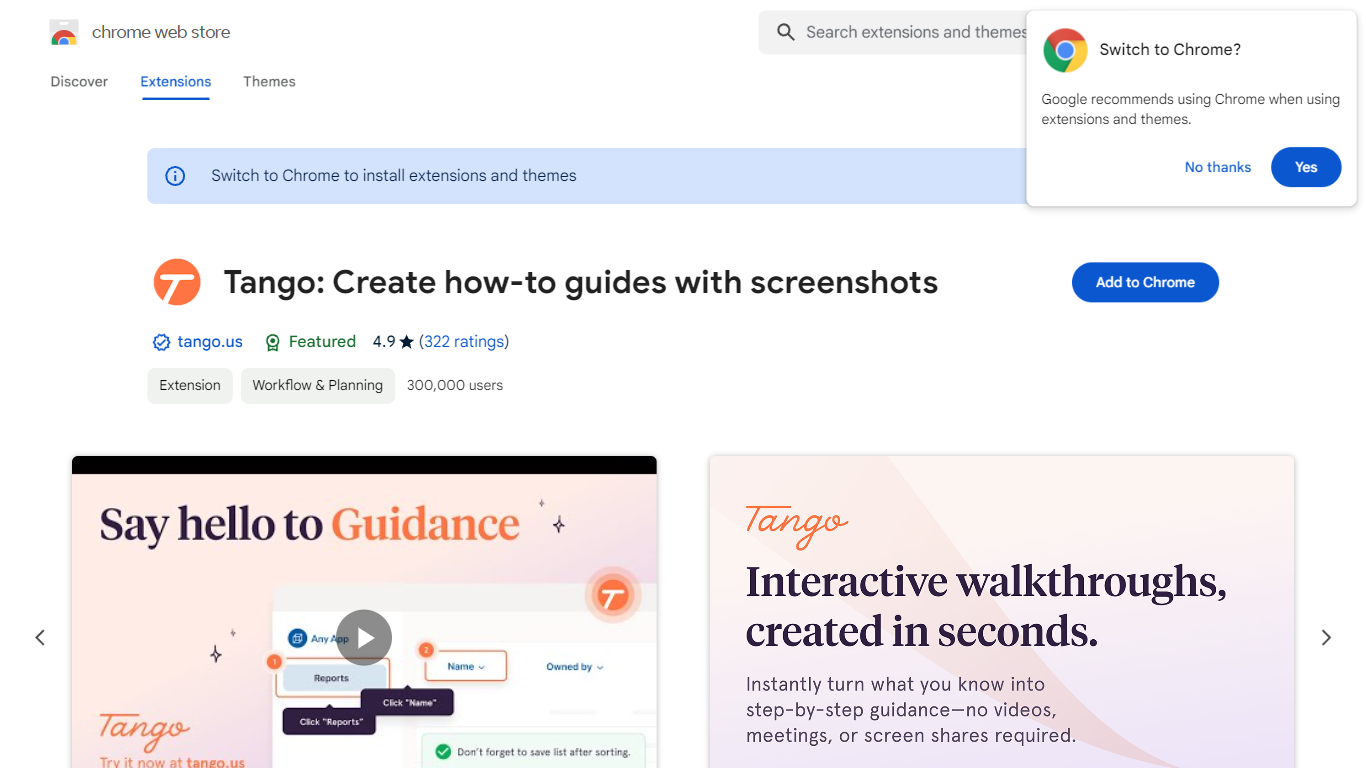
What is Tango on Chrome Web Store?
Tango is a Chrome extension that records your clicks and turns workflows into step-by-step how-to guides with cropped screenshots. The extension also builds interactive walkthroughs through Guide Me, pins knowledge with Nuggets inside the tools teams already use, and on Enterprise plans automates CRM tasks in Salesforce and HubSpot without APIs. The Chrome Web Store listing reports 400,000 users and a 4.8 average rating.
Compared with manual screenshot documentation or static Loom videos, Tango captures processes as you work and exports guides to PDF, HTML, or Markdown. Guide Me overlays steps directly on screen so employees learn by doing, while Nuggets surfaces guides inside live apps instead of sending people to stale wikis.
Operations, IT, sales, support, and training teams use Tango for SOPs, onboarding, and CRM hygiene. The free browser extension documents any web app with no integration setup, and Enterprise customers unlock cross-tab automations for data entry, opportunity updates, and billing handoffs with SOC 2 compliance and advanced blur controls.
Flaminyo Upvotes
Tango on Chrome Web Store Upvotes
Flaminyo Top Features
Over 1 million royalty-free stock photos and AI images to download
Dedicated FlaminyoAI section with badge-labeled AI-generated visuals
Unlimited free downloads with no ads on the platform
Monthly photo challenges with cash prizes up to $1,000
Leaderboard ranking photographers by views over the last 30 days
Tango on Chrome Web Store Top Features
Chrome extension with 400,000 users and a 4.8 rating on the Web Store
Captures clicks into step-by-step guides with auto-cropped screenshots
Guide Me turns guides into on-screen interactive walkthroughs
Nuggets pins guides and knowledge inside the apps teams already use
Exports guides to PDF, HTML, or Markdown with shareable links
Enterprise plans automate Salesforce and HubSpot tasks without APIs
SOC 2 compliance with advanced blur for sensitive on-screen data
Flaminyo Category
- Design
Tango on Chrome Web Store Category
- Design
Flaminyo Pricing Type
- Free
Tango on Chrome Web Store Pricing Type
- Freemium